
What is Keepa and Why Are People Asking About Safety?
If you shop on Amazon regularly, you've probably heard of Keepa. With over 4 million Chrome users and a 4.7-star rating, it's one of the most popular Amazon price trackers available today.
Keepa embeds price history charts directly on Amazon product pages, shows you when prices have been higher or lower, and sends alerts when products drop to your target price. For Amazon sellers and deal hunters alike, it's become an indispensable tool.
But here's the thing: any browser extension that accesses your Amazon browsing data raises legitimate privacy questions. What data does Keepa collect? What permissions does it require? And most importantly, is it safe to install?
We dug into Keepa's privacy practices, analyzed independent security research, and reviewed user feedback to give you the complete picture.
Keepa's Chrome Extension Permissions Explained
When you install any Chrome extension, you're granting it certain permissions. Understanding what Keepa asks for helps you make an informed decision.
According to Chrome-Stats, Keepa requests the following permissions:
| Permission | What It Means | Why Keepa Needs It |
|---|---|---|
| Access to Amazon domains | Can read and modify Amazon pages | To embed price history charts on product pages |
| Access to keepa.com | Can communicate with Keepa servers | To fetch price data and sync your tracking lists |
| Notifications | Can show desktop alerts | To notify you of price drops |
| webRequest / webRequestBlocking | Can intercept and modify network requests | For features like MAP reveal and stock detection |
| Storage | Can store local data | To save your settings and preferences |
The Chrome Web Store notes that "Keepa requires some sensitive permissions that could impact your browser and data security. Exercise caution before installing." However, it also states that "Keepa has earned a good reputation and can be trusted."
This is fairly standard for price tracking extensions. The key question is: what does Keepa actually do with these permissions?
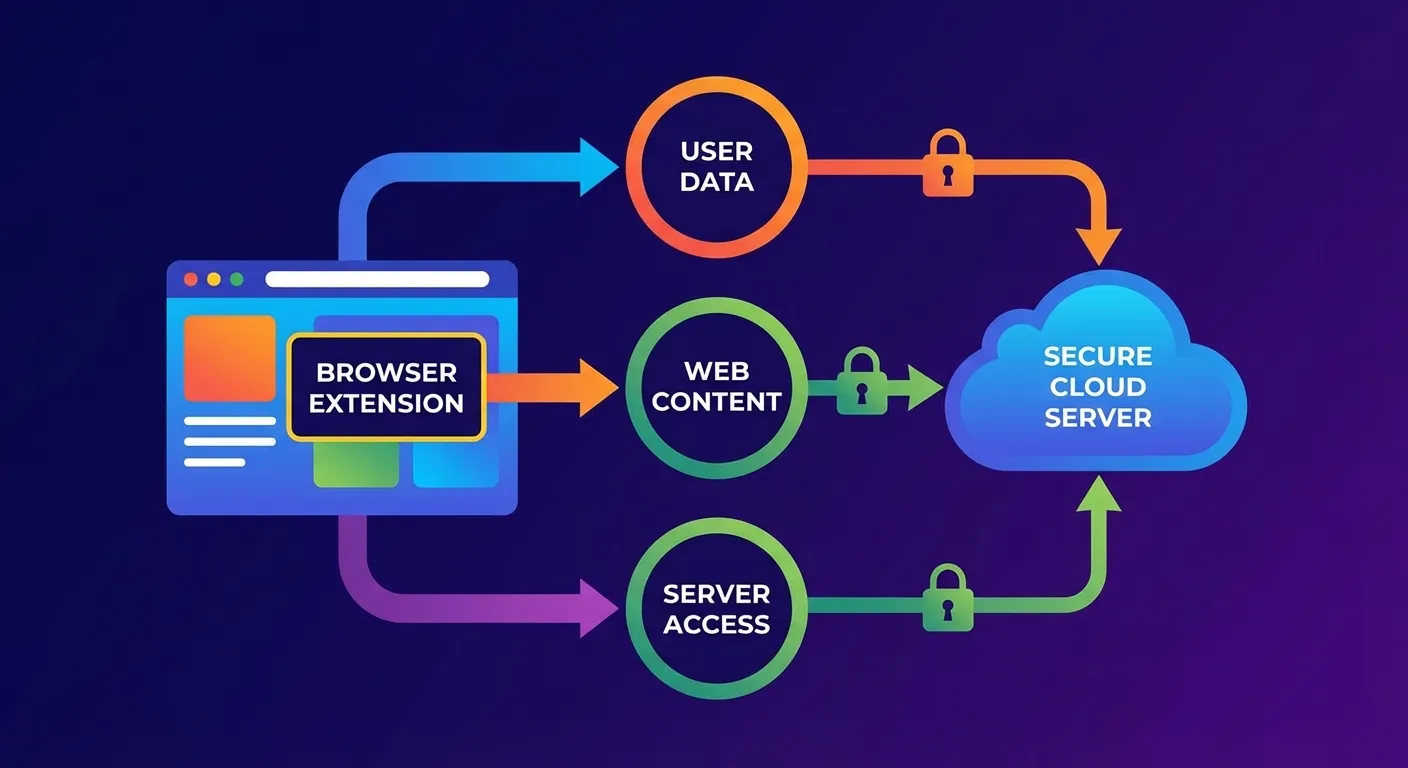
What Data Does Keepa Actually Collect?
This is where things get more nuanced. There's a gap between Keepa's official privacy policy and what independent security researchers have discovered.
Keepa's Official Position
Keepa's privacy policy is notably brief. It states:
"You can use all of our services without providing any personal information. However, if you do so we will not sell or trade your personal information under any circumstance."
The Chrome Web Store privacy disclosure states that data is "not being sold to third parties" and is "not being used for purposes unrelated to the item's core functionality."
What Security Researchers Found
In 2021, security researcher Wladimir Palant published a detailed analysis titled "Data Exfiltration in Keepa Price Tracker." His findings paint a more complex picture:
- Persistent WebSocket connection: The Keepa extension maintains a constant connection to dyn.keepa.com, tracking your activity across Amazon sessions
- Unique user identifier: This ID survives both clearing browser data and reinstalling the extension, making you identifiable across sessions
- Background page loading: The extension can use your bandwidth to load Amazon pages in the background without your knowledge
- Session access: Theoretically, the connection could impersonate you toward Amazon, though there's no evidence Keepa does this maliciously
Palant also noted that Keepa's privacy policy "would need to mention the data being collected, explain the legal grounds for doing so, how it is being used, how long it is being kept and who it is shared with" to fully comply with GDPR requirements.
Past Security Vulnerabilities
It's worth noting that Keepa has had security issues in the past. In October 2021, Palant published a follow-up report titled "Abusing Keepa Price Tracker to Track Users on Amazon Pages" which detailed:
- A Cross-Site Scripting (XSS) vulnerability that could allow attackers to track users across Amazon properties
- HTML injection points that could potentially be exploited
Keepa addressed the XSS vulnerability by sanitizing user input. This is actually a positive sign: it shows the company responds to security reports and patches vulnerabilities when discovered.
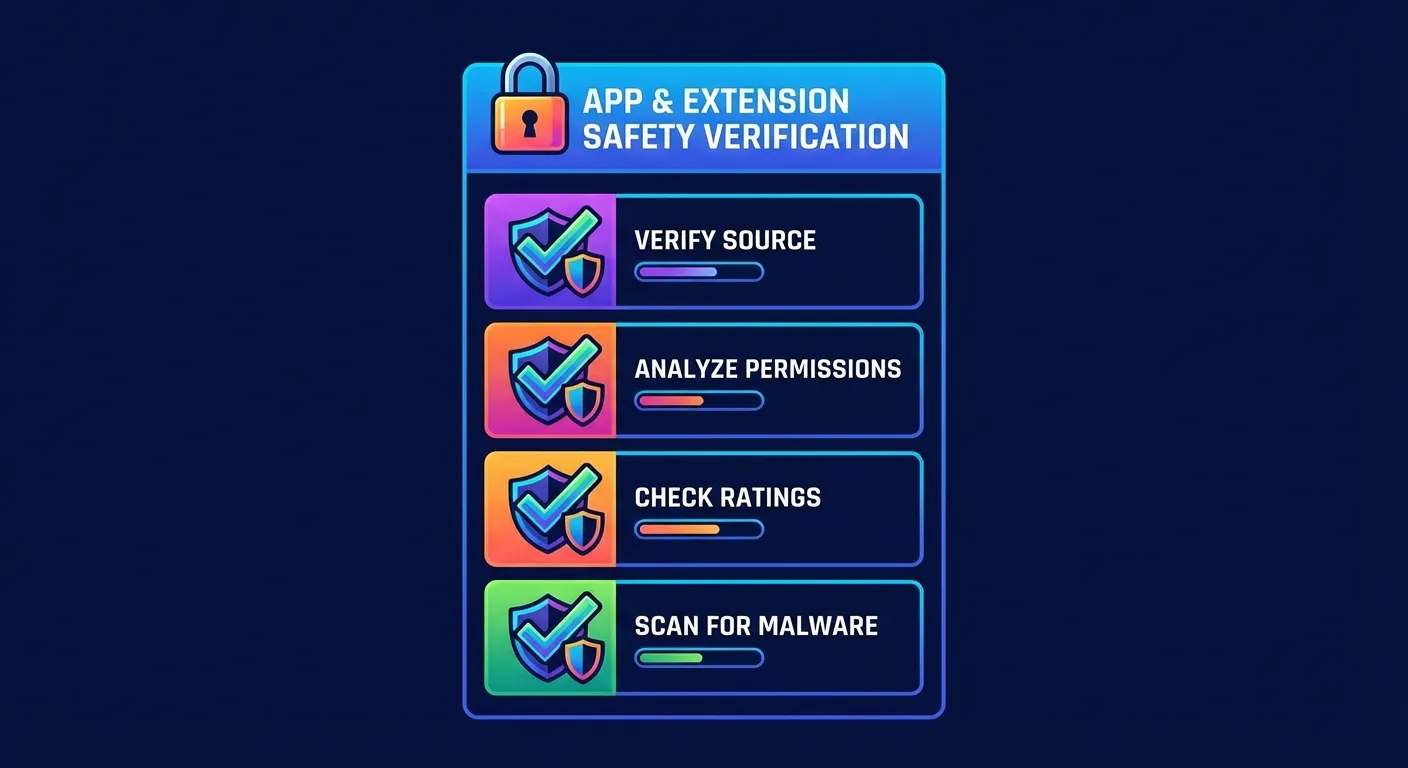
What Real Users Say About Keepa
User reviews are mixed but generally positive:
Positive feedback:
- Trustpilot reviews show many users have been happily paying for subscriptions for 2-3 years
- Users praise it as "a great tool for customers and sellers alike"
- The free tier covers most consumer needs
- Keepa's API is widely used by other tools like Helium 10
Concerns raised:
- Some users report Google Password Manager alerting them about potential data breaches of Keepa credentials
- Customer service complaints, particularly around refund policies
- Account restrictions when using VPNs
- Reports of accounts being limited for alleged multi-user violations
According to Scamadviser, keepa.com is rated as "legit and safe for consumers to access." Scam Detector gives it a trust score of 100/100.
Is Keepa Safe? The Bottom Line
Here's our honest assessment:
| Factor | Assessment |
|---|---|
| Is Keepa legitimate? | Yes. It's a real company (Keepa GmbH) with millions of users |
| Does it collect data? | Yes. More than the privacy policy explicitly states |
| Is the data sold? | No evidence of this. Keepa's business model is paid subscriptions |
| Are there security risks? | Some. Past vulnerabilities were patched, but the persistent connection is a concern |
| Should you use it? | Depends on your privacy tolerance. It's useful but not fully transparent |
Keepa is safe for most users who want price tracking and accept that the extension will have access to their Amazon browsing data. It's not a scam, and there's no evidence of malicious activity.
However, if you're privacy-conscious, you should know that:
- The extension collects more data than the privacy policy explicitly discloses
- A unique identifier tracks you persistently across sessions
- The extension can load Amazon pages in the background using your connection
How to Use Keepa More Safely
If you decide to use Keepa, here are some best practices:
- Use a unique password: Don't reuse passwords from other accounts
- Enable two-factor authentication: If Keepa offers it, use it
- Disable when not shopping: Consider disabling the extension when you're not actively using Amazon
- Use the website instead: CamelCamelCamel offers similar price history without needing an extension
- Be careful with paid subscriptions: Some users report difficulty getting refunds
Alternatives to Consider
If Keepa's data collection concerns you, here are some alternatives:
CamelCamelCamel: A free, web-based price tracker that doesn't require a browser extension. You simply paste Amazon URLs to see price history. Less convenient, but more privacy-friendly.
Honey: Owned by PayPal, so it comes with corporate-level security practices. However, it also collects browsing data and has its own privacy considerations.
TaskMonkey: If you're less interested in tracking future prices and more interested in recovering money on purchases you've already made, TaskMonkey takes a different approach. Instead of passive price tracking, it scans your past Amazon orders, finds price drops, and uses AI to automatically negotiate refunds with customer service.
The key difference: TaskMonkey doesn't need to monitor your ongoing browsing. It only acts on orders you've already placed, then gets you money back. You literally do nothing except collect your refund.
TaskMonkey vs Keepa: A Different Approach to Amazon Savings
Here's how the two tools compare:
| Feature | Keepa | TaskMonkey |
|---|---|---|
| Price history charts | Yes | Yes |
| Price drop alerts | Yes | Yes |
| Monitors ongoing browsing | Yes (persistent) | No |
| Scans past orders | No | Yes (last 3 months) |
| Gets money back automatically | No | Yes (AI negotiates with Amazon) |
| Pricing | Free + $19/month premium | Free + 20% of recovered savings |
The fundamental difference: Keepa tells you when prices drop. TaskMonkey actually gets your money back. They solve different problems, and many users find value in using both.
Frequently Asked Questions
Can Keepa access my Amazon account password?
No. Browser extensions cannot see passwords you type into websites. Keepa accesses your Amazon session (which you're already logged into) but cannot see your actual password.
Does Keepa work with Amazon in all countries?
Keepa supports 11 Amazon marketplaces including US, UK, Germany, France, Japan, Canada, and more. Coverage varies by marketplace.
Is the Keepa mobile app safe?
According to BeVigil, the Keepa mobile app has a security score of 9.1/10 in the shopping category. The Google Play Store data safety section states that the app doesn't share data with third parties.
What happens if I uninstall Keepa?
Uninstalling removes the extension, but according to security research, the unique user identifier may persist in cookies. Clear your cookies for keepa.com to fully reset.
Is Keepa better than CamelCamelCamel?
Keepa offers more detailed data and features, especially for Amazon sellers. CamelCamelCamel is simpler, free, and doesn't require an extension. For a detailed comparison, see our Keepa vs CamelCamelCamel vs Honey guide.
Final Thoughts
Is Keepa safe? Yes, for most purposes. It's a legitimate, widely-used tool that millions of shoppers rely on daily. There's no evidence of malicious intent, and the company has responded appropriately to reported security issues.
However, "safe" doesn't mean "fully private." Keepa collects more data than its privacy policy explicitly states, maintains persistent tracking identifiers, and can access your Amazon session in ways that go beyond simple price charting.
For casual shoppers who just want to check if a deal is real, Keepa is fine. For privacy-conscious users, consider web-based alternatives or tools like TaskMonkey that focus on specific actions rather than continuous monitoring.
The best approach? Use the right tool for the right job. Keepa is great for researching future purchases. TaskMonkey is great for recovering money on purchases you've already made. Together, they can save you hundreds of dollars per year while giving you control over when and how you share your Amazon data.
Related Articles in This Topic
- Amazon Price Tracker (2026): Track Price Drops, See Price History & Get Alerts
- Amazon Price Tracker Extension - Best Chrome Extensions + Setup Guide
- Amazon Price History Extension - How to See Price Charts on Every Product Page
- How to Set Amazon Deal Alerts (Wish List, Rufus, Alexa+) - 2026
- Keepa Extension - What It Is, How It Works, and Best Settings
- Keepa Chrome Extension Download - Install Steps + Fixes
- Keepa App Review (2026) - Price Alerts on Mobile
- Best Amazon Price Tracker App (2026) - Top Picks Compared
- Keepa vs CamelCamelCamel vs Honey - Which Amazon Price Tracker Should You Use?
- Track Price Drops After You Buy - Can You Get Money Back From Amazon?
- How to Read a Keepa Chart - Price, Sales Rank, and Deal Traps