
What Is the Keepa Mobile App?
If you've used the Keepa Chrome extension on your computer, you know how powerful Amazon price tracking can be. The Keepa mobile app brings that same functionality to your smartphone, letting you track prices, set alerts, and research deals from anywhere.
As of January 2026, the Keepa app has been downloaded over 2.8 million times and maintains a 4.31/5 star rating from nearly 5,000 reviews. The latest version (3.14.1) was updated in December 2025, showing active development and support.
But is the mobile app worth downloading? Let's dive into everything you need to know about using Keepa on your phone in 2026.
How to Download the Keepa App
Android Download
Getting Keepa on your Android device is straightforward:
- Open the Google Play Store
- Search for "Keepa - Amazon Price Tracker"
- Tap "Install" (the app is free, about 40MB)
- Open the app and create a free account (or log in if you already have one)
The Android app requires Android 6.0 or higher, which covers virtually all phones from the past several years.
iOS Download (iPhone and iPad)
Apple users can also get Keepa:
- Open the App Store
- Search for "Keepa - Price Tracker"
- Tap "Get" to download
- Sign in or create your account
The iOS app works on both iPhone and iPad, making it versatile for different use cases.
Key Features of the Keepa Mobile App
The Keepa app packs most of the functionality you'd expect from the desktop experience into a mobile-friendly interface:
Price History Charts
The core feature of Keepa—detailed price history graphs—is fully available in the app. You can see how any product's price has changed over time, helping you determine if the current price is actually a good deal or just a temporary spike.
The charts show multiple data points including:
- Amazon's own price (when they're the seller)
- Third-party new prices
- Third-party used prices
- Sales rank history (with premium subscription)
Price Drop Alerts
Setting up price alerts on mobile is one of the app's strongest features. You can:
- Set your desired price threshold for any product
- Get push notifications when prices drop below your target
- Track lightning deals automatically
- Import your entire Amazon wishlist and track all items
The app sends real-time notifications, so you can act quickly when deals appear—especially useful for lightning deals that expire within hours.
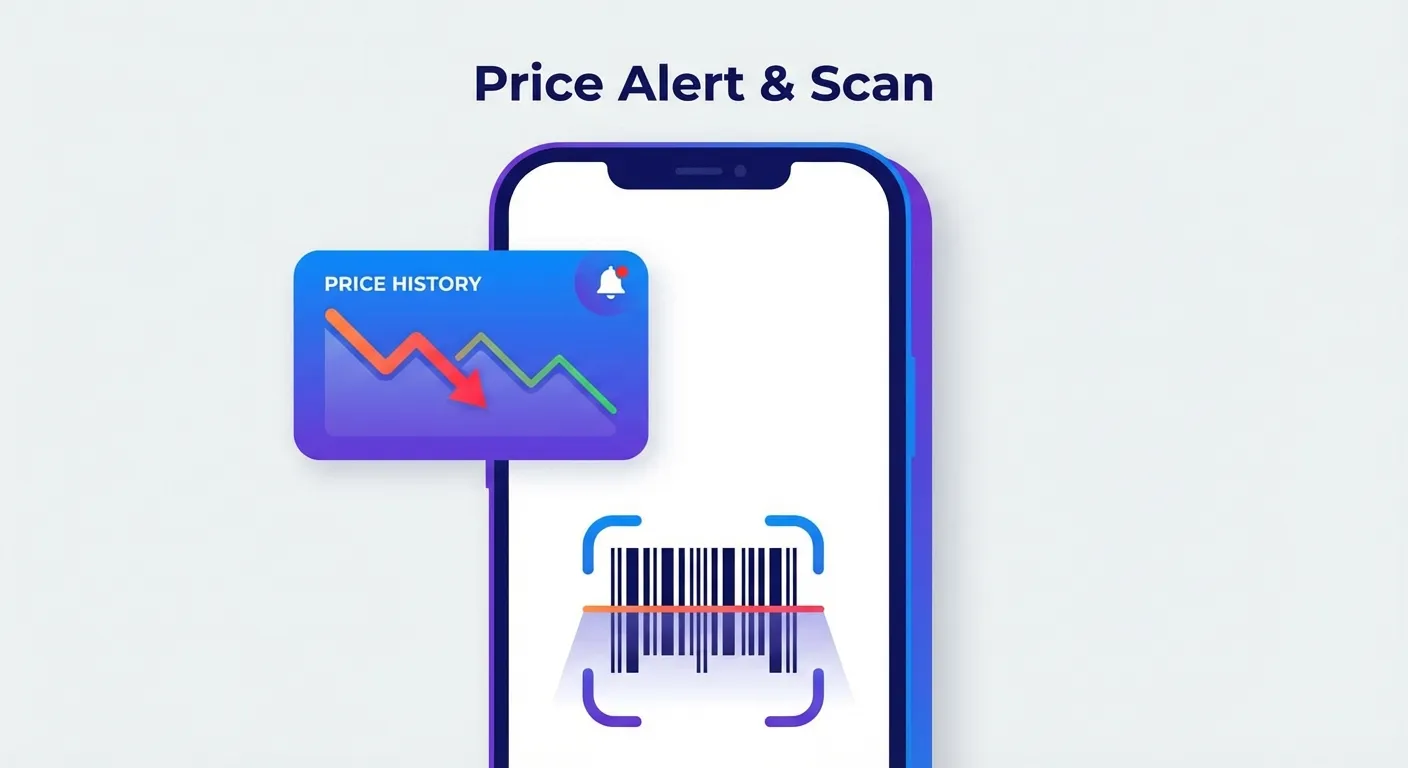
Barcode Scanner
One feature that's unique to the mobile experience is barcode scanning. When you're shopping in a physical store, you can:
- Open the Keepa app
- Point your camera at a product's barcode
- Instantly see Amazon's price and history for that item
This is incredibly useful for comparison shopping—you can quickly check if buying in-store or online gives you a better deal.
International Price Comparison
Keepa tracks prices across 11 Amazon marketplaces: US, UK, Germany, Japan, France, Canada, Italy, Spain, India, Mexico, and Brazil. The app lets you compare prices internationally, which can sometimes reveal significant savings on certain products.
Daily Deals
The app includes a "Daily Deals" section that aggregates the biggest price drops across categories. This is a quick way to discover discounts you might have otherwise missed.
Keepa App vs Chrome Extension: What's Different?
If you're already using the Keepa Chrome extension, you might wonder if the mobile app adds anything new. Here's a direct comparison:
| Feature | Chrome Extension | Mobile App |
|---|---|---|
| Price History Charts | Yes (embedded on Amazon pages) | Yes (in-app) |
| Price Alerts | Yes (email/browser) | Yes (push notifications) |
| Barcode Scanning | No | Yes |
| Browser Integration | Automatic on Amazon | Separate app |
| Works Offline | No | Limited |
| On-the-Go Access | Desktop only | Anywhere |
The biggest advantage of the mobile app is portability. You can check prices while standing in a store, waiting in line, or lying on your couch. The Chrome extension, meanwhile, offers a more seamless experience when you're already browsing Amazon on your computer.
Most serious deal hunters use both—the extension for daily browsing and the app for on-the-go research and notifications.
Setting Up Mobile Price Alerts
Here's how to set up price tracking from the Keepa app:
- Find your product: Search by name or paste an Amazon URL. You can also scan the barcode if you have the physical item.
- View the price history: Look at the chart to understand the price trends and determine a realistic target price.
- Set your desired price: Tap "Track" and enter the price you want to pay. Be realistic—setting it too low means you might never get an alert.
- Choose notification preferences: Enable push notifications for instant alerts. You can also get email notifications as a backup.
- Wait for deals: Keepa monitors the product 24/7 and alerts you the moment it drops below your target.
Pro tip: Import your entire Amazon wishlist to track multiple items at once. The app will monitor all of them and alert you to any price drops.
Keepa Mobile App Pricing
The Keepa app follows the same pricing model as the Chrome extension:
- Free tier: Basic price history, price alerts, barcode scanning, and wishlist import
- Premium ($19/month or ~€19/month): Advanced features including sales rank history, detailed product data, and API access
For most shoppers, the free version provides everything you need. The premium subscription is mainly valuable for Amazon sellers who need sales rank data and advanced analytics.
User Reviews: What People Are Saying
Based on reviews from the Google Play Store and Trustpilot, here's what users love and what frustrates them:
Positive Feedback
- "The best app for tracking Amazon prices and variations, very accurate and notifies in real time."
- "Easy to check price history for items I'm considering."
- "Support response was exceptional—they fixed an issue the same day I reported it."
Common Complaints
- "Back navigation throughout the app only works sometimes."
- "Typing in price amounts requires multiple tries."
- "The Chrome extension is still better for desktop use."
The consensus seems to be that while the app has some UI quirks, the core functionality—price tracking and alerts—works well and provides genuine value for deal hunters.
When to Use the Keepa App
The mobile app shines in these scenarios:
- In-store shopping: Use barcode scanning to compare store prices with Amazon
- Lightning deals: Get push notifications so you don't miss time-sensitive sales
- Casual browsing: Check prices from your couch without opening a laptop
- Travel: Track prices while away from your main computer
The Limitation Both App and Extension Share
Here's something important to understand about Keepa—whether you use the app or the extension: it only tracks prices for future purchases.
Think about this scenario:
- You bought a laptop for $900 last week
- Today, Keepa shows the price dropped to $750
- You just missed out on $150... now what?
Keepa can't help you get that money back. It's a tracking tool, not a recovery tool. You'd have to manually contact Amazon customer service, explain the situation, and hope they issue a courtesy credit—a process that takes 15-20 minutes per item and doesn't always work.
TaskMonkey: The Missing Piece
This is where TaskMonkey comes in. While Keepa tells you when prices drop, TaskMonkey actually gets your money back.
Here's how TaskMonkey works differently:
- Scans your past orders: Automatically reviews everything you've bought in the last 3 months
- Finds price drops: Compares what you paid vs. current prices
- Handles the negotiation: AI automatically contacts Amazon customer service on your behalf
- Gets you money back: Credits or refunds appear in your Amazon account—you don't lift a finger
The best approach? Use Keepa (app or extension) to track prices on items you're considering buying, and use TaskMonkey to recover money on items you've already purchased. They solve different problems and complement each other perfectly.
TaskMonkey only charges when it successfully recovers money for you—20% of what you get back. No recovery, no fee. Compare that to the hours you'd spend manually contacting customer service for each order.
Verdict: Is the Keepa App Worth It?
Yes, if you're an Amazon shopper who wants to:
- Check prices while shopping in physical stores
- Get instant notifications about price drops
- Research deals from your phone
- Avoid fake "discounts" during sales events
The app is free, well-maintained, and delivers on its core promise of price tracking. The barcode scanning feature alone makes it worth having on your phone.
Just remember its limitation: Keepa watches prices go down, but it can't help you recover money on things you've already bought. For that, you'll want a tool that tracks price drops after purchase—which is exactly what TaskMonkey does.
Related Articles in This Topic
- Amazon Price Tracker (2026): Track Price Drops, See Price History & Get Alerts
- Keepa Extension — What It Is, How It Works, and Best Settings
- Keepa Chrome Extension Download — Install Steps + Fixes
- Is Keepa Safe? — Permissions, Privacy, and What to Watch For
- Best Amazon Price Tracker App (2026) — Top Picks Compared
- Keepa vs CamelCamelCamel vs Honey — Which Amazon Price Tracker Should You Use?
- How to Read a Keepa Chart — Price, Sales Rank, and Deal Traps
- Track Price Drops After You Buy — Can You Get Money Back From Amazon?
- How to Set Amazon Deal Alerts (Wish List, Rufus, Alexa+) — 2026
- Amazon Price Tracker Extension — Best Chrome Extensions + Setup Guide