
The Amazon Price Tracker Showdown
If you shop on Amazon regularly, you've probably wondered whether you're getting the best deal. Prices fluctuate constantly, sometimes multiple times per day. According to Profitero, Amazon changes prices on millions of products up to 2.5 million times daily.
That's where price trackers come in. The three most popular options are Keepa, CamelCamelCamel, and Honey. But which one should you actually use? And more importantly, is there something better?
In this comprehensive comparison, we'll break down everything you need to know about each tool, including their features, pricing, pros, cons, and ideal use cases. We'll also explore why these traditional trackers might be missing the bigger picture when it comes to saving money on Amazon. For a broader overview, check out our complete Amazon price tracker guide.
Quick Comparison: Keepa vs CamelCamelCamel vs Honey
Before diving into the details, here's a side-by-side comparison of the three major Amazon price tracking tools:
| Feature | Keepa | CamelCamelCamel | Honey |
|---|---|---|---|
| Price History Charts | Detailed (embedded on Amazon) | Simple and clean | Basic |
| Price Drop Alerts | Email, Browser, Telegram | Email only | Email and App |
| Browser Extension | Chrome, Firefox, Edge | Chrome, Firefox | Chrome, Firefox, Safari, Edge |
| Mobile App | Android, iOS | No | Android, iOS |
| Amazon Marketplaces | 11 countries | 8 countries | US, UK, Canada |
| Works Beyond Amazon | eBay (limited) | No | 30,000+ stores |
| Coupon Finder | No | No | Yes (primary feature) |
| Pricing | Free / $20/month | 100% Free | Free |
| Best For | Power users, sellers | Casual shoppers | Multi-store shoppers |
Keepa: The Power User's Choice
Keepa is arguably the most powerful Amazon price tracking tool available. With over 4 million Chrome users and a 4.7/5 rating, it's the go-to choice for Amazon sellers, arbitrage resellers, and serious deal hunters.
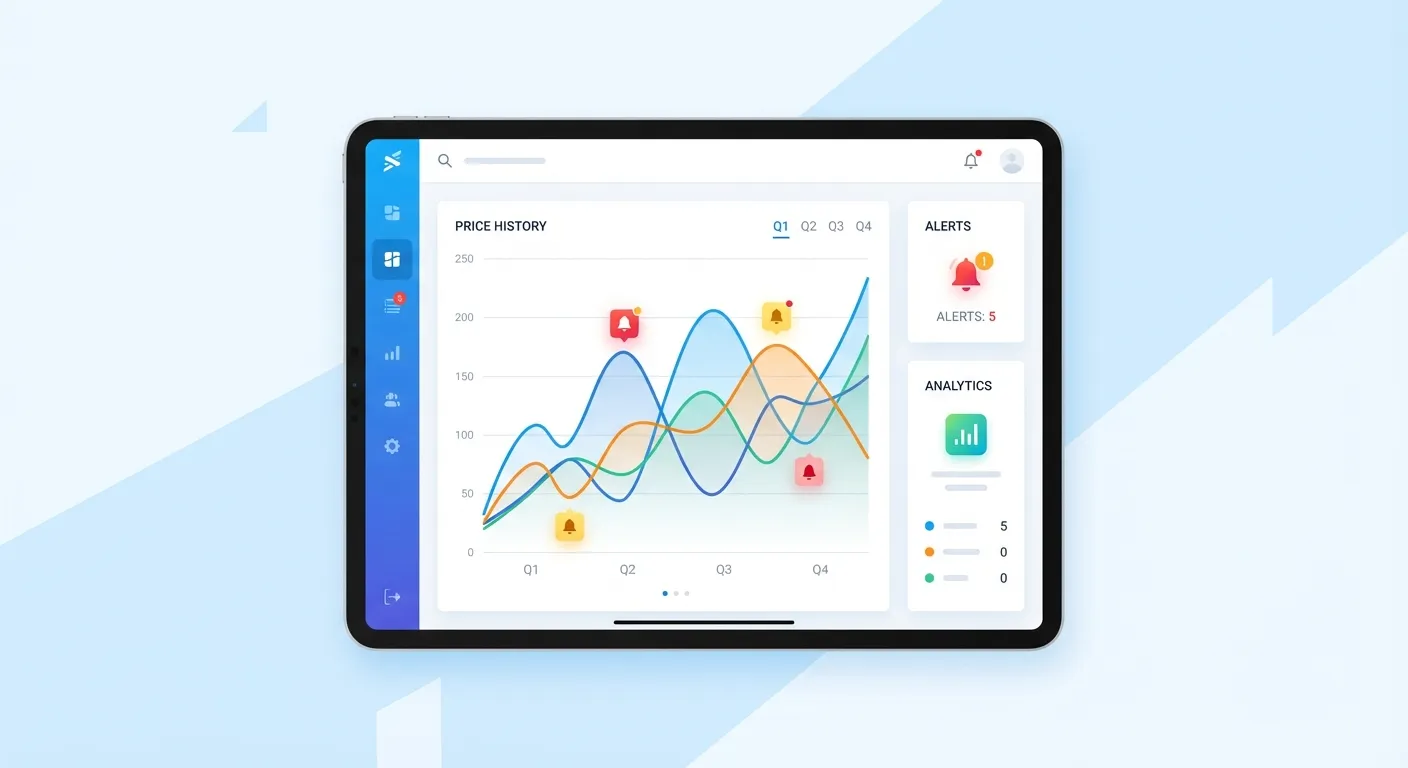
What Makes Keepa Stand Out
Keepa's biggest advantage is the depth of data it provides. The extension embeds interactive price history charts directly on Amazon product pages, so you can see pricing trends without leaving the site.
Key features include:
- Detailed price history covering over 4.5 billion products
- Sales rank tracking to gauge product popularity
- BuyBox monitoring for sellers
- Price alerts via email, browser notifications, or Telegram
- Support for 11 Amazon marketplaces worldwide
- Data updated every 15 minutes
Keepa Pricing
Keepa offers both free and premium tiers:
- Free Plan: Limited price history, track up to 5,000 products, basic charts
- Premium Plan: 19 EUR/month (approximately $20), full historical data, API access, data export
According to Revenue Geeks, the annual subscription (189 EUR/year) effectively reduces your monthly cost to about $17.50, saving you 17% compared to monthly billing.
Keepa Pros and Cons
Pros:
- Most accurate price data in testing
- Charts embedded directly on Amazon pages
- Extensive seller-focused features
- Multiple notification options
- Mobile apps available
Cons:
- Premium features require paid subscription
- Can be overwhelming for casual shoppers
- No refund policy
- Steeper learning curve
For a deeper dive, check out our complete Keepa extension guide.
CamelCamelCamel: Simple, Free, and Reliable
CamelCamelCamel (often called "The Camelizer") has been tracking Amazon prices since 2008, making it one of the most established and trusted tools available. Its biggest selling point? It's completely free.
What CamelCamelCamel Does Well
CamelCamelCamel focuses on simplicity. You don't need to install anything; just paste an Amazon product URL into the website and you'll see a complete price history chart. The chart shows three price streams:
- Amazon selling price
- Third-party new price
- Third-party used price
Above the chart, you'll see the product's high, low, and average price over various time ranges (1 month, 3 months, 6 months, and 1 year). This makes it easy to determine if the current price is actually a good deal.
Key Features
- Clean, easy-to-read price history charts
- Email alerts when prices drop to your target
- Amazon Wishlist import feature
- Browser extension (The Camelizer) for Chrome and Firefox
- No account required for basic use
- Mobile-friendly website
CamelCamelCamel Pros and Cons
Pros:
- 100% free with no premium tier needed
- Simple and beginner-friendly
- No installation required for basic use
- Long-standing reputation (since 2008)
- Works well on mobile browsers
Cons:
- Less detailed data than Keepa
- Email alerts only (no push notifications)
- No dedicated mobile app
- Amazon-only (doesn't track other retailers)
- Doesn't track coupons or Subscribe & Save discounts
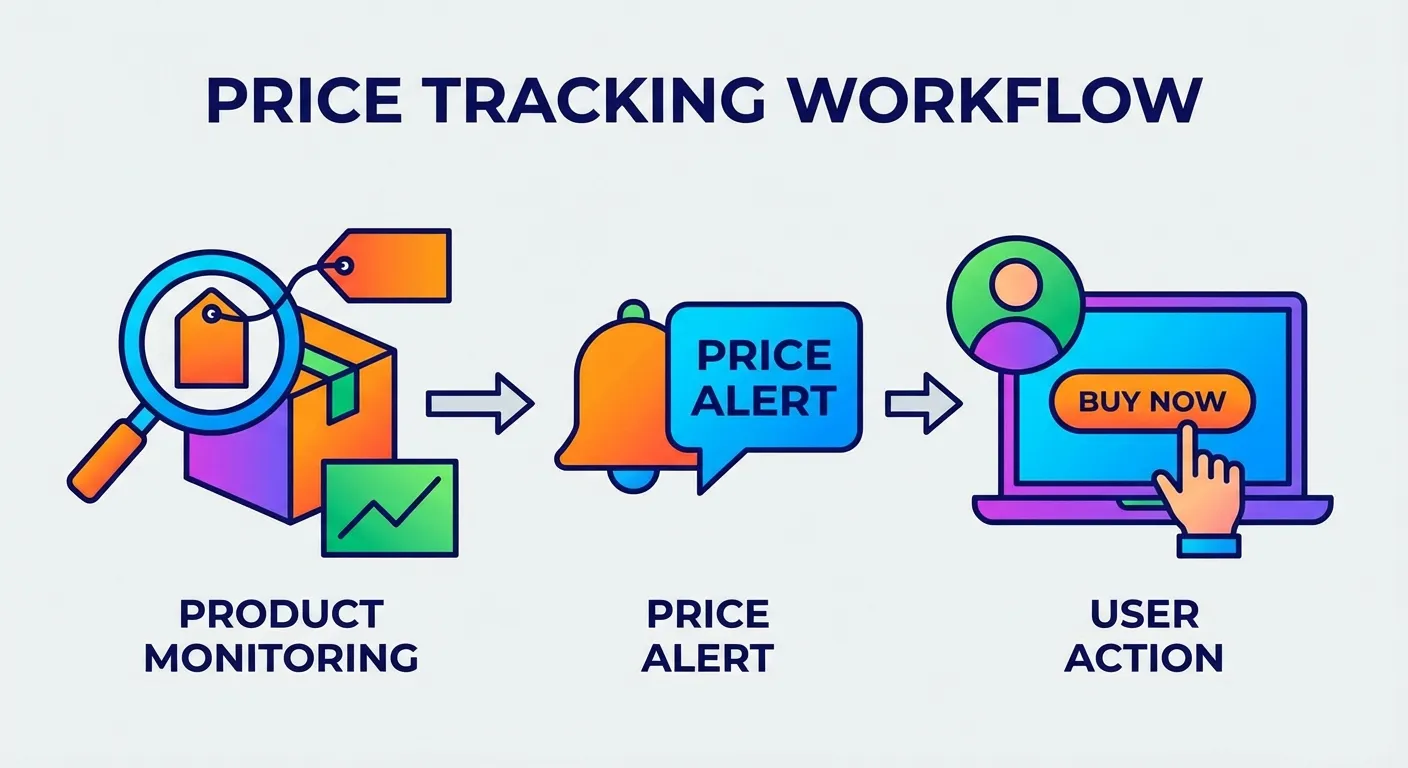
Honey: The Multi-Store Coupon Finder
Honey (now PayPal Honey) takes a different approach. While it does offer price tracking, its primary feature is automatically finding and applying coupon codes at checkout across over 30,000 online stores.
Honey's Amazon Features
For Amazon specifically, Honey offers:
- Droplist: Add items to your watchlist and get notified when prices drop
- Price History: View basic price trends on product pages
- Seller Comparison: Compare prices across different Amazon sellers, factoring in shipping costs and Prime eligibility
According to PayPal, Honey's Droplist allows you to monitor prices for 30, 60, 90, or 120 days and receive email or app notifications when prices decrease.
Honey Pros and Cons
Pros:
- Works on 30,000+ stores, not just Amazon
- Automatically applies coupon codes at checkout
- Mobile app available for iOS and Android
- PayPal Rewards integration
- Free to use
Cons:
- Price tracking is not its primary focus
- Less detailed Amazon price data than Keepa or CamelCamelCamel
- Some privacy concerns about data collection
- Coupon codes don't always work
Head-to-Head: Which Tool Should You Choose?
Based on our research and testing, here's our recommendation for different user types:
Choose Keepa If:
- You're an Amazon seller or reseller
- You want the most detailed and accurate price data
- You track prices across multiple Amazon marketplaces
- You're willing to pay for premium features
Choose CamelCamelCamel If:
- You're a casual Amazon shopper
- You want a 100% free solution
- You prefer simplicity over advanced features
- You mainly want to verify if current prices are good deals
Choose Honey If:
- You shop at many different online stores, not just Amazon
- You want automatic coupon code application
- Price tracking is secondary to finding discounts
- You want a mobile app experience
The Elephant in the Room: What About Stuff You Already Bought?
Here's where things get interesting. All three of these tools, Keepa, CamelCamelCamel, and Honey, share a fundamental limitation: they only help you before you make a purchase.
But what about that TV you bought last week that just dropped $80? Or the laptop from two months ago that's now on sale? Traditional price trackers can't help you recover that money.
The reality is that Amazon will often issue courtesy credits when you politely ask about a price drop after purchase. It's not an official policy, but it works. We've seen it happen thousands of times.
The problem? Who has time to:
- Monitor every single order after purchase
- Compare current prices to what you paid
- Contact Amazon customer service
- Negotiate a refund or credit
This is where TaskMonkey enters the picture.
TaskMonkey: The Tool That Actually Gets Your Money Back
TaskMonkey isn't just another price tracker. It's a price adjustment automation tool that scans your past Amazon orders, identifies price drops, and uses AI to automatically negotiate refunds with Amazon customer service.
Here's how it compares to the traditional trackers:
| Feature | Keepa | CamelCamelCamel | Honey | TaskMonkey |
|---|---|---|---|---|
| Price Tracking | Yes | Yes | Yes | Yes |
| Scans Past Orders | No | No | No | Yes |
| Auto-Negotiates Refunds | No | No | No | Yes |
| Works on Purchases You Already Made | No | No | No | Yes |
| Hands-Free Operation | No | No | Partial | Yes |
The key difference: traditional trackers tell you when to buy. TaskMonkey helps you get money back on things you've already bought.
How TaskMonkey Works
- Install the free Chrome extension
- Click "Start Saving Now" on your dashboard
- TaskMonkey scans your last 3 months of Amazon orders
- It compares what you paid vs. current prices
- For any price drops, AI automatically chats with Amazon customer service
- You receive credits or refunds directly to your Amazon account
The best part? TaskMonkey only charges when successful: 20% of what it recovers. If it doesn't save you anything, you pay nothing.
The Smart Strategy: Use Multiple Tools
Here's our recommendation: don't choose just one tool. Use a combination for maximum savings.
For Future Purchases:
- Install CamelCamelCamel or Keepa to track prices before buying
- Set alerts for products you're interested in
- Verify deals during Black Friday and Prime Day
For Past Purchases:
- Use TaskMonkey to scan your order history
- Let AI negotiate refunds automatically
- Sit back and collect your savings
This two-pronged approach covers both bases: you'll buy at the right time AND recover money when prices drop after purchase.
Frequently Asked Questions
Is Keepa safe to use?
Yes, Keepa is safe. It only requests access to Amazon domains and its own servers. With over 4 million users and a 4.7/5 rating, it has a strong track record. Learn more in our article on whether Keepa is safe.
Is CamelCamelCamel accurate?
CamelCamelCamel is generally accurate for tracking Amazon, third-party new, and third-party used prices. However, in testing by TraceFuse, Keepa provided more accurate data for the actual prices paid.
Does Honey sell my data?
Honey collects browsing data to provide its services. While PayPal (Honey's owner) states they don't sell personal information to third parties, they do use data for advertising and analytics purposes. Review their privacy policy for details.
Can I use all three tools together?
Yes! Many savvy shoppers install multiple extensions. Just be aware that having too many extensions can slow down your browser.
Which tool is best for Black Friday shopping?
CamelCamelCamel or Keepa are best for verifying that "deals" during Black Friday are actually discounts. Check our guide on how to spot fake discounts during Prime Day and Black Friday.
Bottom Line
Each tool has its strengths:
- Keepa is the power user's choice with the most detailed data
- CamelCamelCamel is perfect for casual shoppers who want a free, simple solution
- Honey is ideal if you shop across many stores and want automatic coupons
- TaskMonkey is the only tool that actually recovers money on purchases you've already made
For the smartest shopping strategy, use a traditional tracker for future purchases and TaskMonkey for past purchases. That way, you're covered on all fronts.
Related Articles in This Topic
- Amazon Price Tracker (2026): Track Price Drops, See Price History & Get Alerts
- Keepa Extension: What It Is, How It Works, and Best Settings
- CamelCamelCamel Review (2026): The Free Amazon Price Tracker
- Keepa Review (2026): Is the Premium Subscription Worth It?
- Is Keepa Safe? Permissions, Privacy, and What to Watch For
- How to Read a Keepa Chart: Price, Sales Rank, and Deal Traps
- How to Set Amazon Deal Alerts (Wish List, Rufus, Alexa+)
- Track Price Drops After You Buy: Can You Get Money Back From Amazon?
- Best Amazon Price Tracker App (2026): Top Picks Compared
- Prime Day / Black Friday "Fake Discounts": How to Verify With Price Trackers