
Why Amazon Deal Alerts Matter in 2026
Amazon prices fluctuate constantly. According to Profitero, Amazon changes prices on millions of products up to 2.5 million times daily. That means the item you're watching could drop 20% tomorrow—or jump back up within hours.
Deal alerts solve this problem by notifying you the moment prices hit your target. But in 2026, you have more options than ever: Amazon's native tools (Wish Lists, Rufus, Alexa+), third-party extensions (Keepa, CamelCamelCamel), and automated refund tools like TaskMonkey.
This guide covers every method to set up Amazon deal alerts, including the newest AI-powered features. For a comprehensive overview of price tracking tools, see our Amazon Price Tracker guide.
Method 1: Amazon Wish List Price Alerts
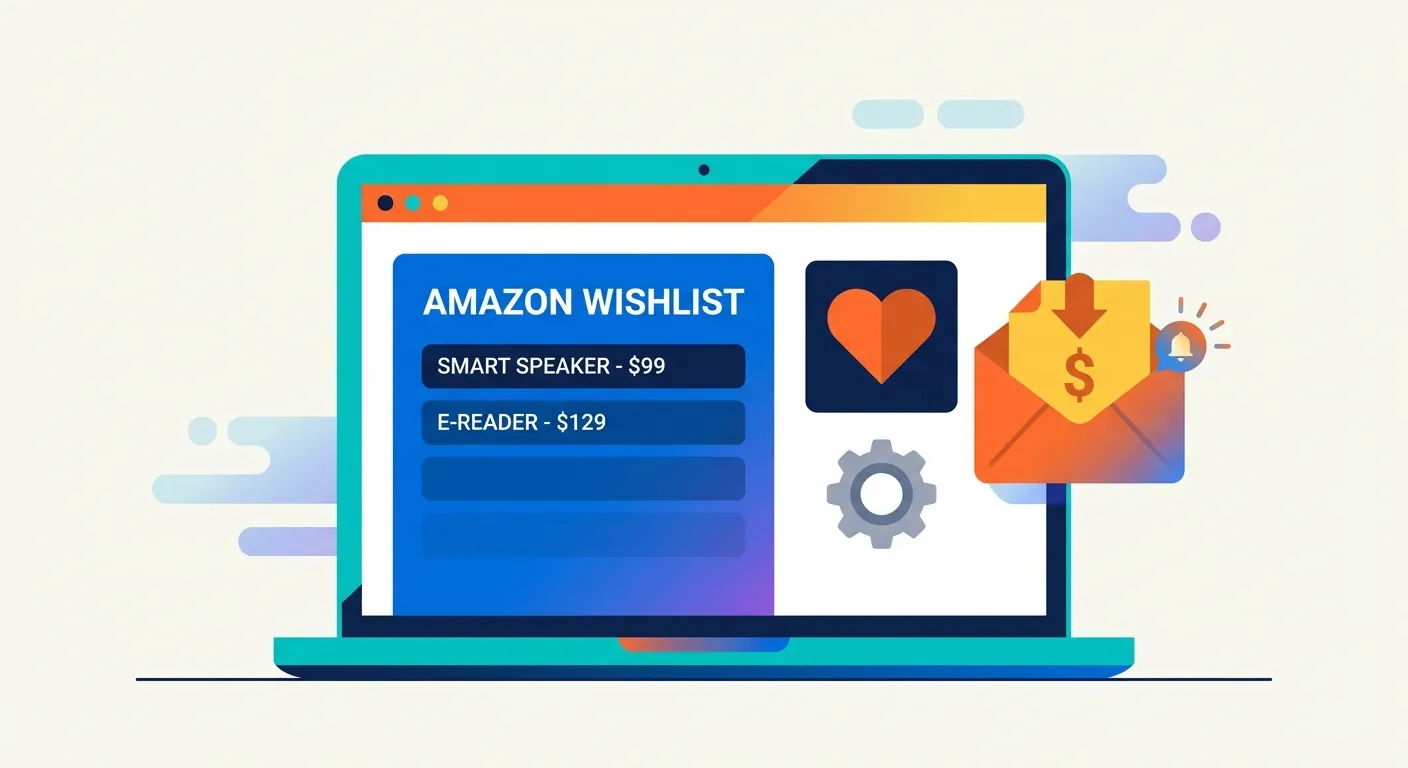
Amazon's Wish List is the simplest way to track prices without installing anything. When you add items to your Wish List, Amazon may notify you of significant price drops via email—if you have the right settings enabled.
How to Set Up Wish List Notifications
- Add items to your Wish List — Click the "Add to List" button on any product page
- Go to your Wish List settings — Navigate to Account > Your Lists > Manage List
- Enable email notifications — Toggle on "Price drop notifications" in your list settings
- Set notification frequency — Choose daily or weekly digest emails
Pros:
- Built into Amazon—no extra tools needed
- Works on mobile and desktop
- Free with any Amazon account
Cons:
- No custom price thresholds (Amazon decides what counts as a "drop")
- Notifications can be delayed or inconsistent
- Doesn't show price history or trends
Method 2: Amazon Rufus AI Assistant
Rufus is Amazon's AI-powered shopping assistant, launched in 2024 and now available to all U.S. customers. While primarily designed for product discovery and recommendations, Rufus can help with price-related queries.
How to Use Rufus for Deal Tracking
- Open the Amazon app — Rufus is currently mobile-only
- Tap the Rufus icon — Look for it in the bottom navigation bar
- Ask about deals — Try queries like "Is this a good price for [product]?" or "What deals are available on [category]?"
- Request price comparisons — Ask Rufus to compare prices across similar products
What Rufus Can Do:
- Tell you if the current price is historically low
- Suggest similar products at lower prices
- Highlight active deals and promotions
- Answer questions about product features to inform purchase decisions
What Rufus Can't Do (Yet):
- Set automatic price alerts for specific products
- Notify you proactively when prices drop
- Show detailed price history charts
- Help you get refunds on past purchases
For more on AI shopping assistants, Amazon has detailed information in their Rufus announcement.
Method 3: Alexa+ Voice Deal Alerts
Alexa+ is Amazon's upgraded AI assistant, announced in late 2024 with enhanced conversational abilities and deeper shopping integration. If you own an Echo device or use the Alexa app, you can set up voice-activated deal notifications.
How to Set Deal Alerts with Alexa+
- Enable shopping notifications — Open the Alexa app, go to Settings > Notifications > Amazon Shopping
- Link your Wish List — Alexa can track items from your Amazon Wish Lists
- Use voice commands — Say "Alexa, notify me when [product] goes on sale"
- Ask about current deals — Try "Alexa, what are today's Amazon deals?"
Useful Alexa+ Voice Commands:
- "Alexa, track the price of [product name]"
- "Alexa, is there a deal on [category] today?"
- "Alexa, add [product] to my Wish List and notify me of price drops"
- "Alexa, what's the price history on [product]?"
Limitations: Alexa's price tracking depends on Amazon's internal algorithms. You can't set specific price thresholds (like "alert me when it drops below $50"), and alerts may not trigger for every price change.
Method 4: Third-Party Price Trackers (Keepa, CamelCamelCamel)
For precise control over your deal alerts, third-party tools remain the gold standard. These extensions let you set exact price thresholds and view complete price history.
Keepa: The Power User's Choice
Keepa embeds detailed price charts directly on Amazon product pages. With over 4 million Chrome users, it's the most feature-rich Amazon price tracker available.
Setting Up Keepa Alerts:
- Install the Keepa browser extension
- Navigate to any Amazon product page
- Click "Track product" on the Keepa chart
- Set your desired price threshold (e.g., "Alert me below $45")
- Choose notification method: email, browser, or Telegram
For detailed setup instructions, see our guide on Keepa Chrome Extension installation.
CamelCamelCamel: Simple and Free
CamelCamelCamel has tracked Amazon prices since 2008. It's completely free with no premium tier—just create an account, paste product URLs, and set your target prices.
Setting Up CamelCamelCamel Alerts:
- Go to camelcamelcamel.com and create a free account
- Paste any Amazon product URL into the search bar
- Set your desired price in the "Amazon" field
- Receive email notifications when the price drops to your target
For a detailed comparison, read our Keepa vs CamelCamelCamel vs Honey analysis.
Best Practices for Setting Price Alert Thresholds
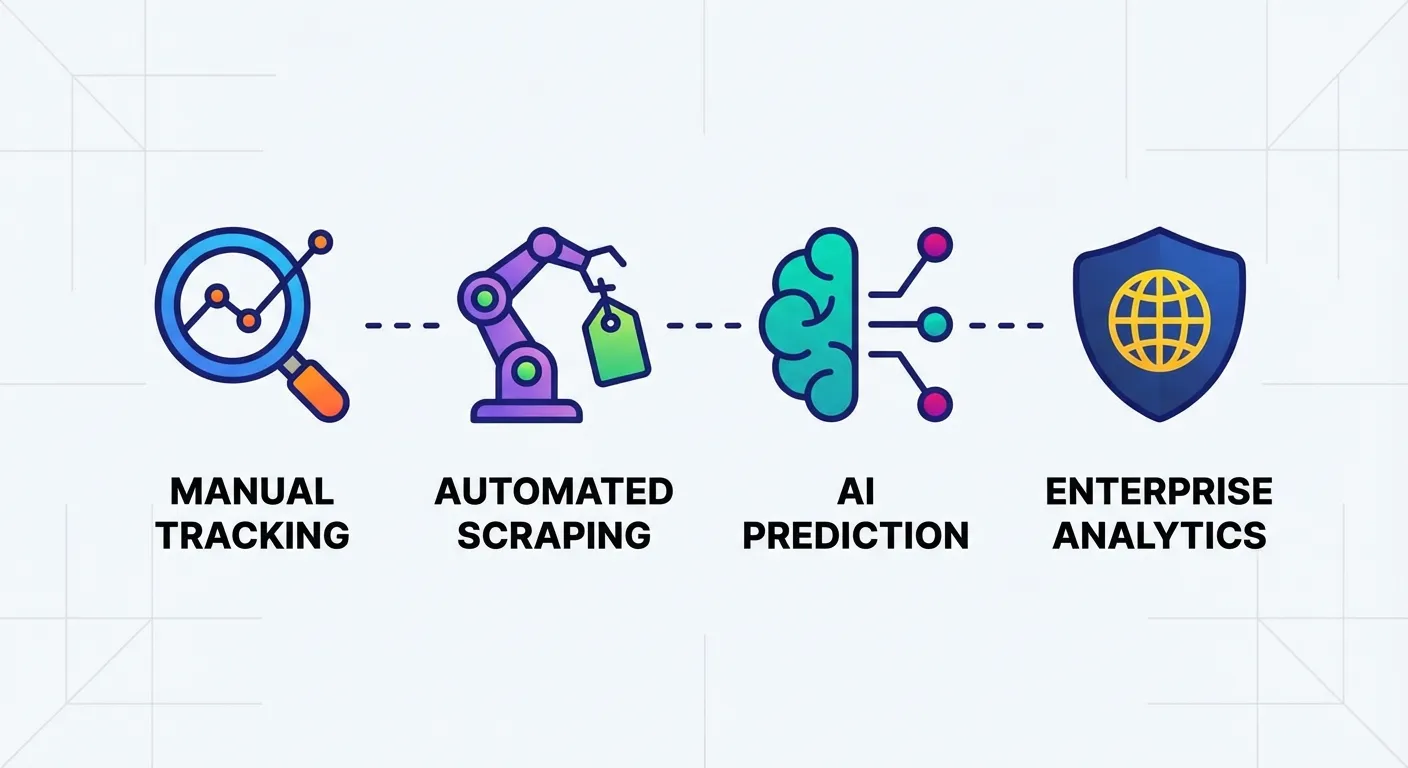
Setting the right price threshold is crucial. Set it too high, and you'll get alerts for insignificant drops. Set it too low, and you might never trigger an alert.
How to Determine Your Target Price
- Check the price history — Use Keepa or CamelCamelCamel to see the lowest price in the past 3-6 months
- Set realistic expectations — Aim for 10-20% below the current price for typical products
- Watch for seasonal patterns — Electronics often drop during Black Friday; outdoor gear discounts in fall
- Avoid all-time low obsession — Waiting for the absolute lowest price often means missing good deals
Threshold Examples:
| Product Type | Current Price | Recommended Threshold | Reasoning |
|---|---|---|---|
| Electronics | $299 | $249-$269 | 15-20% drops common during sales |
| Books | $24.99 | $14.99-$19.99 | Books often fluctuate 20-40% |
| Home Goods | $79 | $59-$69 | 10-25% drops during Prime Day, holidays |
| Clothing | $45 | $30-$35 | Apparel sees 25-50% seasonal drops |
For advanced threshold strategies, see our guide on Price Drop Alerts Done Right.
The Problem with Deal Alerts: What About Stuff You Already Bought?
All of the methods above—Wish Lists, Rufus, Alexa+, Keepa, CamelCamelCamel—share one fundamental limitation: they only help you before you buy.
But what happens when you purchase something and the price drops a week later?
Consider this scenario:
- You buy a kitchen appliance for $149
- Three days later, it drops to $99
- You see the price drop in your Keepa alerts... but you already own it
- You're now $50 poorer than you needed to be
Most people don't realize that Amazon will often issue courtesy credits when you politely ask about a post-purchase price drop. It's not an official policy, but it happens—we've seen it work thousands of times.
The catch? You need to manually monitor every order, compare prices, contact customer service, and negotiate for each item. Who has time for that?
TaskMonkey: Deal Alerts That Actually Get You Money Back
This is where TaskMonkey fills the gap. While traditional deal alerts tell you when to buy, TaskMonkey helps you recover money on things you've already purchased.
How TaskMonkey Works:
- Install the free Chrome extension
- Click "Start Saving Now" on your dashboard
- TaskMonkey scans your last 3 months of Amazon orders
- It automatically compares what you paid vs. current prices
- For any price drops, AI chats with Amazon customer service on your behalf
- You receive credits or refunds directly to your Amazon account
You literally don't have to do anything except start the scan. Go make dinner, watch a show, come back to find money credited to your account.
TaskMonkey vs. Traditional Deal Alerts:
| Feature | Traditional Alerts | TaskMonkey |
|---|---|---|
| Monitors prices before purchase | Yes | Yes |
| Monitors prices after purchase | No | Yes |
| Contacts Amazon for you | No | Yes |
| Negotiates refunds automatically | No | Yes |
| Gets money back to your account | No | Yes |
TaskMonkey only charges when we successfully get money back—20% of what we recover. If we don't save you anything, you pay nothing. Learn more about tracking price drops after purchase.
Combining Deal Alerts with Post-Purchase Tracking
The smartest Amazon shopping strategy uses both approaches:
- Before buying: Set deal alerts with Keepa or CamelCamelCamel to buy at the lowest price
- After buying: Let TaskMonkey monitor your orders and recover money when prices drop post-purchase
This two-pronged approach ensures you never overpay—whether you're planning a purchase or have already made one.
Frequently Asked Questions
Does Amazon have official price alerts?
Amazon doesn't have a dedicated "price alert" feature, but Wish List notifications can alert you to some price drops. For precise alerts with custom thresholds, use third-party tools like Keepa or CamelCamelCamel.
Can Alexa notify me when prices drop?
Yes, Alexa+ can track items and notify you of deals. Say "Alexa, track the price of [product]" to set up tracking. However, you can't set specific price thresholds—Alexa decides what qualifies as a noteworthy drop.
What's the best free Amazon price tracker?
CamelCamelCamel is completely free with no premium features locked behind a paywall. Keepa offers a robust free tier, with premium features available for $19/month. See our best Amazon price tracker comparison.
How do I know if an Amazon deal is real?
Use price history tools like Keepa or CamelCamelCamel to see if the "sale" price is actually lower than usual. Many Prime Day and Black Friday "deals" are inflated before the sale. Read our guide on spotting fake discounts.
Can I get a refund if the price drops after I buy?
Amazon doesn't have an official price adjustment policy, but customer service often issues courtesy credits when asked politely. TaskMonkey automates this entire process, using AI to negotiate refunds on your behalf.
Bottom Line: The Complete Deal Alert Strategy
Here's our recommended setup for maximizing Amazon savings in 2026:
- For casual tracking: Add items to your Amazon Wish List and enable notifications
- For precise alerts: Install Keepa or use CamelCamelCamel to set exact price thresholds
- For voice convenience: Use Alexa+ to track items and ask about current deals
- For AI-assisted research: Ask Rufus if the current price is historically good
- For post-purchase savings: Install TaskMonkey to automatically recover money when prices drop after you buy
Traditional deal alerts and TaskMonkey serve different purposes—one helps you buy at the right time, the other helps you recover money on purchases you've already made. Use both for the complete savings strategy.
Related Articles in This Topic
- Amazon Price Tracker (2026): Track Price Drops, See Price History & Get Alerts
- Amazon Price Tracker Extension — Best Chrome Extensions + Setup Guide
- Amazon Price History Extension — How to See Price Charts on Every Product Page
- Keepa Extension — What It Is, How It Works, and Best Settings
- Keepa Chrome Extension Download — Install Steps + Fixes
- Keepa vs CamelCamelCamel vs Honey — Which Amazon Price Tracker Should You Use?
- Best Amazon Price Tracker App (2026) — Top Picks Compared
- Track Price Drops After You Buy — Can You Get Money Back From Amazon?
- Price Drop Alerts Done Right — Thresholds, Variants, and Noise Control
- Prime Day / Black Friday "Fake Discounts" — How to Verify With Price Trackers