
Why Most Price Alerts Fail (And How to Fix Them)
You set up price alerts for 50 Amazon products. A week later, your inbox is drowning in notifications about $0.37 price changes. You start ignoring them. Then, when that TV you wanted actually drops $150, you miss it because you've tuned out.
Sound familiar? According to research on notification fatigue, the average smartphone user receives 46-63 push notifications daily. When price alerts become part of that noise, they lose their value entirely.
The solution isn't fewer alerts. It's smarter alerts. Let's fix your price tracking setup.
Setting the Right Price Drop Thresholds
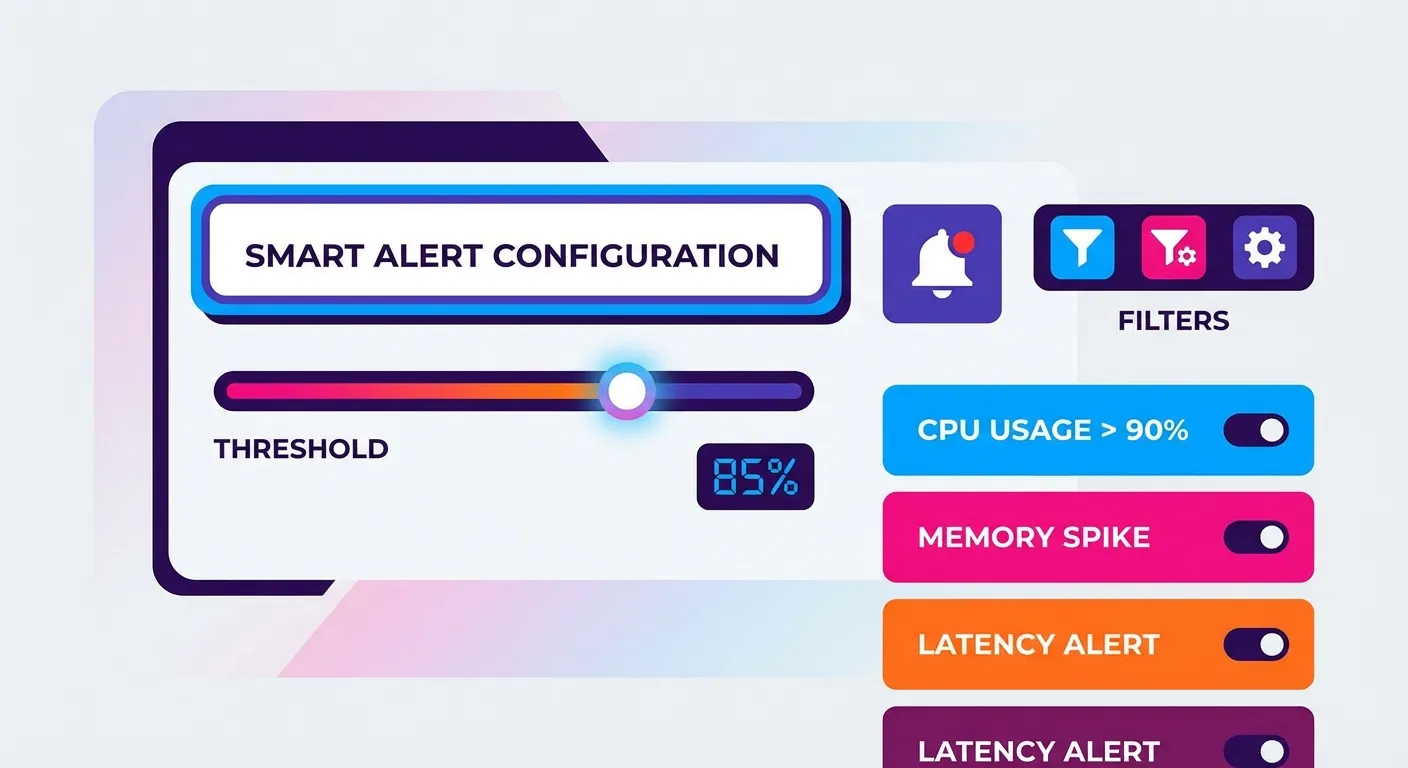
The single biggest mistake people make with price trackers? Setting thresholds too low. A $200 item dropping to $198 isn't a deal worth knowing about. Here's how to set thresholds that actually matter.
The 10% Rule for Most Products
For general purchases, set your alert threshold at a minimum 10% price drop. This filters out the daily noise while still catching meaningful discounts.
| Product Price | Minimum Alert Threshold | Why This Works |
|---|---|---|
| Under $50 | $5 drop (10%) | Small items fluctuate often; need meaningful savings |
| $50-$200 | $10-20 drop (10%) | Sweet spot for electronics, home goods |
| $200-$500 | $30-50 drop (15%) | Higher stakes; worth waiting for bigger drops |
| Over $500 | $75+ drop (15%+) | Major purchases; want substantial savings |
Category-Specific Thresholds
Different product categories behave differently. Electronics drop more dramatically; groceries barely budge. Adjust your thresholds accordingly:
- Electronics: Set 15-20% thresholds. Prices swing wildly, especially around Prime Day and Black Friday. Learn how to verify discounts during sales events.
- Books & Media: 25%+ thresholds. Books rarely drop by small amounts; they either stay stable or hit deep discount.
- Fashion: 30%+ thresholds. Clothing prices fluctuate seasonally with big swings.
- Household essentials: 10% or set a specific dollar amount. These items have stable pricing.
Using Dollar Amounts vs. Percentages
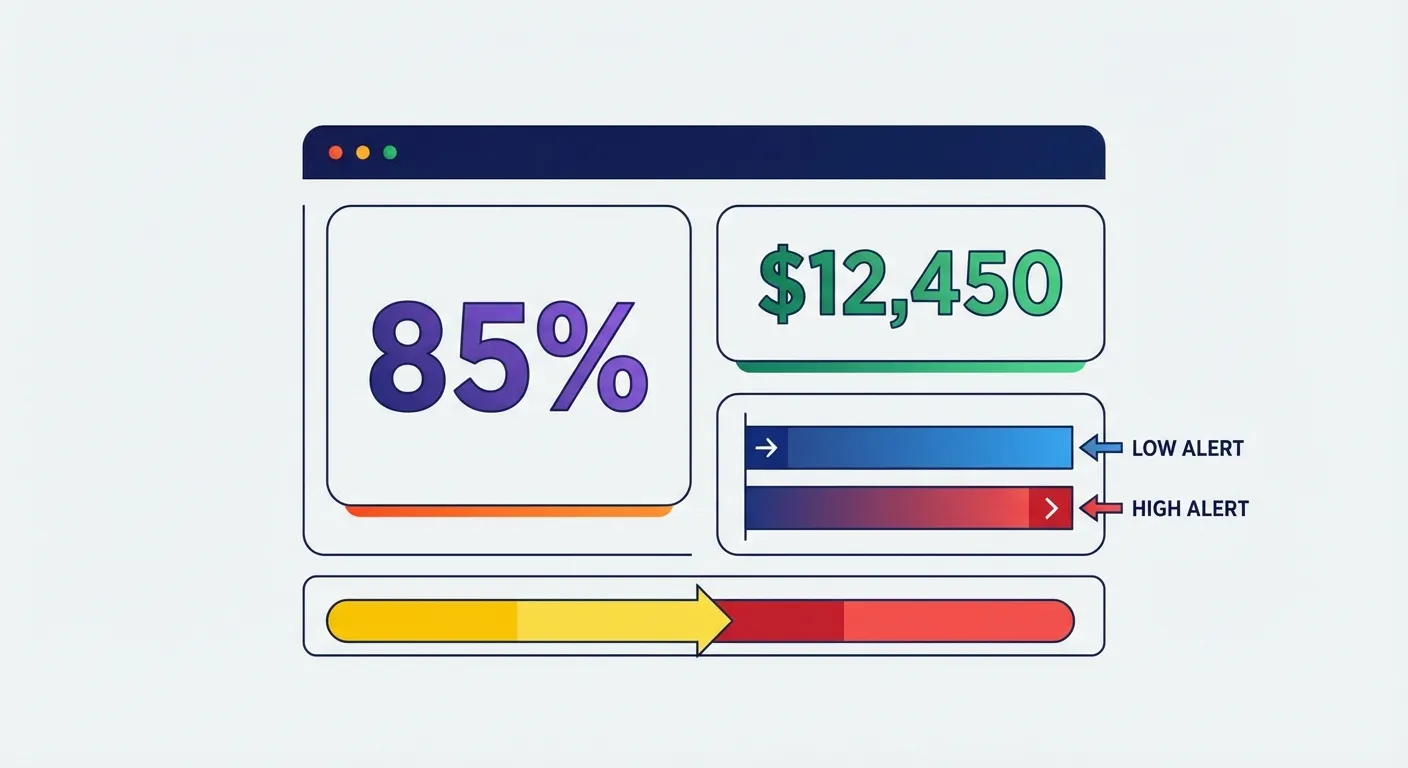
Both Keepa and CamelCamelCamel let you set alerts by either percentage drop or specific price point. Here's when to use each:
Use percentage thresholds when:
- You're tracking multiple items and want consistent rules
- You don't have a specific target price in mind
- The product price is volatile
Use specific price points when:
- You know exactly what you're willing to pay
- You've researched the price history and identified a realistic low
- The item has a known discount pattern (e.g., always drops to $X during sales)
Tracking Product Variants: Colors, Sizes, and Hidden Deals
Here's something most shoppers miss: on Amazon, different colors and sizes of the same product often have different prices. That blue backpack might be $45 while the identical black one is $65. Worse, they drop at different times.
Why Variant Tracking Matters
According to analysis comparing price trackers, Keepa is one of the few tools that offers true multi-variant tracking. This means you can:
- See which color/size combination is currently cheapest
- Track price history for each variant separately
- Get alerts when any variant drops below your threshold
CamelCamelCamel, while excellent for basic tracking, treats each variant as a separate product that you must add individually.
How to Set Up Variant Alerts in Keepa
- Navigate to the Amazon product page and select your preferred variant
- Open the Keepa graph (it appears automatically with the extension installed)
- Click "Track Product" below the graph
- Set your threshold for this specific variant
- Repeat for other variants you're interested in
Pro tip: If you're flexible on color, track 2-3 color options with the same threshold. You'll catch whichever drops first. Read more in our complete Keepa extension guide.
Controlling Notification Noise: The Art of Alert Management
Even with good thresholds, too many alerts become noise. Research from 42signals shows that over-alerting leads to critical signals being ignored. Here's how to stay focused.
The 10-15 Active Alert Rule
Limit yourself to 10-15 active price alerts at any time. This isn't arbitrary. It's about maintaining signal quality:
- More than 15 alerts means you're not serious about most items
- Each alert should represent something you'll actually buy if the price hits
- Review and prune your alerts monthly
Use Notification Channels Wisely
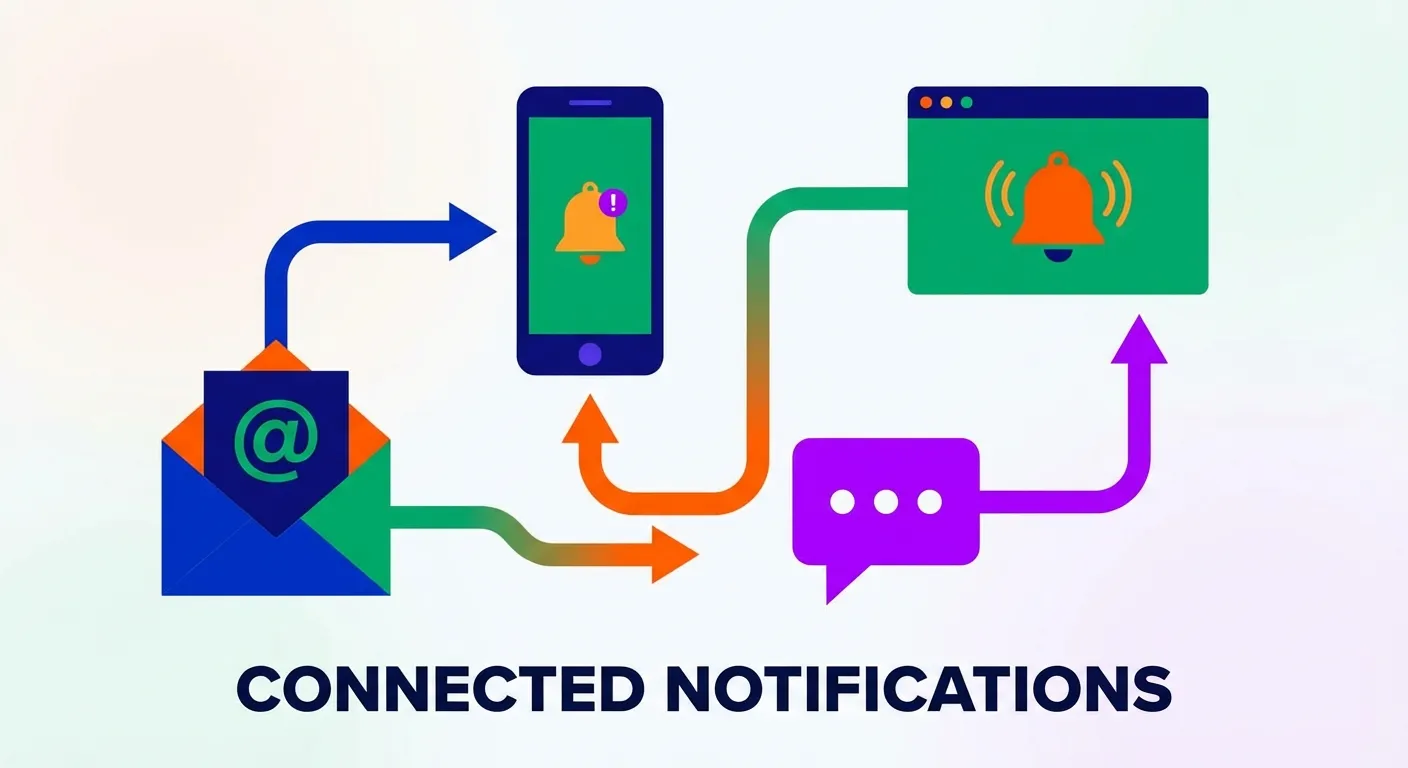
Both Keepa and CamelCamelCamel offer multiple notification methods. Use them strategically:
| Channel | Best For | When to Use |
|---|---|---|
| Non-urgent alerts | Items you want eventually but aren't rushing to buy | |
| Browser Push | Time-sensitive deals | Lightning deals, items that sell out fast |
| Telegram/Mobile | Must-have items | Products you'll buy immediately if price drops |
Create a dedicated email folder or Gmail filter for price alerts. This keeps them organized without cluttering your primary inbox.
Set Alert Expiration Dates
Keepa lets you choose how long to track an item, from one month to indefinitely. Use this feature:
- 1 month: For items you need soon but want to catch a deal
- 3 months: Standard tracking for wishlist items
- 6 months or longer: Only for items you'll definitely buy eventually regardless of timing
Expired alerts automatically clean up your tracking list, reducing noise over time.
Tool-by-Tool Alert Settings Guide
Keepa Alert Configuration
Keepa offers the most granular control. Here's the optimal setup:
- Click "Track Product" beneath any Keepa graph
- Set separate thresholds for Amazon, third-party new, and third-party used
- Enable "Alert Rearm Timer" to continue getting alerts after the first trigger
- Choose notification method under account settings
- Set tracking duration based on purchase urgency
According to ProfitPath's analysis, Keepa detects price changes within minutes, making it ideal for catching lightning deals or pricing errors. For complete setup instructions, see our guide on installing the Keepa Chrome extension.
CamelCamelCamel Alert Configuration
CamelCamelCamel keeps things simple:
- Create a free account at camelcamelcamel.com
- Paste any Amazon URL or use the browser extension
- Set your target price for Amazon, third-party new, or third-party used
- Receive email alerts when price drops below your threshold
While less feature-rich than Keepa, CamelCamelCamel's simplicity makes it easier to set up quickly. For a detailed comparison, read Keepa vs CamelCamelCamel vs Honey.
Amazon's Native Rufus Alerts
Amazon's AI assistant Rufus can now set price alerts directly:
- Open the Amazon app and navigate to any product
- Tap "Ask Rufus" at the bottom of the screen
- Say or type "Alert me if this drops below [price]"
- Rufus will confirm and track for you
According to ConsumerAffairs, Rufus can even show price history and auto-buy items when they hit your target. However, it's limited to the Amazon app and doesn't offer the cross-marketplace coverage of dedicated tools.
The Problem with Traditional Price Alerts
Here's the fundamental issue with all these tools: they only help you buy smarter in the future. They do nothing about money you've already spent.
Think about it:
- You buy a laptop for $899
- A week later, it drops to $749
- Your price tracker sends an alert... too late
- You're out $150 unless you manually contact Amazon
Most people don't realize Amazon often issues courtesy credits for price drops after purchase. But who has time to monitor every order and negotiate with customer service?
TaskMonkey: Skip the Alerts, Get Your Money Back Automatically
This is where TaskMonkey takes a completely different approach. Instead of setting up alerts and hoping to catch deals, TaskMonkey:
- Scans your last 3 months of Amazon orders automatically
- Compares what you paid vs. current prices
- For any price drops, AI contacts Amazon customer service
- Negotiates refunds on your behalf
- Credits go directly to your Amazon account
No thresholds to configure. No notification fatigue. No manual tracking. You click "Start Saving Now," go about your day, and come back to find money in your account.
TaskMonkey only charges when we successfully recover money: 20% of what we get back. If we don't save you anything, you pay nothing. Learn more about tracking price drops after you buy.
Building Your Optimal Alert System
Here's how to combine everything for maximum savings:
For Future Purchases
- Use Keepa or CamelCamelCamel for items on your wishlist
- Set 10-20% minimum thresholds depending on category
- Track variants separately if you're flexible on color/size
- Limit active alerts to 10-15 items
- Review and clean up monthly
For Past Purchases
- Install TaskMonkey's free Chrome extension
- Click "Start Saving Now" on your dashboard
- Let AI scan your orders and negotiate refunds
- Collect your money without lifting a finger
The combination is powerful: traditional trackers help you buy at the right time, while TaskMonkey recovers money on purchases you've already made.
Frequently Asked Questions
What's the ideal price drop threshold for alerts?
For most products, 10% minimum. For electronics and fashion, consider 15-20%. The goal is filtering out daily fluctuations while catching meaningful discounts.
Should I track every color and size variant?
Only if you're genuinely flexible. Track 2-3 variants you'd actually buy, not all options. This keeps alerts manageable while capturing deals on variants that drop first.
How many active alerts should I have?
10-15 maximum. Each should represent something you'll actually purchase if the price hits your threshold. More than that creates noise that causes you to miss important alerts.
Can I get a refund if the price drops after I buy?
Yes, often. Amazon doesn't have an official price adjustment policy, but customer service frequently issues courtesy credits when asked politely. TaskMonkey automates this entire process.
Which is better: Keepa or CamelCamelCamel?
Keepa for power users who want variant tracking, multiple seller monitoring, and mobile apps. CamelCamelCamel for casual shoppers who want simple, free tracking. See our detailed Keepa review and CamelCamelCamel review.
Bottom Line
Price drop alerts are only as good as your configuration. Set smart thresholds that filter noise, track variants individually when flexibility pays off, and limit your active alerts to items you'll actually buy.
But remember: alerts only help with future purchases. For the money you've already spent, TaskMonkey is the only tool that automatically recovers price drop refunds. The best approach? Use both. Track wisely for tomorrow's purchases, and let AI recover what you're owed from yesterday's.
Related Articles in This Topic
- Amazon Price Tracker (2026): Track Price Drops, See Price History & Get Alerts
- Amazon Price Drop Alert: How to Set Up & Never Miss a Deal
- Amazon Price History: How to Check Past Prices on Any Product
- Keepa Extension: What It Is, How It Works, and Best Settings
- Keepa Chrome Extension Download: Install Steps + Fixes
- Keepa Review (2026): Is It Worth It?
- CamelCamelCamel Review (2026): Best Free Amazon Price Tracker?
- Keepa vs CamelCamelCamel vs Honey: Which Amazon Price Tracker Should You Use?
- Track Price Drops After You Buy: Can You Get Money Back From Amazon?
- Best Time to Buy on Amazon: Seasonal Patterns & Deal Cycles
- Prime Day / Black Friday "Fake Discounts": How to Verify With Price Trackers