
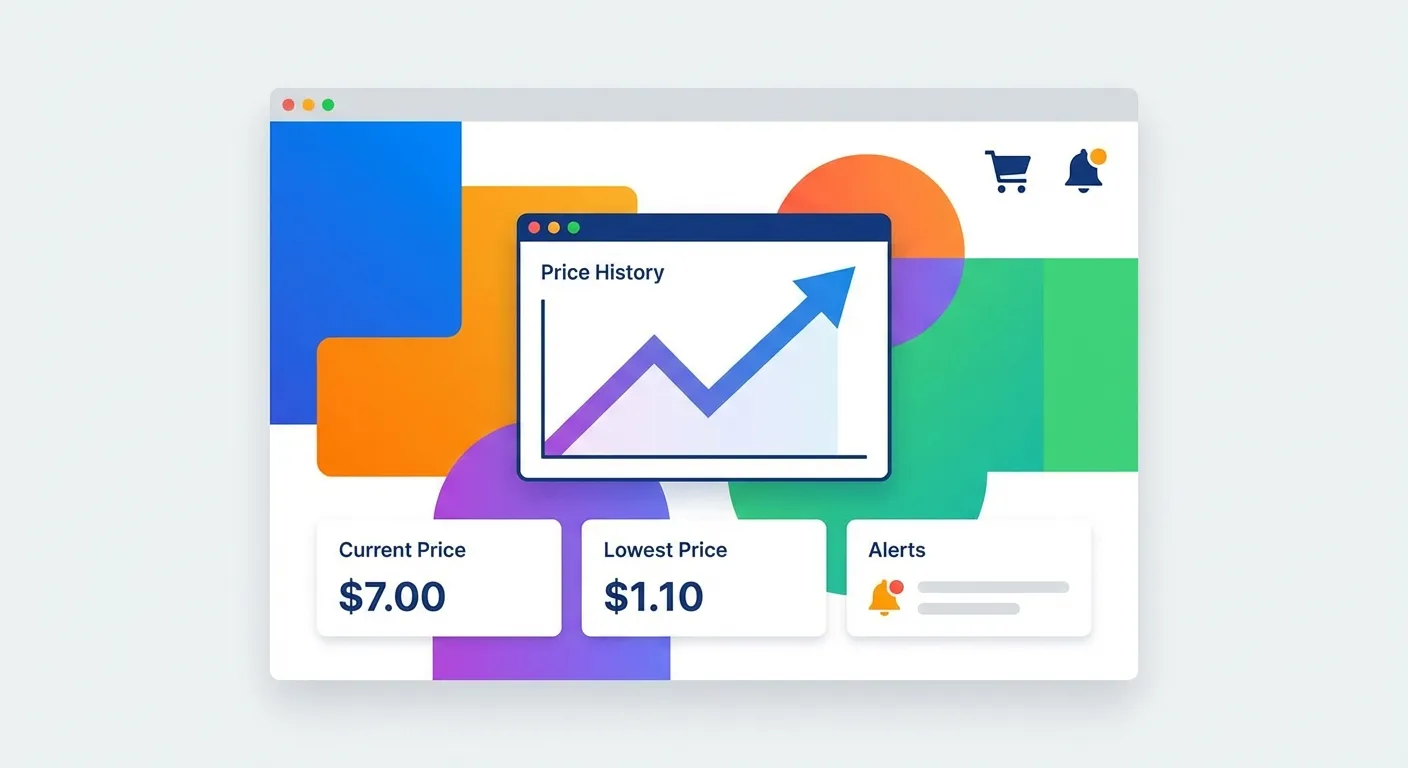
What Is the Keepa Extension?
The Keepa extension is a browser add-on that transforms Amazon product pages with detailed price history information. With approximately 4 million Chrome users and a 4.7/5 rating, it's the most popular Amazon price tracker in the world.
The moment you visit any Amazon product page, Keepa automatically embeds an interactive price history chart below the buy box. No clicking required—the data is right there, helping you make informed purchasing decisions instantly.
Here's what makes the Keepa browser extension stand out:
- Price history for 3+ billion products across 11 Amazon marketplaces
- Real-time alerts via email, browser push, Telegram, or Facebook
- Lightning deal tracking so you never miss limited-time offers
- International price comparison across Amazon regions
- No account required for basic features
For a comprehensive comparison of price tracking tools, see our main guide on Amazon price trackers in 2026.
How the Keepa Amazon Extension Works
Understanding how Keepa works helps you get maximum value from the extension. Here's the technical breakdown:
Data Collection
Keepa's servers continuously monitor Amazon prices across all supported marketplaces. According to GoAura's analysis, Keepa updates pricing data every 15 minutes for popular products—far more frequently than competitors who might only check once daily.
This frequent polling means Keepa can catch:
- Lightning deals that only last a few hours
- Pricing errors before they're corrected
- Short-term promotional prices
- Buy Box changes between sellers
Chart Display
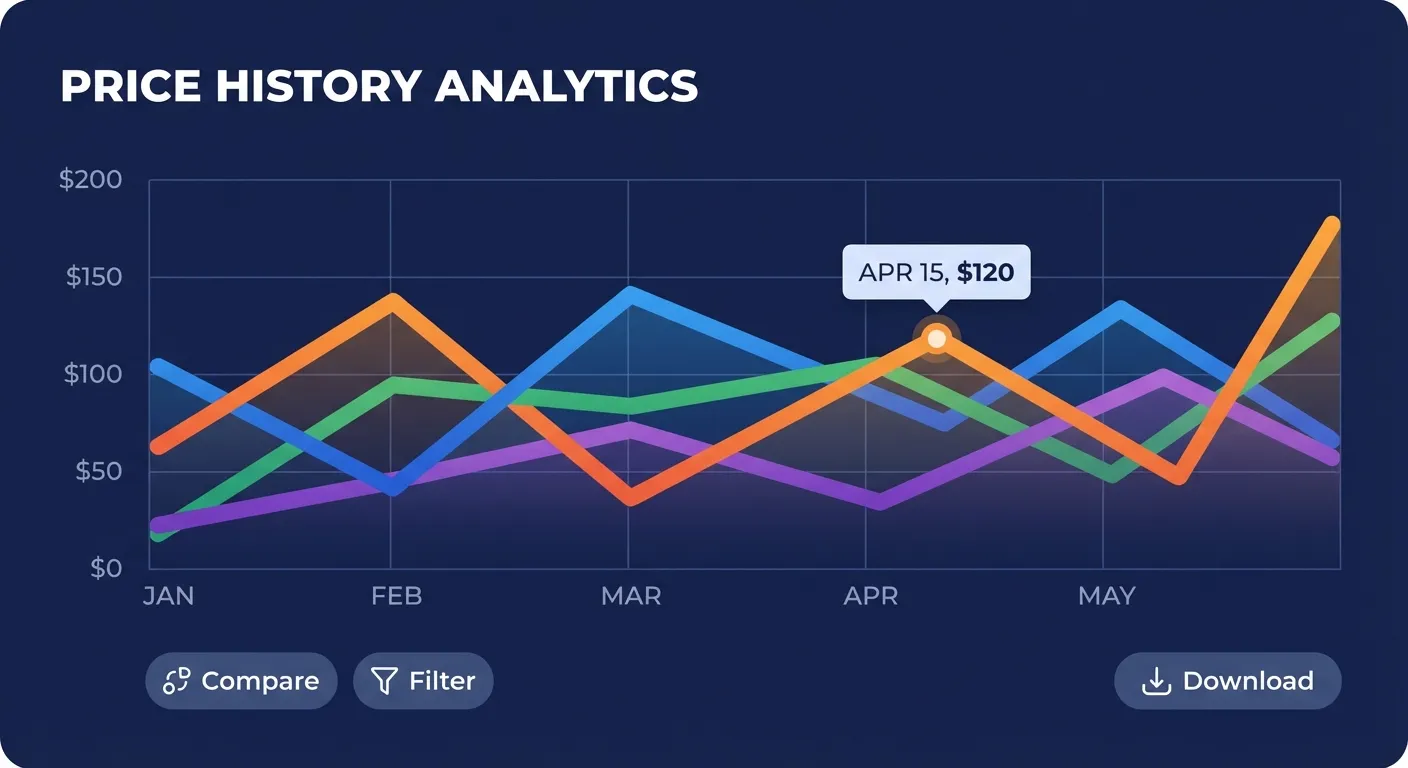
The Keepa chart appears automatically on every Amazon product page. It displays multiple data layers simultaneously:
| Line Color | Data Type | What It Shows |
|---|---|---|
| Orange | Amazon Price | Price when sold directly by Amazon |
| Blue | Third-Party New | Lowest new price from marketplace sellers |
| Black | Third-Party Used | Lowest used/refurbished price |
| Green | Sales Rank | Product popularity (paid feature) |
Alert System
When you set a price alert, Keepa monitors the product continuously. The moment the price drops below your threshold, you receive a notification through your chosen channel. Unlike some trackers that batch notifications daily, Keepa's alerts are near-instant.
How to Install the Keepa Extension
Setting up Keepa takes less than a minute:
- Visit the Keepa Chrome Web Store page
- Click "Add to Chrome"
- Confirm by clicking "Add extension"
- Navigate to any Amazon product page
- The price chart appears automatically below the buy box
Keepa is also available for Firefox, Microsoft Edge, and Opera. The functionality is identical across all browsers.
Best Keepa Settings for 2026
While Keepa works well out of the box, optimizing these settings improves your experience:
Chart Display Settings
Access settings by clicking the Keepa graph on any product page, then selecting the gear icon:
- Date Range: Set to "3 months" for most products. Switch to "1 year" for seasonal items to spot yearly patterns.
- Show Amazon Only: Enable if you only buy directly from Amazon for a cleaner chart.
- Currency Display: Keepa can show prices in your preferred currency, helpful when comparing international marketplaces.
Alert Configuration
For effective price alerts:
- Set realistic targets: Check the historical low price first, then set your alert 5-10% above it for a reasonable expectation.
- Use percentage drops: Instead of a fixed price, alert when the price drops by 20%+ from the current level.
- Enable multiple conditions: Track both Amazon price and third-party new prices to catch all deals.
- Set expiration wisely: Default tracking expires after one year. Extend this for items you're not in a hurry to buy.
Notification Preferences
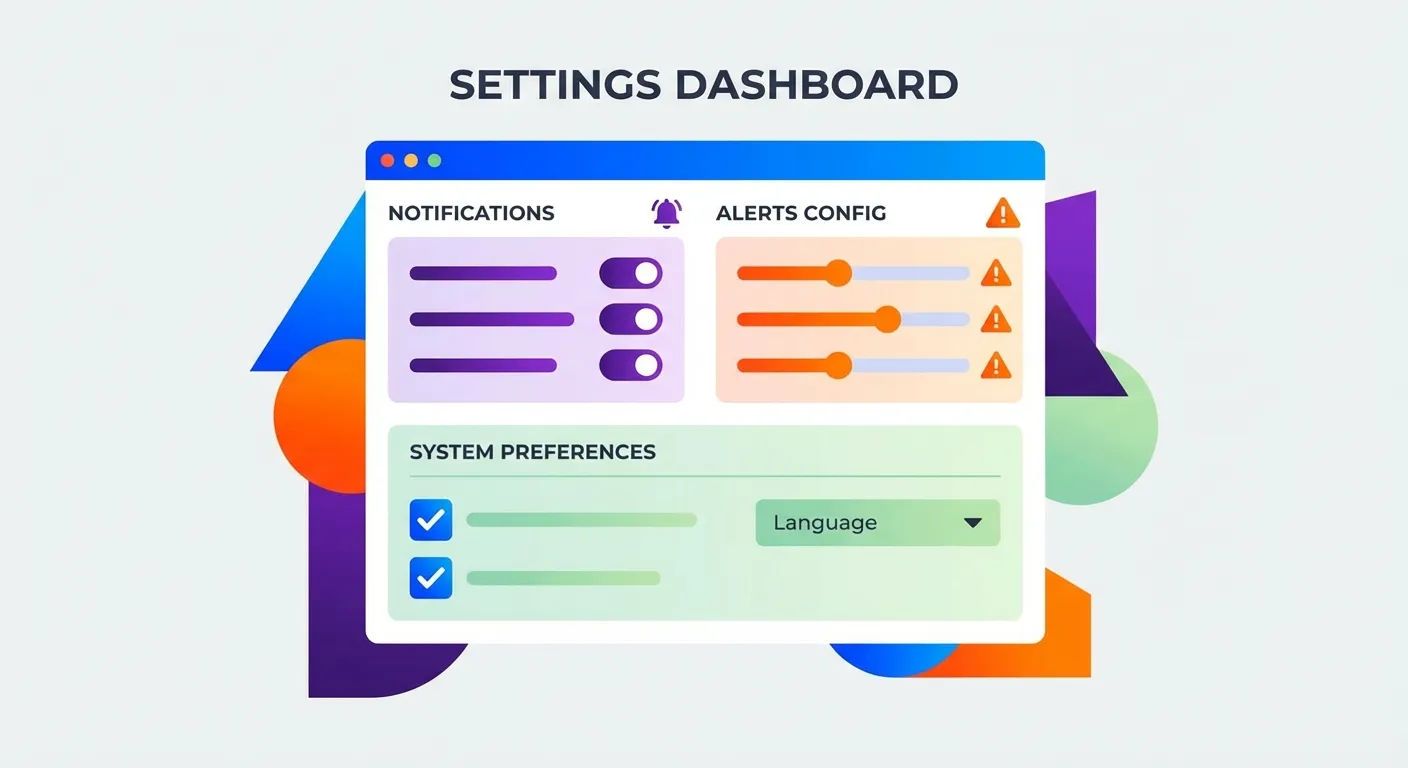
Keepa offers multiple notification channels:
- Email: Best for non-urgent alerts you'll act on within hours
- Browser push: Good for desktop users who want immediate notifications
- Telegram: Excellent for mobile alerts with quick response
- RSS feed: Useful for power users who aggregate multiple data sources
Keepa Free vs Paid: Which Do You Need?
Keepa offers both free and paid tiers. Here's a detailed breakdown based on current pricing information:
| Feature | Free Plan | Paid Plan (19 euros/month) |
|---|---|---|
| Price History Charts | Yes | Yes |
| Price Drop Alerts | Yes | Yes |
| Product Tracking Limit | 5,000 products | Unlimited |
| Sales Rank History | No | Yes |
| Buy Box Statistics | No | Yes |
| Product Finder Tool | No | Yes |
| API Access | No | Yes |
| Price Increase Alerts | No | Yes |
Who Needs the Paid Plan?
For regular Amazon shoppers: The free plan is usually sufficient. You get price history, price drop alerts, and can track up to 5,000 products. That's more than enough for personal use.
For Amazon sellers and resellers: The paid plan is essential. Sales rank history helps you identify profitable products, the Product Finder discovers sourcing opportunities, and API access enables automation.
The annual plan costs 189 euros (about $205 USD), offering a 17% discount compared to monthly billing. Note that Keepa has a strict no-refund policy, so consider starting with the monthly plan to test premium features before committing annually.
Reading Keepa Charts: A Quick Guide
Understanding Keepa's charts helps you spot genuine deals:
Identifying Real Discounts
- Check the historical low: Hover over the chart's lowest point to see the best price ever recorded.
- Compare current vs. average: A "50% off" claim means nothing if the price was artificially inflated beforehand.
- Look for patterns: Some products cycle through predictable price drops every few weeks.
Spotting Fake Discounts
During Prime Day and Black Friday, many "deals" aren't actually deals. Keepa reveals when:
- The "original price" was only briefly listed at that level
- The product was cheaper last month than during the "sale"
- The discount percentage is calculated from an inflated reference price
For more on this topic, see our guide on identifying fake discounts with price trackers.
What Keepa Can't Do: The Missing Piece
Despite its power, the Keepa extension has one significant limitation: it only tracks prices for future purchases. It can't help you with items you've already bought.
Consider this scenario:
- You buy a laptop for $800
- Three days later, Keepa shows the price dropped to $700
- Keepa alerts you to the drop (too late!)
- You're stuck with the higher price... unless you manually contact Amazon
Here's what most people don't realize: Amazon often issues courtesy credits when you politely ask about price drops after purchase. It's not an official policy, but it happens regularly—we've seen it work thousands of times.
The problem? Who has time to monitor every past order and negotiate with customer service for each one?
TaskMonkey: Completing the Picture
This is exactly why we built TaskMonkey. While Keepa excels at tracking prices before you buy, TaskMonkey focuses on what happens after.
Here's how the two tools complement each other:
| Task | Keepa | TaskMonkey |
|---|---|---|
| See price history before buying | Yes | Yes |
| Set alerts for future price drops | Yes | Yes |
| Scan your past orders | No | Yes |
| Find price drops on things you bought | No | Yes |
| Automatically negotiate refunds | No | Yes |
TaskMonkey scans your last 3 months of Amazon orders, compares what you paid versus current prices, and uses AI to automatically chat with customer service to request courtesy credits. You don't lift a finger—just start the scan and collect your refunds.
The best approach? Use Keepa to make smarter purchasing decisions going forward, and use TaskMonkey to recover money on purchases you've already made.
Frequently Asked Questions
Is the Keepa extension safe to use?
Yes. Keepa only requests access to Amazon domains and its own servers. It has been trusted by millions of users since 2013 and maintains a strong privacy policy. For a detailed security analysis, see our article on whether Keepa is safe.
Does Keepa slow down my browser?
Keepa is lightweight and only activates on Amazon pages. Most users report no noticeable performance impact. If you experience slowdowns, try disabling other extensions to identify conflicts.
Can I use Keepa on mobile?
Yes. Keepa offers apps for both Android and iOS. The mobile experience is optimized for smaller screens while maintaining core functionality.
How does Keepa compare to CamelCamelCamel?
Keepa offers more detailed charts, faster updates (every 15 minutes vs. hourly), and more notification options. CamelCamelCamel is simpler and completely free with no paid tier. For a full comparison, read Keepa vs CamelCamelCamel vs Honey.
Why isn't the Keepa chart showing on Amazon?
Common fixes include: refreshing the page, clearing browser cache, disabling conflicting extensions, or checking if your ad blocker is interfering. The chart may also not appear for very new products with no price history.
Bottom Line
The Keepa extension is the gold standard for Amazon price tracking. Its detailed charts, real-time alerts, and broad marketplace coverage make it invaluable for informed shopping decisions.
For most shoppers, the free version provides everything you need. Amazon sellers should consider the paid plan for sales rank data and research tools.
But remember: Keepa shows you when prices drop—it doesn't get your money back on purchases you've already made. For that, you need TaskMonkey. Together, they form a complete price protection strategy: Keepa helps you buy smart, TaskMonkey helps you recover money automatically.
Related Articles in This Topic
- Amazon Price Tracker (2026): Track Price Drops, See Price History & Get Alerts
- Keepa Chrome Extension Download — Install Steps + Fixes
- Keepa App Review (2026) — Price Alerts on Mobile
- Is Keepa Safe? — Permissions, Privacy, and What to Watch For
- How to Read a Keepa Chart — Price, Sales Rank, and Deal Traps
- Keepa vs CamelCamelCamel vs Honey — Which Amazon Price Tracker Should You Use?
- Amazon Price Tracker Extension — Best Chrome Extensions + Setup Guide
- Amazon Price History Extension — How to See Price Charts on Every Product Page
- Track Price Drops After You Buy — Can You Get Money Back From Amazon?
- Prime Day / Black Friday "Fake Discounts" — How to Verify With Price Trackers