
Why You Need an Amazon Price Tracker App
Amazon prices fluctuate constantly—sometimes multiple times per day. According to Profitero's research, Amazon changes prices on millions of products up to 2.5 million times daily. That TV you bought last week? It might be $50 cheaper today.
A good Amazon price tracker app helps you:
- See the complete price history of any product before buying
- Get alerts when prices drop below your target
- Identify "fake" discounts during Prime Day and Black Friday
- Time your purchases for maximum savings
But here's what most people miss: traditional price trackers only help you before you buy. What about the stuff you've already purchased? That's where the real savings opportunity lies—and where most apps fall short.
For a comprehensive overview of all price tracking options, check out our complete Amazon Price Tracker guide.
The Best Amazon Price Tracker Apps Compared
Let's break down the top price tracker apps available for iPhone and Android in 2026:
| App | Platform | Price History | Alerts | Auto Refunds | Cost |
|---|---|---|---|---|---|
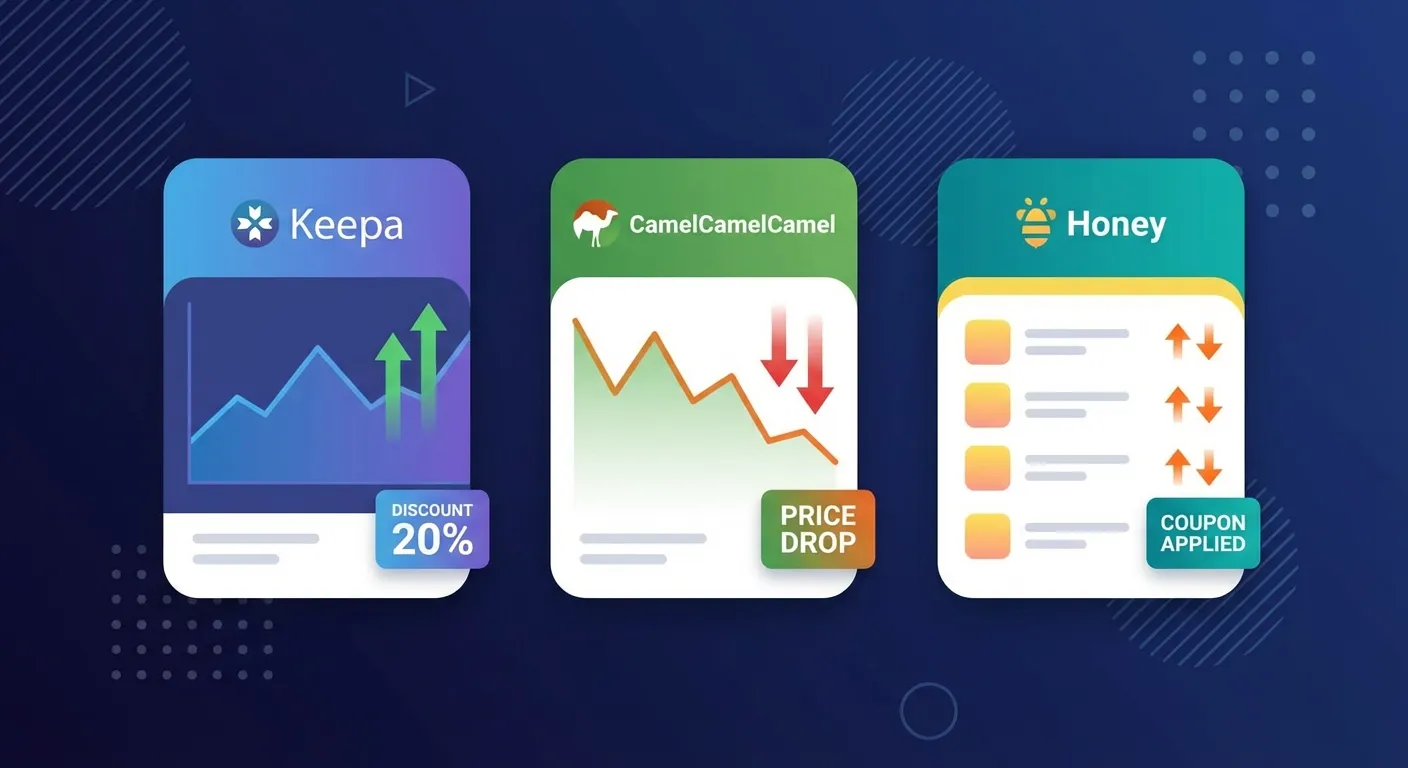
| Keepa | iOS, Android, Chrome | Excellent | Yes | No | Free / $19/mo |
| CamelCamelCamel | Web, Chrome | Good | Yes | No | Free |
| Honey | iOS, Android, Chrome | Basic | Yes | No | Free |
| PriceSpy | iOS, Android, Web | Good | Yes | No | Free |
| TaskMonkey | Chrome Extension | Yes | Yes | Yes | Free + 20% of savings |
1. Keepa — The Power User's Choice
Keepa is the most comprehensive Amazon price tracker available. With over 5 billion products tracked worldwide and a 4.8/5 rating on the App Store, it's the go-to choice for serious Amazon shoppers.
Keepa Key Features
- Detailed price history charts embedded on Amazon product pages
- Support for 11 Amazon marketplaces (US, UK, Germany, Japan, etc.)
- Customizable price drop and availability alerts
- Barcode scanning in the mobile app
- Sales rank tracking (premium feature)
Keepa Mobile App Experience
The Keepa app is available for both iPhone and Android. The iOS version has a 4.8/5 rating, while Android users give it 4.3/5 stars.
Users love the data depth—one reviewer reported that "within minutes of downloading the app, Keepa saved them $160" by revealing an item's true price history.
However, the mobile app has some UI issues. According to G2 reviews, the interface feels like "an embedded webpage" rather than a native app. Navigation can be clunky, and some users find the charts difficult to read on smaller screens.
Keepa Pricing
- Free tier: Basic price tracking, limited historical data
- Premium: 19 EUR/month or 189 EUR/year for full data access, interactive charts, and unlimited tracking
For a deeper dive, read our complete Keepa extension guide.
2. CamelCamelCamel — Simple and Completely Free
CamelCamelCamel has been tracking Amazon prices since 2008, making it one of the oldest and most trusted tools. Its main advantage? Everything is completely free—no premium tier, no hidden costs.
CamelCamelCamel Key Features
- Clean, easy-to-read price history charts
- No installation required—just paste any Amazon URL
- Email alerts for price drops
- Covers 8 Amazon marketplaces
- "The Camelizer" Chrome extension for in-page data
Mobile Experience
CamelCamelCamel doesn't have a dedicated mobile app, but the website is mobile-responsive. You can access price history and set alerts through your phone's browser. For iPhone users specifically looking for a dedicated app, this might be a limitation.
Why Choose CamelCamelCamel
For casual shoppers who just want to verify if a deal is real, CamelCamelCamel is often enough. It's the best choice if you:
- Want a completely free solution with no upsells
- Prefer simplicity over advanced features
- Mainly shop on desktop/laptop
3. Honey — Best for Coupon Hunters
Honey (now owned by PayPal) is known primarily for automatically applying coupon codes at checkout. But it also offers solid price tracking through its "Droplist" feature.
Honey Key Features
- Automatic coupon code application at checkout
- Droplist for tracking items and getting price drop alerts
- Works on 30,000+ shopping sites (not just Amazon)
- Available on iOS and Android
Honey Limitations
Honey's price tracking is less detailed than Keepa or CamelCamelCamel. The price history charts are basic, and it doesn't offer the granular data that power users need. It's best used as a complement to a dedicated price tracker rather than a replacement.
Users save an average of $126 annually using Honey's coupon and price tracking features combined.
4. PriceSpy — Best for Multi-Retailer Comparison
PriceSpy takes a different approach by comparing prices across multiple retailers, not just Amazon. With over 5 million downloads on Google Play, it's popular for electronics and home appliances.
PriceSpy Key Features
- Price comparison across dozens of retailers
- Price history charts for each retailer
- Detailed product specifications
- Available on iOS (4/5 rating) and Android (3.5/5 rating)
The main advantage is seeing whether Amazon actually has the best price, or if another retailer is cheaper.
The Problem: Price Trackers Don't Get Your Money Back
Here's the fundamental limitation of every traditional price tracker: they help you before you buy, but they're useless after you've already purchased.
Think about it:
- You buy a laptop for $800
- Three days later, it drops to $720
- Your price tracker alerts you (too late!)
- You're stuck with the higher price... unless you contact Amazon yourself
What most people don't realize is that Amazon often issues courtesy credits when you politely ask about a price drop after purchase. It's not an official policy, but it happens—we've seen it work thousands of times.
The problem? Who has time to monitor every order and negotiate with customer service for each one?
TaskMonkey: The Price Tracker That Actually Gets Refunds
This is where TaskMonkey stands apart from every other app on this list. We built it specifically to solve the "what about stuff I already bought?" problem.
How TaskMonkey Works
- Install the free Chrome extension
- Click "Start Saving Now" on your dashboard
- TaskMonkey scans your last 3 months of Amazon orders
- It compares what you paid vs. current prices
- For any price drops, AI automatically chats with Amazon customer service
- You receive credits or refunds directly to your Amazon account
Why TaskMonkey Is Different
| Feature | Traditional Trackers | TaskMonkey |
|---|---|---|
| Price History | Yes | Yes |
| Price Alerts | Yes | Yes |
| Scans Past Orders | No | Yes |
| Auto-Negotiates Refunds | No | Yes |
| Actually Gets You Money | No | Yes |
The best part? You don't have to do anything. Start the scan, go make dinner, and come back to find money in your Amazon account.
TaskMonkey Pricing
- Scanning: Completely free
- Finding price drops: Completely free
- Getting refunds: 20% of what we recover (only if successful)
If we don't get you any money back, you pay nothing. Zero risk.
What About Earny and Capital One Shopping?
You might be wondering about other "automated refund" apps like Earny or Capital One Shopping (formerly Paribus).
Capital One Shopping Price Protection
Capital One Shopping used to offer automatic price protection by scanning your email for receipts. However, as of January 2023, their Price Protection program has been paused. The service is no longer actively monitoring for price drops.
Earny
Earny offers automated refund services but with some significant drawbacks:
- Takes 25% of any refunds (vs. TaskMonkey's 20%)
- Requires full email access to scan receipts
- Or charges $7.99/month subscription
- Relies on credit card price protection (many cards have eliminated this)
According to reviews on Vital Dollar, giving up email access is a "clear security risk" that makes many users uncomfortable.
TaskMonkey takes a different approach: we don't need your email or credit card. Our Chrome extension works directly with your Amazon session, keeping your personal data private.
Which App Should You Choose?
Here's our recommendation based on your needs:
- Best for power users and sellers: Keepa (most detailed data and analytics)
- Best for casual shoppers: CamelCamelCamel (completely free and simple)
- Best for coupon hunters: Honey (automatic coupon codes + price tracking)
- Best for multi-retailer shopping: PriceSpy (compares prices across stores)
- Best for getting money back on past purchases: TaskMonkey (only tool that actually recovers money)
The Smart Strategy
The smartest approach is to combine tools:
- Use Keepa or CamelCamelCamel to track prices before you buy
- Use TaskMonkey to recover money on things you've already bought
They complement each other perfectly. Traditional trackers help you avoid overpaying. TaskMonkey helps you get refunds when prices inevitably drop after purchase.
Frequently Asked Questions
Is there a Keepa app for iPhone?
Yes, Keepa has an official iPhone app with a 4.8/5 rating. It includes price history viewing, alert management, barcode scanning, and price drop notifications.
What's the best free Amazon price tracker app?
CamelCamelCamel is the best completely free option with no premium tier. Keepa's free version is also excellent but has some limitations. For the mobile experience specifically, Keepa's iOS app edges ahead.
Can Amazon price tracker apps get me refunds?
Traditional price trackers (Keepa, CamelCamelCamel, Honey) only show you price history and send alerts—they don't handle refunds. TaskMonkey is the only tool that automatically negotiates refunds with Amazon on your behalf.
Are Amazon price tracker apps safe to use?
Reputable apps like Keepa and CamelCamelCamel have been trusted by millions of users for over a decade. They only request access to Amazon domains and don't require your Amazon password. Learn more in our guide on whether Keepa is safe.
How do I track Amazon price drops on my phone?
Install the Keepa app (iOS or Android), navigate to any Amazon product, and tap "Track" to set a target price. You'll get push notifications when the price drops. For the best mobile experience, check out our Keepa app review.
Related Articles in This Topic
- Amazon Price Tracker (2026): Track Price Drops, See Price History & Get Alerts
- Amazon Price Tracker Extension — Best Chrome Extensions + Setup Guide
- Amazon Price History Extension — How to See Price Charts on Every Product Page
- How to Set Amazon Deal Alerts (Wish List, Rufus, Alexa+) — 2026
- Keepa Extension — What It Is, How It Works, and Best Settings
- Keepa Chrome Extension Download — Install Steps + Fixes
- Keepa App Review (2026) — Price Alerts on Mobile
- Is Keepa Safe? — Permissions, Privacy, and What to Watch For
- Keepa vs CamelCamelCamel vs Honey — Which Amazon Price Tracker Should You Use?
- Track Price Drops After You Buy — Can You Get Money Back From Amazon?
- How to Read a Keepa Chart — Price, Sales Rank, and Deal Traps