
What Is an Amazon Price Comparison Extension?
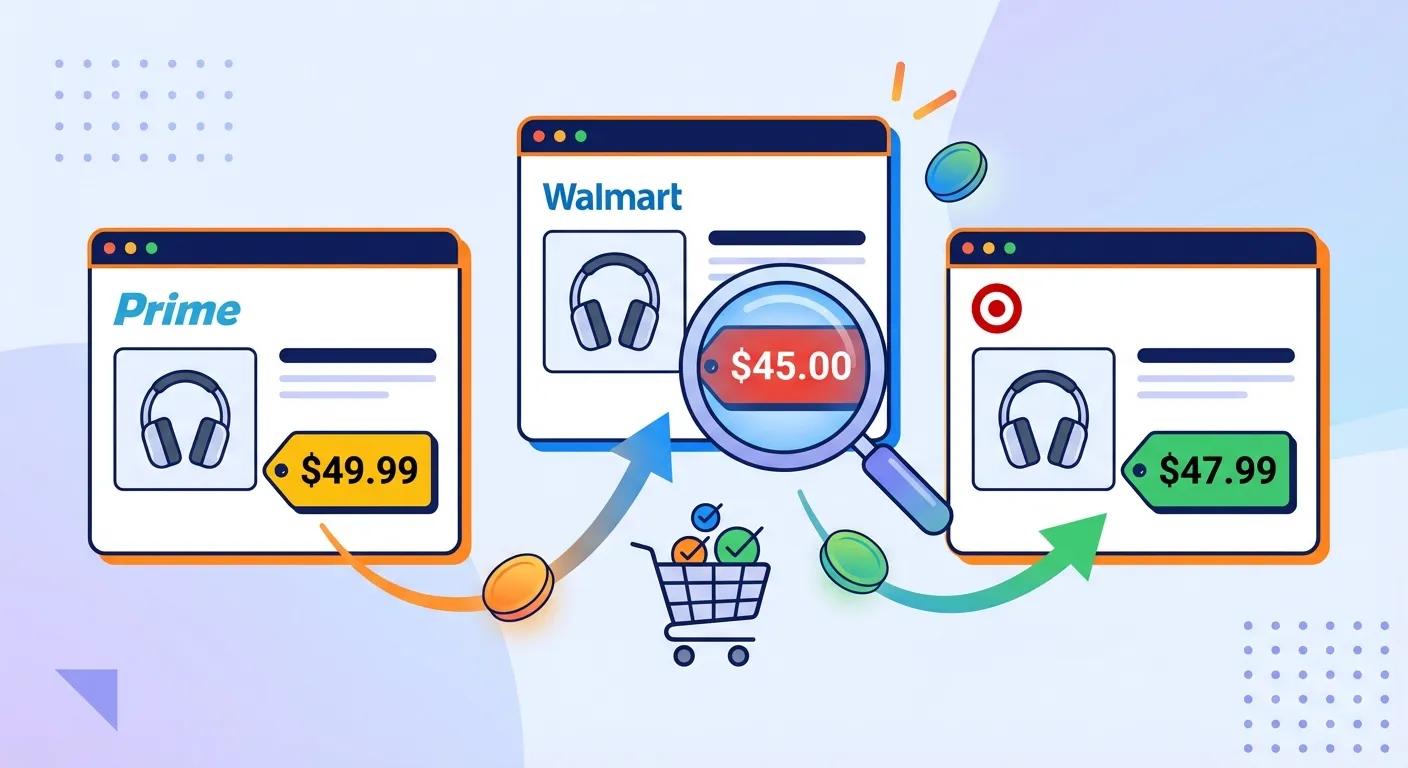
An Amazon price comparison extension is a browser tool that helps you make smarter purchasing decisions by comparing prices in real-time. These extensions typically offer three core functions:
- Seller comparison: Compare prices between Amazon-sold items and third-party sellers on the same product page
- Cross-platform comparison: See if the same product is cheaper at Walmart, Target, Best Buy, or other retailers
- Price history: View historical price trends to determine if the current price is actually a good deal
With Amazon hosting over 1.9 million active third-party sellers in 2025—accounting for more than 60% of all sales on the platform—comparing seller options has never been more important. The price difference between Amazon-sold items and third-party alternatives can range from 5% to 30% or more.
For a comprehensive overview of price tracking tools, check out our main guide: Amazon Price Tracker (2026): Track Price Drops, See Price History, and Get Alerts.
Amazon Seller Comparison: Amazon vs Third-Party
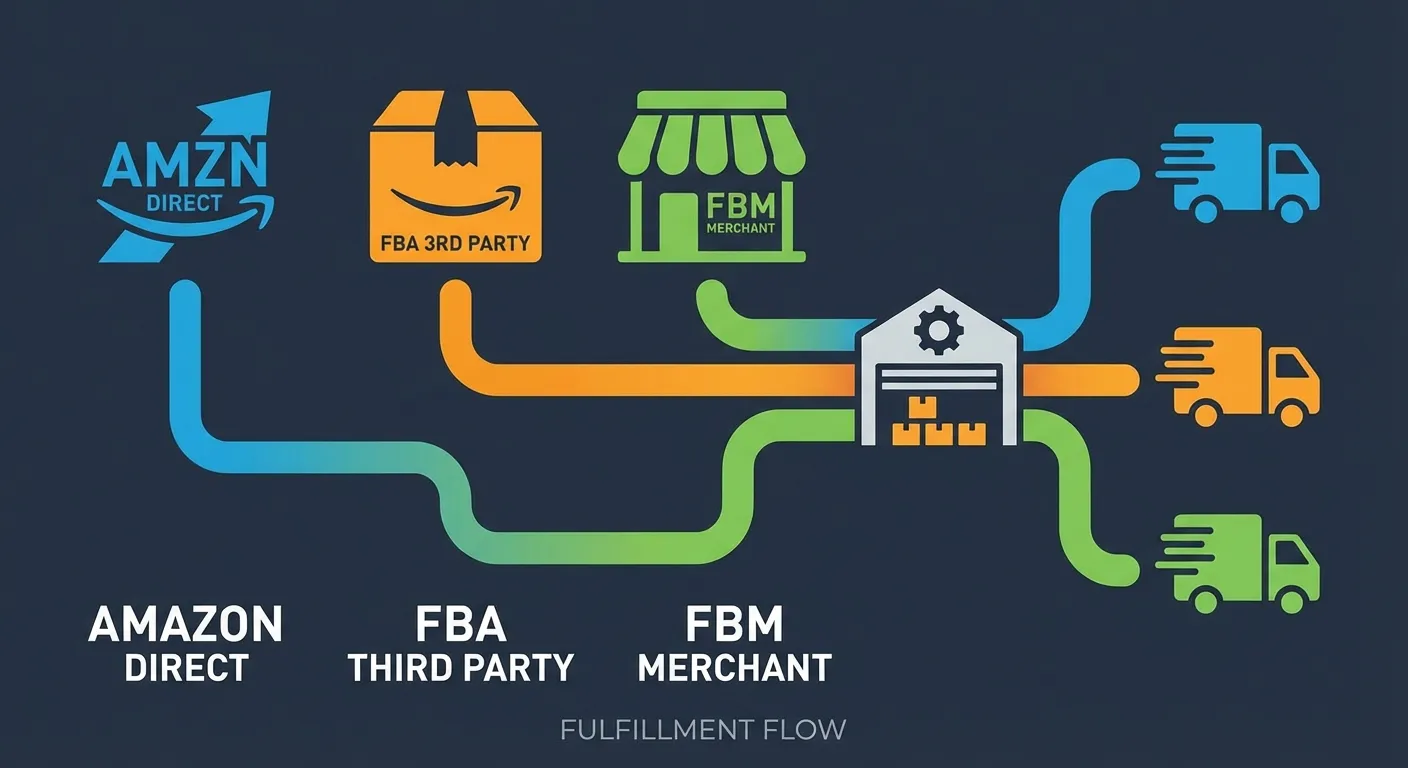
Before diving into extension recommendations, it's crucial to understand what you're comparing. On any given Amazon product page, you might see multiple seller options:
Types of Amazon Sellers
| Seller Type | What It Means | Price Implications |
|---|---|---|
| Sold by Amazon | Amazon owns and sells the inventory | Often competitive, Prime eligible |
| FBA (Fulfilled by Amazon) | Third-party seller, Amazon handles shipping | Prime eligible, may vary from Amazon price |
| FBM (Fulfilled by Merchant) | Third-party handles everything | Sometimes cheaper, no Prime shipping |
According to recent data, 82% of active sellers now use FBA services, which means most third-party products still qualify for Prime shipping. However, FBA sellers pay additional fees to Amazon, which can result in higher prices compared to FBM sellers who manage their own logistics.
Why Seller Comparison Matters
The "Buy Box" on Amazon—the prominent "Add to Cart" button—rotates between sellers based on price, fulfillment method, and seller rating. But here's what many shoppers don't realize: clicking "Other Sellers" often reveals significantly lower prices.
Key differences to watch for:
- Shipping costs: FBM sellers may offer "free shipping" but have higher base prices
- Return policies: Amazon-fulfilled items have consistent 30-day returns; third-party policies vary
- Condition: Some third-party sellers offer "Like New" or "Open Box" items at 20-40% discounts
- Warranty: Amazon-sold items typically include manufacturer warranty; third-party may not
Cross-Platform Price Comparison: Amazon vs Walmart vs Target
While Amazon dominates online retail, it's not always the cheapest option. A 2024 Profitero study found that Amazon changes prices on millions of products up to 2.5 million times daily—but so do Walmart and Target. The retailer with the best price can shift hour by hour.
When Other Retailers Beat Amazon
- Walmart: Often cheaper for groceries, household basics, and store-brand alternatives
- Target: Better deals when stacking RedCard (5% off) with Circle offers
- Best Buy: Frequently matches or beats Amazon on electronics, especially during sales
- Costco: Bulk items and large appliances often 10-20% cheaper (membership required)
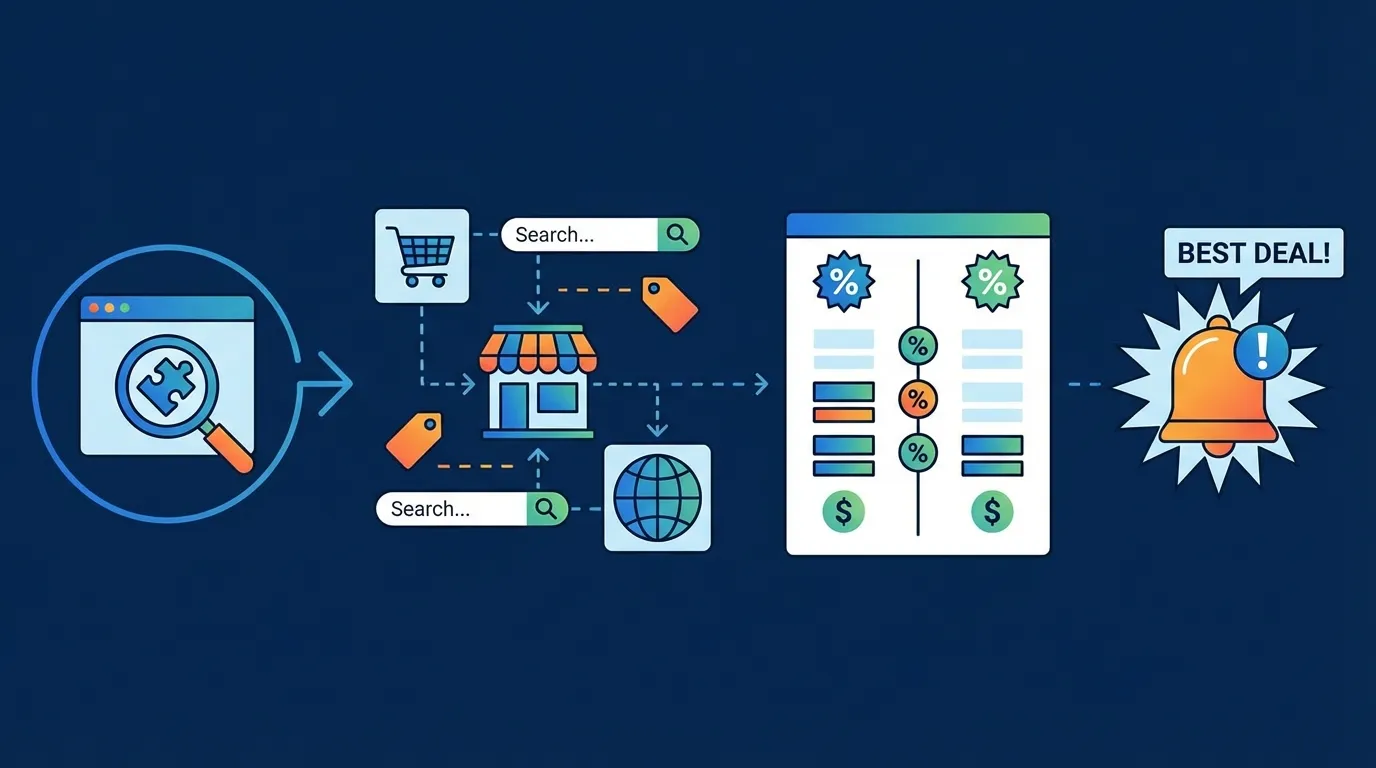
This is where cross-platform price comparison extensions shine. Instead of manually checking each retailer, these tools automatically search 10,000+ stores and notify you if a better deal exists elsewhere.
Best Amazon Price Comparison Extensions in 2026
After testing dozens of extensions, here are our top recommendations based on specific use cases:
1. PriceBlink — Best for Cross-Platform Comparison
PriceBlink is a standout for shoppers who want to compare prices across retailers instantly. When you land on an Amazon product page, PriceBlink automatically checks 11,000+ merchants—including Walmart, Target, eBay, and niche retailers—and displays a notification bar if a lower price is available.
Key features:
- Instant price comparison across 11,000+ merchants
- Shows shipping costs in total price calculation
- Automatic coupon code application at checkout
- No account required—works immediately after installation
2. Keepa — Best for Seller Analysis and Price History
With over 4 million Chrome users and a 4.7/5 rating, Keepa remains the gold standard for Amazon price tracking. While it's primarily known for price history charts, Keepa also provides detailed seller comparison data.
Why Keepa excels at seller comparison:
- Separate price tracking for Amazon, new third-party, and used items
- Buy Box percentage analysis (which seller "wins" most often)
- Seller rating and fulfillment method filters
- International price comparison across 11 Amazon marketplaces
For a deep dive on using Keepa effectively, see our guide to reading Keepa charts.
3. Honey — Best for Automatic Savings
Now owned by PayPal, Honey has evolved from a simple coupon finder into a comprehensive shopping assistant. While its price history features are less detailed than Keepa, Honey excels at finding additional savings through coupon codes and cashback offers.
Honey's price comparison features:
- Droplist for tracking price drops on items you're watching
- Works across 30,000+ shopping sites (not just Amazon)
- Honey Gold rewards redeemable for gift cards
- Price history graphs on Amazon product pages
Compare all three tools in our detailed analysis: Keepa vs CamelCamelCamel vs Honey.
4. Popcart — Best for Unit Price Comparison
Popcart takes a unique approach by focusing on unit pricing. When you browse Amazon, Target, or Walmart, it automatically calculates the cost per ounce, per count, or per unit—making it easy to identify bulk deals that actually save money.
5. CNET Shopping — Best Editorial Integration
Backed by CNET's tech expertise, this extension combines price comparison with product research. It surfaces expert reviews alongside price data, helping you make informed decisions beyond just finding the cheapest option.
How to Identify Real Deals vs Fake Discounts
Price comparison extensions aren't just about finding lower prices—they're essential for avoiding inflated "fake discounts." Here's how to spot them:
Red Flags to Watch For
- Price spikes before sales: Some sellers raise prices 1-2 weeks before Prime Day or Black Friday, then "discount" to the original price
- "Was" price manipulation: Amazon's strikethrough price doesn't always reflect actual market value
- Lightning Deal theater: "50% claimed" badges create urgency but don't indicate genuine savings
- Variant switching: The discounted variant may be a different size, color, or configuration
The solution? Always check price history before buying. Keepa and CamelCamelCamel both show 90+ days of historical data, revealing whether the current "deal" is actually below the normal price. Learn more about spotting fake discounts in our article on verifying discounts with price trackers.
The Missing Feature: Getting Money Back After Purchase
Here's the problem with every price comparison extension on the market: they help you find deals before you buy, but they're useless for purchases you've already made.
Consider this scenario:
- You buy a $200 air purifier after comparing prices across retailers
- Three days later, it drops to $150 on Amazon
- Your price comparison extension alerts you to the drop (too late!)
- You're stuck—or are you?
What most shoppers don't realize is that Amazon often issues courtesy credits when you politely ask about post-purchase price drops. It's not an official policy, but it happens regularly—we've seen it work thousands of times.
The catch? Most people don't have time to:
- Monitor every past purchase for price changes
- Contact customer service for each drop
- Negotiate effectively with support agents
TaskMonkey: The Price Comparison Tool That Gets Your Money Back
This is where TaskMonkey fundamentally differs from traditional price comparison extensions. Instead of just comparing prices before purchase, TaskMonkey focuses on recovering money after you've already bought.
How it works:
- Install the free Chrome extension
- Click "Start Saving Now" on your dashboard
- TaskMonkey automatically scans your last 3 months of Amazon orders
- It compares your purchase prices against current prices
- For any price drops, AI automatically contacts Amazon customer service
- You receive credits or refunds directly to your Amazon account
The entire process is hands-off. Start the scan, go about your day, and come back to find money in your account. TaskMonkey only charges when we successfully recover money—20% of what we get back. If we don't save you anything, you pay nothing.
For more on tracking post-purchase price drops, see our guide: Track Price Drops After You Buy.
Recommended Setup: Pre-Purchase + Post-Purchase Coverage
For maximum savings, we recommend a two-pronged approach:
| Stage | Tool | Purpose |
|---|---|---|
| Before Purchase | Keepa + PriceBlink | Compare sellers, check history, find best retailer |
| At Checkout | Honey | Apply coupon codes, earn cashback |
| After Purchase | TaskMonkey | Recover money on post-purchase price drops |
This combination ensures you're getting the best price upfront while also capturing savings on the 40% of products that drop in price within 30 days of purchase.
Frequently Asked Questions
Do price comparison extensions slow down my browser?
Most modern extensions have minimal performance impact. Keepa and PriceBlink add 50-100ms to page load times on Amazon. If you notice slowdowns, try disabling extensions on sites where you don't need them.
Are price comparison extensions safe?
Reputable extensions like Keepa, Honey, and PriceBlink have been used by millions without security issues. Always check user reviews and only install from official browser stores. See our guide on whether Keepa is safe for detailed privacy analysis.
Can I use multiple price comparison extensions at once?
Yes, but some combinations may create visual clutter or minor performance issues. We recommend Keepa (for price history) + one cross-platform tool (PriceBlink or Popcart) as an optimal pairing.
Which extension works best for Amazon seller comparison specifically?
Keepa is the most detailed for Amazon seller analysis, showing separate price lines for Amazon-sold, new third-party, and used items. Its data helps identify which seller type typically offers the best price for specific product categories.
Bottom Line
Amazon price comparison extensions are essential tools for smart online shopping in 2026. For pre-purchase comparisons, use Keepa for seller analysis and price history, PriceBlink for cross-retailer comparison, and Honey for coupon codes and cashback.
But don't forget the post-purchase opportunity. Traditional comparison tools can't help with items you've already bought—and that's where most shoppers leave money on the table. TaskMonkey fills this gap by automatically monitoring your past orders and negotiating refunds when prices drop.
The smartest shoppers use both: comparison extensions before buying, and TaskMonkey after. Together, they capture savings at every stage of the shopping journey.