
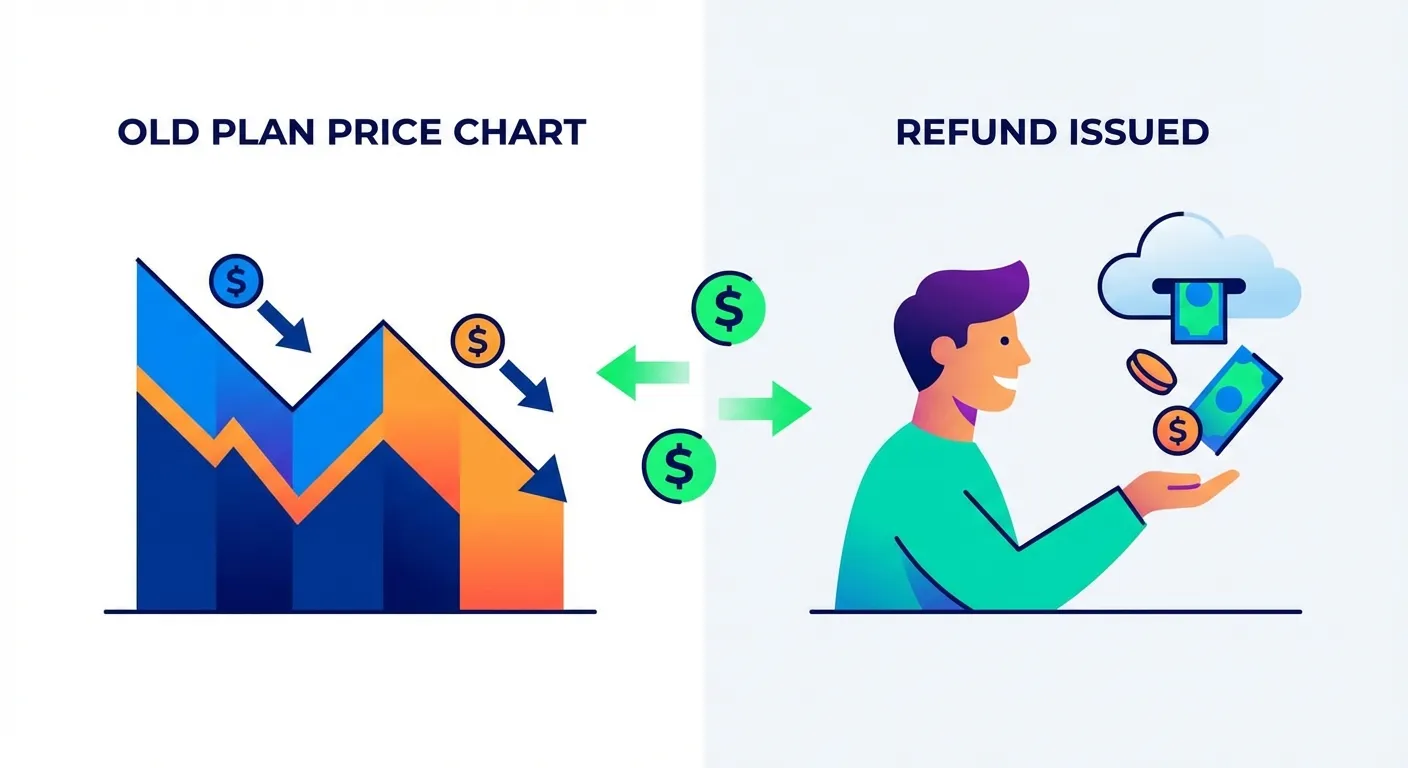
If you have spent any time researching Amazon shopping tools, you have probably come across Keepa. It is been around since 2013 and has built a reputation as the gold standard for Amazon price tracking. With over 5 billion products tracked worldwide and detailed historical charts, Keepa is genuinely impressive.
But here is a question that does not get asked often enough: once Keepa shows you that a price dropped, what happens next?
The answer, for most people, is nothing. And that is exactly the gap that price adjustment extensions like TaskMonkey are designed to fill.
What Keepa Excels At
Let us give credit where it is due. Keepa does several things exceptionally well:
Industry-Leading Price History Charts
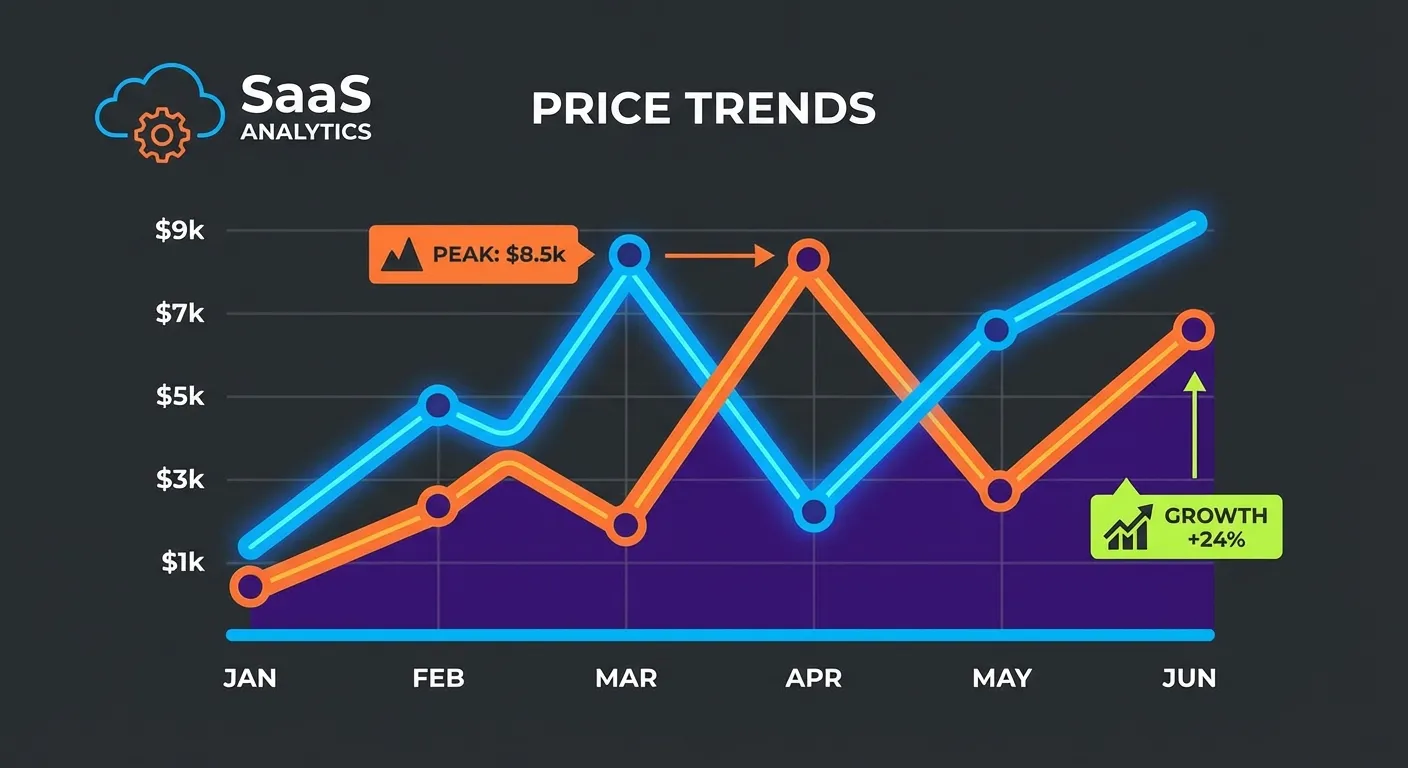
Keepa's price history graphs are legendary among Amazon shoppers. According to The Selling Guys, Keepa tracks price data across 11 Amazon marketplaces including the US, UK, Germany, Japan, and more. The charts show:
- Amazon's own price over time (the orange line)
- Third-party seller prices (the green line)
- Used item prices
- Lightning deal history
- Sales rank trends
For anyone trying to decide whether now is a good time to buy, Keepa's charts are invaluable. You can see if that "50% off" deal is actually a good deal or if the product was cheaper last month.
Multi-Platform Support
Keepa is not just a Chrome extension. According to the Chrome Web Store listing, it is available on Firefox, Safari, Opera, and Microsoft Edge. There is even a mobile app for iOS and Android.
Price Drop Alerts
You can set a target price for any product, and Keepa will notify you when it drops below that threshold. Notifications can come via email, Telegram, Facebook Messenger, or browser push notifications.
Advanced Filtering (Premium)
For power users willing to pay around $17/month for the premium Data Access tier, Keepa offers product finder tools, data export capabilities, and merchant tracking features.
Keepa's Core Limitation: The "So What" Problem
Here is where things get interesting. Keepa is fundamentally an information tool. It tells you things. It does not do things.
Let us walk through a common scenario:
- You buy a $200 kitchen appliance on Amazon
- A week later, Keepa shows you the price dropped to $170
- You now know you could have saved $30
- ...Now what?
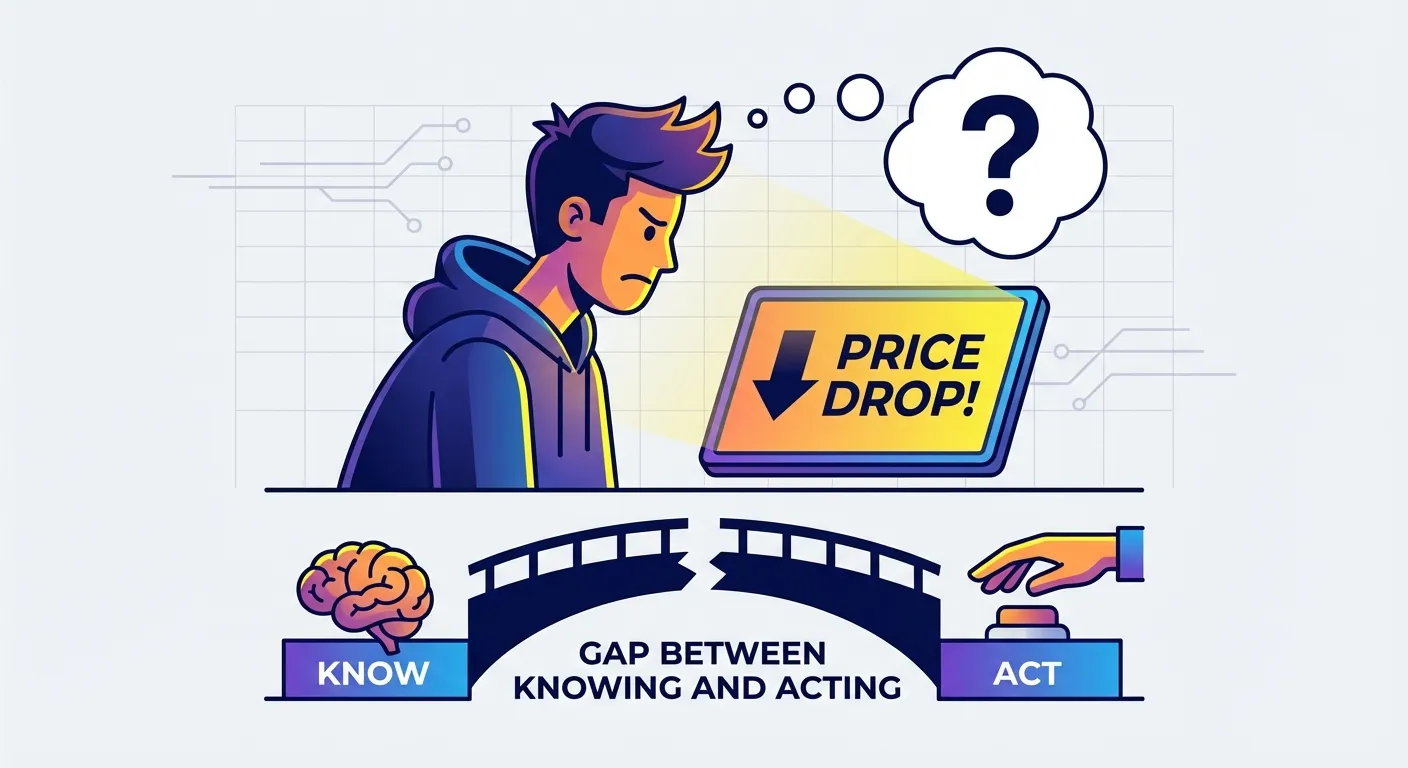
Keepa's job ends at step 3. It showed you the information. Mission accomplished.
But that $30? It is still sitting in Amazon's pocket. If you want it back, you need to:
- Navigate to Amazon's customer service
- Open a chat or call
- Explain the situation
- Ask politely for a courtesy credit
- Hope the representative is helpful
- Follow up if needed
Most people do not do this. Not because they do not want the money, but because the friction is too high. We are all busy. Spending 15-20 minutes on chat for a potential $30 credit feels like a bad trade when you have got work, kids, or a dozen other things demanding your attention.
This is what we call the "So What" problem. Keepa tells you something valuable, but the practical value of that information depends entirely on whether you act on it. And most people do not.
How Price Adjustment Extensions Go Further
Price adjustment extensions like TaskMonkey are built on a different philosophy: information is only valuable if it leads to action.
Here is how the process works with TaskMonkey:
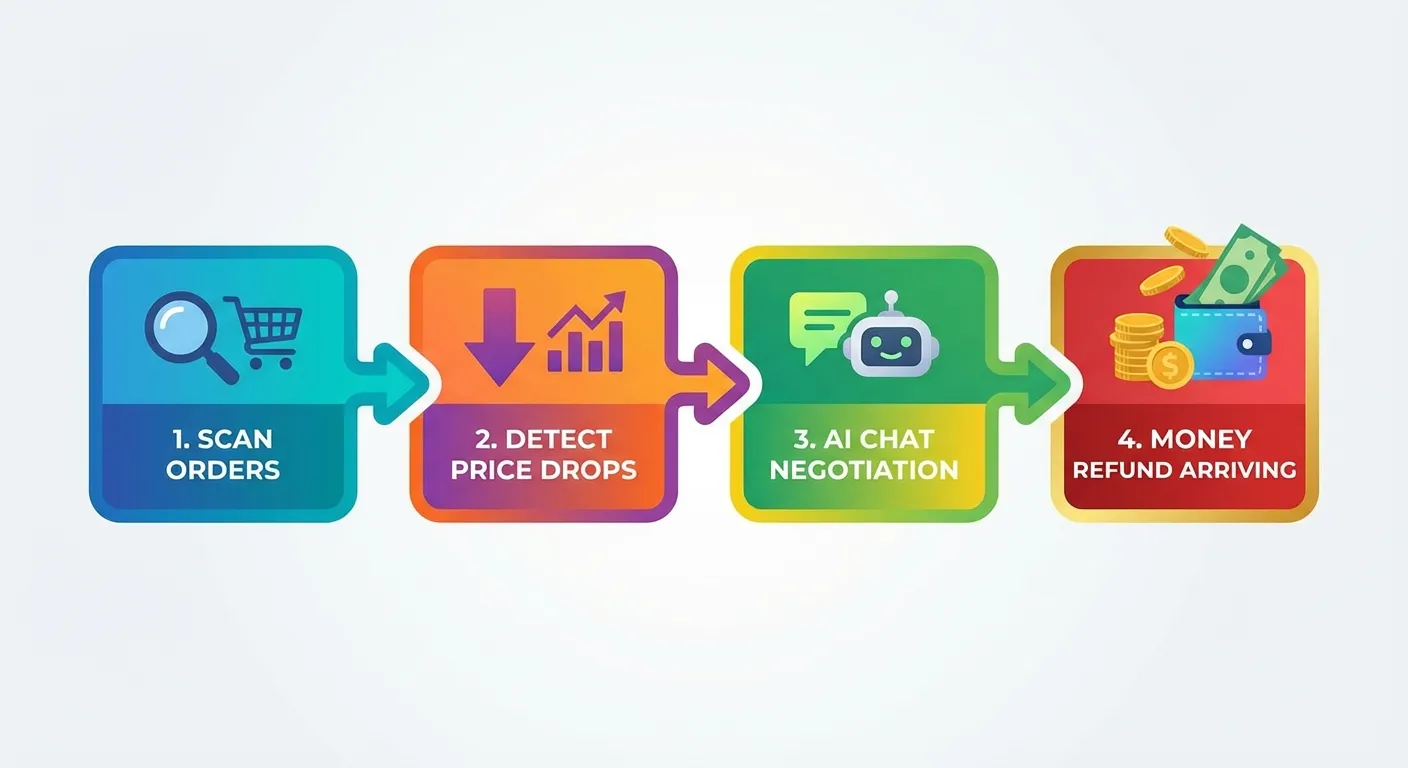
- You install the Chrome extension and click "Start Saving"
- TaskMonkey automatically scans your Amazon order history (past 3 months)
- It compares what you paid versus current prices
- When it finds a price drop, it opens Amazon customer service
- AI handles the conversation, politely requesting a courtesy credit
- The refund lands in your Amazon account
Notice the difference? You click one button at step 1. Steps 2-6 happen automatically.
The Key Distinction: Post-Purchase vs Pre-Purchase
Keepa is a pre-purchase tool. It helps you make better buying decisions by showing you historical data before you commit.
TaskMonkey is a post-purchase tool. It helps you recover money on purchases you have already made.
These are not competing functions. They are complementary. But they solve fundamentally different problems.
Use Case Comparison
Let us break down when you would use each tool:
| Use Case | Keepa | TaskMonkey |
|---|---|---|
| Research prices before buying | Excellent - detailed charts | Not designed for this |
| Wait for a good deal | Great - price drop alerts | Not designed for this |
| Check if a discount is real | Perfect - see historical lows | Not designed for this |
| Track prices after buying | Shows you the drop | Gets your money back |
| Request price adjustments | You do it yourself | AI handles it automatically |
| Bulk order scanning | Not available | Scans 3 months at once |
Who Should Use Which?
Use Keepa If:
- You are a patient shopper who does not mind waiting for deals
- You want to research prices before making major purchases
- You enjoy analyzing data and charts
- You are an Amazon FBA seller tracking competitor prices
- You want to verify that "sale" prices are actually good deals
Use TaskMonkey If:
- You have already bought items and want money back if prices dropped
- You do not have time to contact Amazon customer service yourself
- You buy frequently on Amazon and want automated price protection
- You want to set it and forget it rather than manually track every order
- You value your time more than spending 15 minutes per refund request
Use Both If:
- You want maximum coverage: research before buying (Keepa) + automatic refunds after (TaskMonkey)
- You are a serious Amazon shopper who wants every possible advantage
The Real Question: What Do You Want?
At the end of the day, the choice between Keepa and a price adjustment extension comes down to what you are trying to accomplish.
Do you want information? Keepa delivers that in spades. Nobody does price history better.
Do you want money back in your pocket? That requires action, and that is where tools like TaskMonkey come in.
Here is a real scenario: Keepa shows you that the blender you bought last week dropped $25. That is genuinely useful information. But that $25 is still theoretical savings until someone contacts Amazon and asks for it back.
TaskMonkey turns that theoretical $25 into actual money in your Amazon account, without you lifting a finger beyond the initial setup.
FAQ
What is Keepa best used for?
Keepa is best for tracking Amazon price history before you buy. It shows detailed charts of price fluctuations over time, helping you decide when to purchase. However, it does not help you get refunds after you have already bought something.
Can Keepa help me get a refund if the price drops after I buy?
No. Keepa only shows you that the price dropped. It does not contact Amazon customer service or negotiate refunds on your behalf. You would need to do that yourself manually.
How is TaskMonkey different from Keepa?
While Keepa tracks prices and shows history charts, TaskMonkey focuses on post-purchase price drops. It automatically scans your Amazon orders, detects price drops, and uses AI to negotiate refunds with customer service on your behalf.
Should I use Keepa or TaskMonkey?
Use Keepa before buying to research price history and wait for good deals. Use TaskMonkey after buying to automatically recover money when prices drop. They serve different purposes and can be used together.
The Bottom Line
Keepa is an excellent tool for what it does. If you want to understand Amazon pricing patterns and make informed buying decisions, there is nothing better.
But if you have already made purchases and want to recover money from price drops, Keepa will only tell you what you missed. It won't help you get it back.
TaskMonkey picks up where Keepa leaves off. It is not about tracking prices, it is about turning price drops into actual refunds, automatically.
The average TaskMonkey user recovers over $200 per year from price drops they would have otherwise missed. That is money that was sitting on the table, and most people did not even know they could claim it.
Ready to stop just watching prices and start getting your money back? Try TaskMonkey free and see how much you could recover from your recent Amazon orders.
Related Articles in This Topic
- Price Adjustment Extension: Get Your Money Back Automatically in 2026
- Best Price Adjustment Extension for Chrome in 2026
- Automatic Price Adjustment Extension: Set It and Forget It
- Amazon Price Adjustment Extension: How to Get Refunds After Price Drops
- Price Adjustment After Purchase: How Extensions Track Price Drops for You
- How Price Adjustment Extensions Work: A Behind-the-Scenes Look
- Best Price Adjustment Extensions in 2026: Complete Ranking & Reviews
- Price Adjustment Extension vs Honey: Which Actually Saves You More?
- Price Adjustment Extension Comparison