
What Honey Does (And Does Well)
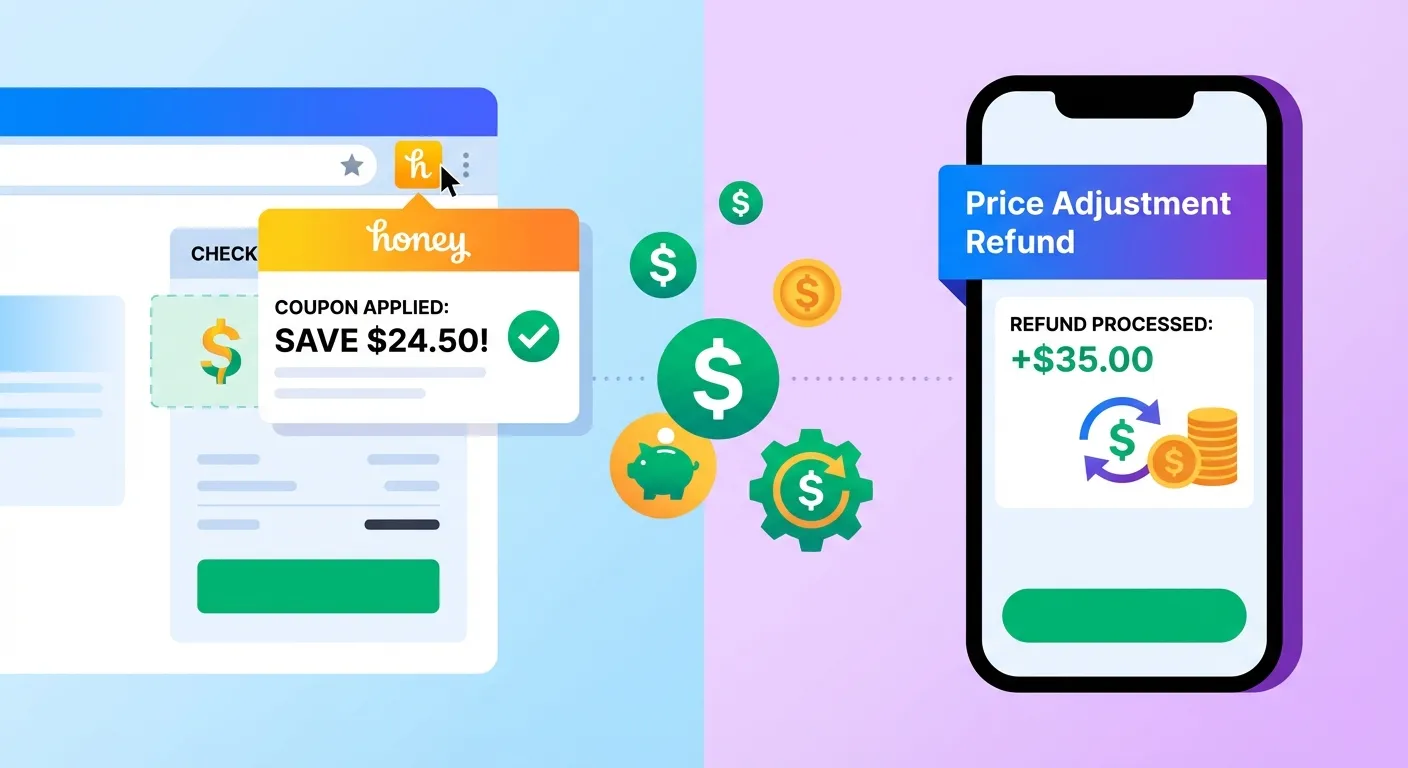
PayPal Honey is one of the most popular shopping browser extensions, with over 17 million users. Acquired by PayPal for $4 billion in 2020, it's become a household name for online shoppers looking to save money.
Here's what Honey actually does:
Automatic Coupon Code Testing
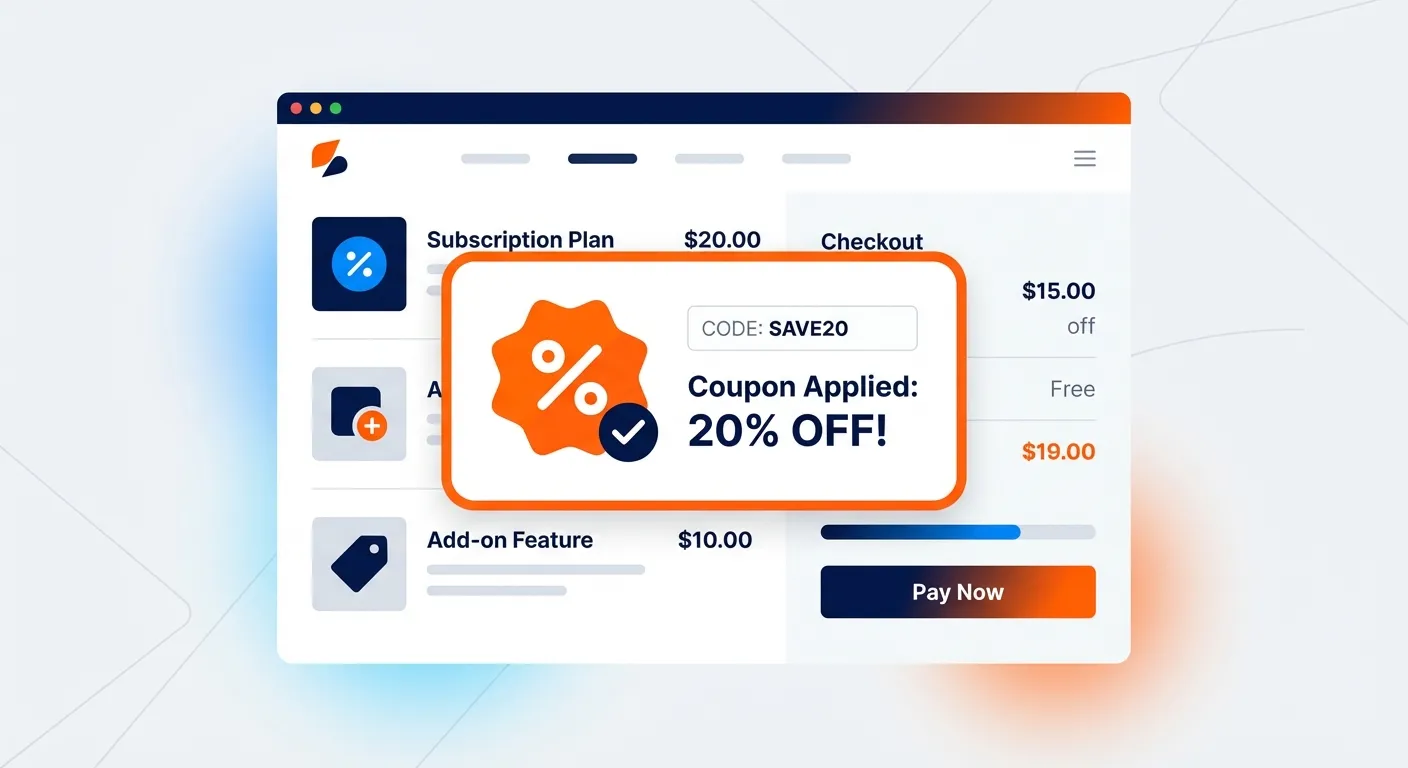
When you reach checkout on supported sites, Honey automatically searches its database and tests available promo codes. With one click, it applies whichever code gives you the highest discount. According to PayPal's official documentation, Honey works on over 30,000 online stores.
Droplist Price Tracking
Honey's Droplist feature lets you save products to a watchlist. When prices drop on those items, you receive an alert. It's useful for bigger purchases like electronics where waiting for a sale makes sense.
PayPal Rewards (Honey Gold)
Some purchases earn Honey Gold points, which can be redeemed for gift cards. According to CNBC's review, you need to earn 1,000 points (equivalent to $10) before you can redeem, and the redemption options are limited to gift cards rather than cash.
Amazon Price Comparison
On Amazon specifically, Honey shows you when other sellers offer the same product at a lower price. This helps you switch to cheaper options before buying.
What Honey Doesn't Do
Despite its popularity, Honey has significant blind spots that many shoppers don't realize:
It Doesn't Scan Your Past Orders
Honey focuses exclusively on future purchases. It can't look at what you've already bought and find opportunities for refunds. Your order history remains untouched.
It Doesn't Contact Customer Service
Even when Honey's Droplist detects a price drop on something you've purchased, it just sends you an alert. You still have to manually contact customer service yourself to request a price adjustment.
It Doesn't Help You Get Refunds
Here's the critical gap: Honey can tell you that a product you bought last week is now $30 cheaper, but it won't help you get that $30 back. That's entirely on you.
This is where most shoppers leave significant money on the table. According to our data, the average Amazon shopper has multiple products in their order history that have dropped in price—money that's recoverable but usually goes unclaimed.
What a Price Adjustment Extension Does
A price adjustment extension focuses on a completely different part of the shopping journey: what happens after you buy.
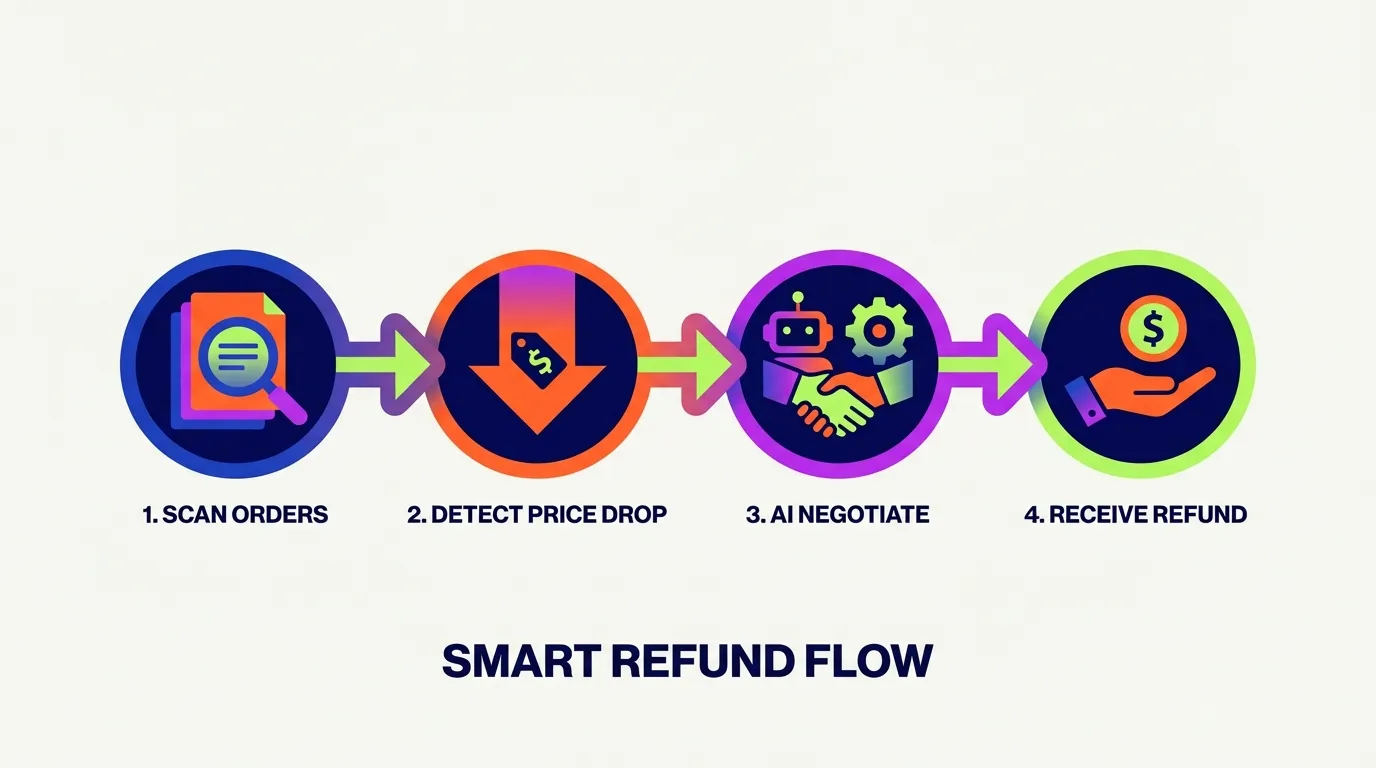
Scans Your Purchase History
Instead of looking at your shopping cart, a price adjustment extension looks backward. It scans your past orders—typically the last 90 days—and compares what you paid versus current prices.
Identifies Price Drops on Things You Own
When it finds products where the price has dropped since your purchase, it flags them as refund opportunities. Most shoppers are surprised to discover how often this happens.
Takes Action to Get Your Money Back
This is the key differentiator. A true price adjustment extension doesn't just alert you—it does something about it. TaskMonkey, for example, uses AI to automatically chat with Amazon customer service and negotiate courtesy credits on your behalf.
Head-to-Head Comparison
Let's compare Honey and TaskMonkey side by side:
| Feature | Honey | TaskMonkey |
|---|---|---|
| Automatic coupon codes | Yes | No |
| Price tracking (before purchase) | Yes (Droplist) | Yes |
| Scans past orders | No | Yes (90 days) |
| Finds price drops after purchase | No | Yes |
| Automatic refund negotiation | No | Yes (AI-powered) |
| Works on Amazon | Yes | Yes |
| Cost | Free | Free to scan; 20% of recovered amount |
| Rewards type | Gift cards only | Direct Amazon credits |
Which Saves You More Money?
This is the question that really matters. Let's look at the numbers.
Honey's Savings Potential
According to independent reviews, Honey's coupon-finding feature saves users an average of $2-5 per order. The actual amount varies significantly:
- Many checkout attempts find no working codes
- Codes that work often provide minimal discounts (5-10%)
- Best results come from smaller specialty retailers
- Amazon coupons are particularly rare
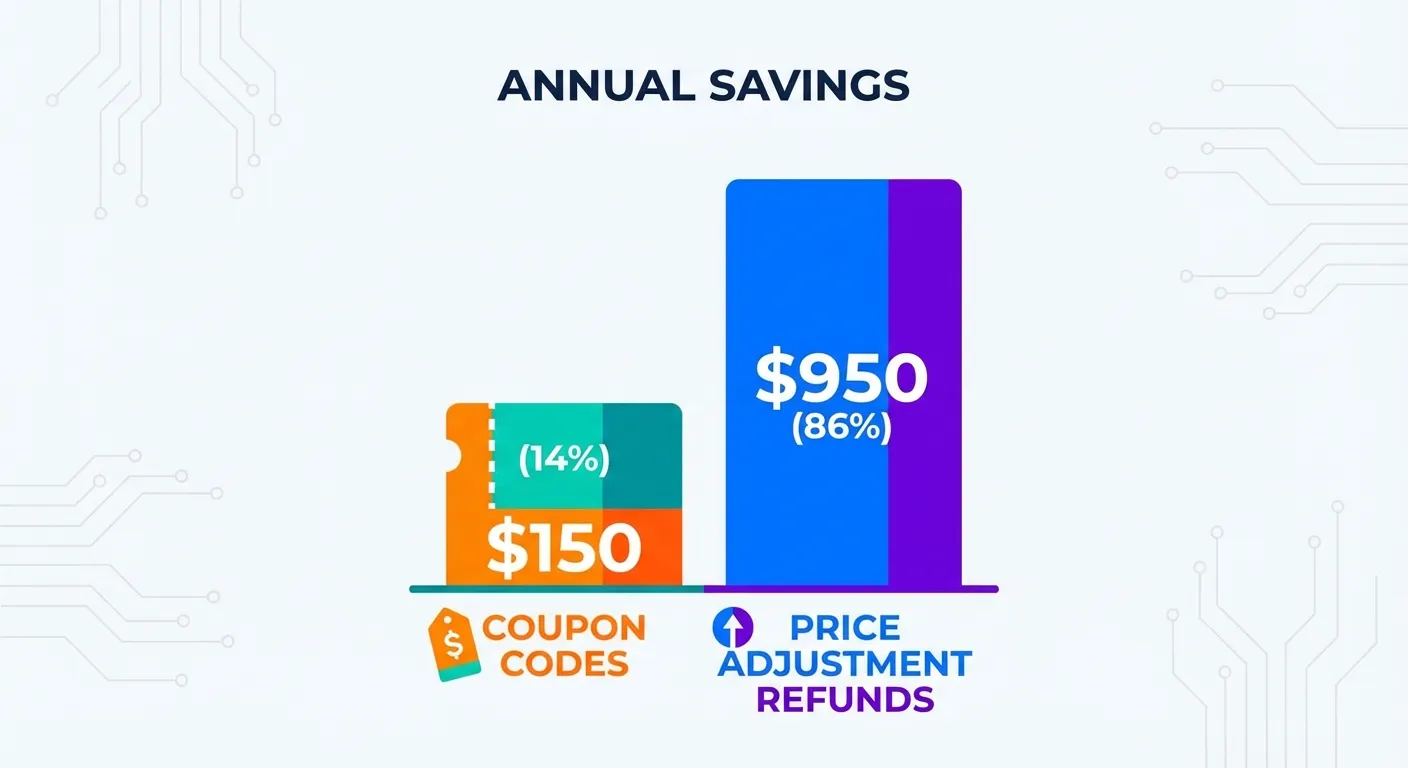
For an active online shopper making 50 purchases per year, that's roughly $100-250 in annual savings—assuming codes are found on at least some of those purchases.
TaskMonkey's Savings Potential
TaskMonkey approaches savings differently. Instead of trying to shave a few dollars off each purchase, it recovers larger amounts from price drops that happen after you buy.
Based on our user data:
- Average recovery per claim: $15-40
- Average number of claims per user per year: 8-15
- Average annual recovery: $200+
- Success rate on eligible products: 90%+
The math works because Amazon prices fluctuate constantly. Products you bought last month at full price might be 20% cheaper today during a sale. That's real money sitting in your order history.
Why the Difference Is So Large
The savings gap comes down to opportunity size:
- Coupon codes typically offer 5-15% off, and many purchases have no available codes
- Post-purchase price drops can be 20-50% of the original price, and they happen more often than most people realize
Think about it: Black Friday, Prime Day, flash sales, clearance events, algorithmic price adjustments—prices change constantly. If you buy something a week before a sale, you've paid too much. A price adjustment extension catches those situations.
Can You Use Both?
Absolutely—and you should.
Honey and price adjustment extensions aren't competitors. They're complementary tools that address different stages of your shopping journey:
- Before you buy: Use Honey to find coupon codes and compare prices
- At checkout: Let Honey test available promo codes
- After you buy: TaskMonkey monitors your orders and gets refunds when prices drop
Together, they form a complete savings strategy. Honey saves you money upfront; TaskMonkey recovers money after the fact. Neither replaces the other.
The Smart Shopper's Stack
Here's how power shoppers maximize their savings:
- Install both Honey and TaskMonkey as Chrome extensions
- Use Honey's Droplist for big purchases you're not in a hurry to make
- Let Honey test codes at checkout
- Run TaskMonkey scans weekly or monthly to catch price drops
- Let TaskMonkey's AI handle the customer service conversations
This approach captures savings at every opportunity—before, during, and after your purchases.
What About Honey's Recent Controversy?
In late 2024, Honey faced criticism over its affiliate link practices. According to Wikipedia's documentation, allegations emerged that Honey was modifying affiliate links at checkout to claim commissions, even when no coupon was actually applied.
Following the controversy:
- Honey lost approximately 3 million users within two weeks
- Google updated Chrome Web Store policies to address the practice
- Honey modified its extension to stop claiming affiliate revenue without providing discounts
This doesn't affect Honey's core functionality for users—coupon codes still work the same way. But it's worth understanding how these free tools make money.
Frequently Asked Questions
Can I use Honey and a price adjustment extension together?
Yes! They solve different problems. Use Honey to find coupon codes when you checkout, then use a price adjustment extension like TaskMonkey to get refunds if prices drop after your purchase.
Does Honey automatically get refunds for price drops?
No. Honey's Droplist feature alerts you when prices drop on items you're watching, but it doesn't scan your past orders or contact customer service to negotiate refunds.
How much money can a price adjustment extension save me?
TaskMonkey users save an average of $200+ per year by automatically claiming refunds on price drops. The exact amount depends on your shopping frequency and how often prices drop after purchase.
Is Honey free to use?
Yes, Honey is completely free. It makes money through affiliate commissions when you use their coupon codes or cashback offers.
What's the difference between price tracking and price adjustment?
Price tracking monitors prices before you buy and alerts you to drops. Price adjustment focuses on purchases you've already made, helping you get refunds when prices drop after purchase.
Bottom Line: Different Tools for Different Jobs
The Honey vs. price adjustment extension debate isn't really an either/or question. They're different tools designed for different moments in your shopping journey.
Choose Honey if you want to find coupon codes at checkout and don't mind that most attempts won't yield significant savings.
Choose TaskMonkey if you want to recover money on purchases you've already made, without doing any manual work.
Choose both if you want to maximize every savings opportunity across your entire shopping experience.
The numbers speak for themselves: Honey saves $2-5 per order when codes are found. TaskMonkey recovers $200+ per year on average. For the savvy shopper, running both extensions captures savings at every stage—and leaves no money on the table.
Related Articles in This Topic
- Price Adjustment Extension: Get Your Money Back Automatically in 2026
- Best Price Adjustment Extension for Chrome in 2026
- Automatic Price Adjustment Extension: Set It and Forget It
- Amazon Price Adjustment Extension: How to Get Refunds After Price Drops
- Price Adjustment After Purchase: How Extensions Track Price Drops for You
- How Price Adjustment Extensions Work: A Behind-the-Scenes Look
- Best Price Adjustment Extensions in 2026: Complete Ranking & Reviews
- Price Adjustment Extension vs Keepa: Tracking Prices vs Getting Refunds
- Price Adjustment Extension Comparison