

You finally bought that gadget you've been eyeing on Amazon. A week later, you check the listing and discover the price dropped by $47. That sinking feeling? Every Amazon shopper knows it. The good news is that you can often get that money back—you just need the right tools to make it happen.
In this guide, we'll explore how Amazon price adjustment extensions work, whether Amazon actually honors price drops, and why TaskMonkey has become the go-to solution for Amazon shoppers who want to automatically recover money from price drops.
Does Amazon Offer Price Adjustments?
Here's the honest truth: Amazon has no official post-purchase price adjustment policy. If you call customer service and ask "Do you price match?", the standard answer is "No, we don't offer price adjustments."
But here's what most people don't know: Amazon does offer unofficial courtesy credits, even though they don't publicly acknowledge a formal policy. When you politely contact customer service about a price drop shortly after your purchase, agents often have the discretion to issue a partial refund or promotional credit.
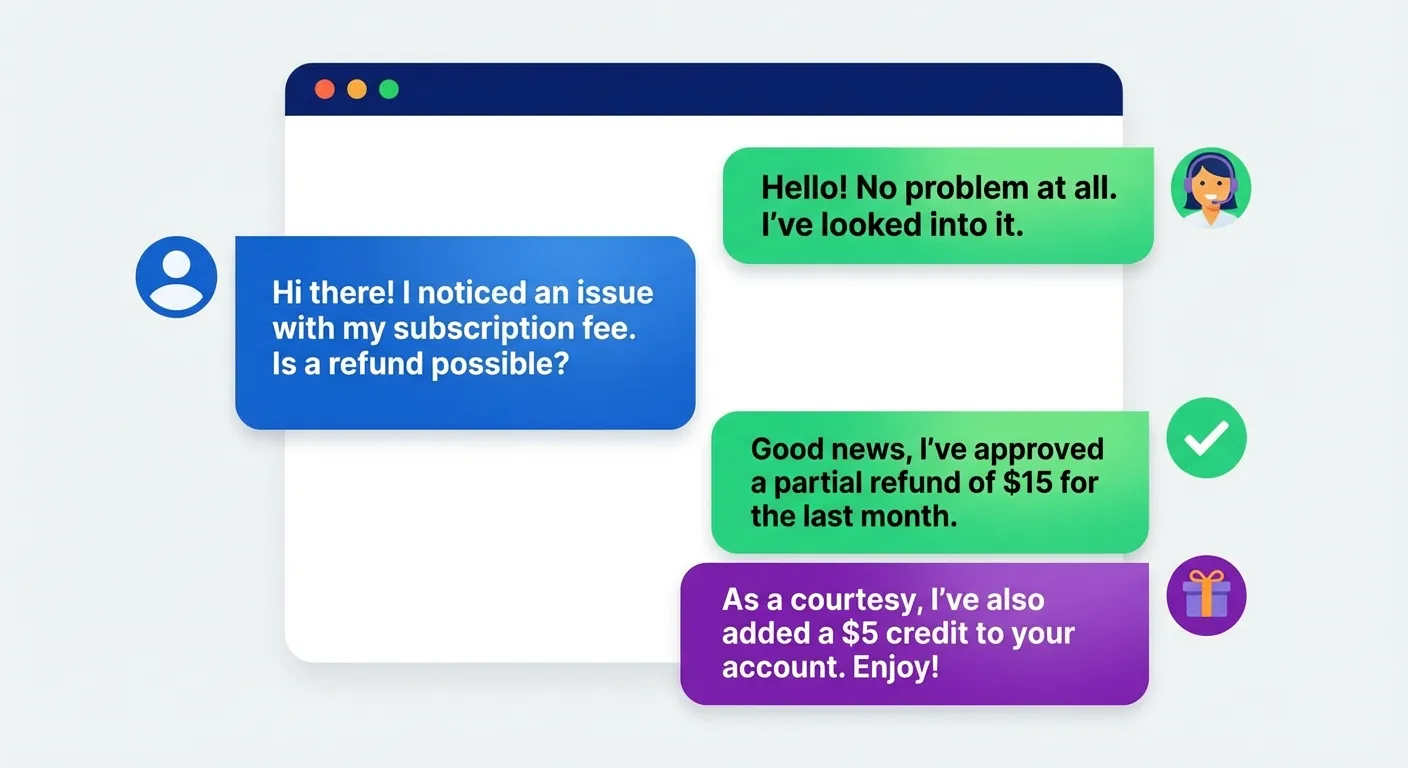
According to GroovyPost's research, customers who politely request a price adjustment within 7 days of purchase have the highest success rates. The key word here is "politely"—customer service agents are more likely to help when approached respectfully.
What Actually Works
- Items sold directly by Amazon (not third-party sellers)
- Price drops within 7 days of delivery
- Clear documentation showing the price difference
- Polite, friendly communication with customer service
What Usually Doesn't Work
- Third-party seller price changes
- Lightning Deals or limited-time promotions you missed
- Prime Day exclusive pricing after the event ends
- Used or Amazon Warehouse deals
How Often Do Amazon Prices Drop?
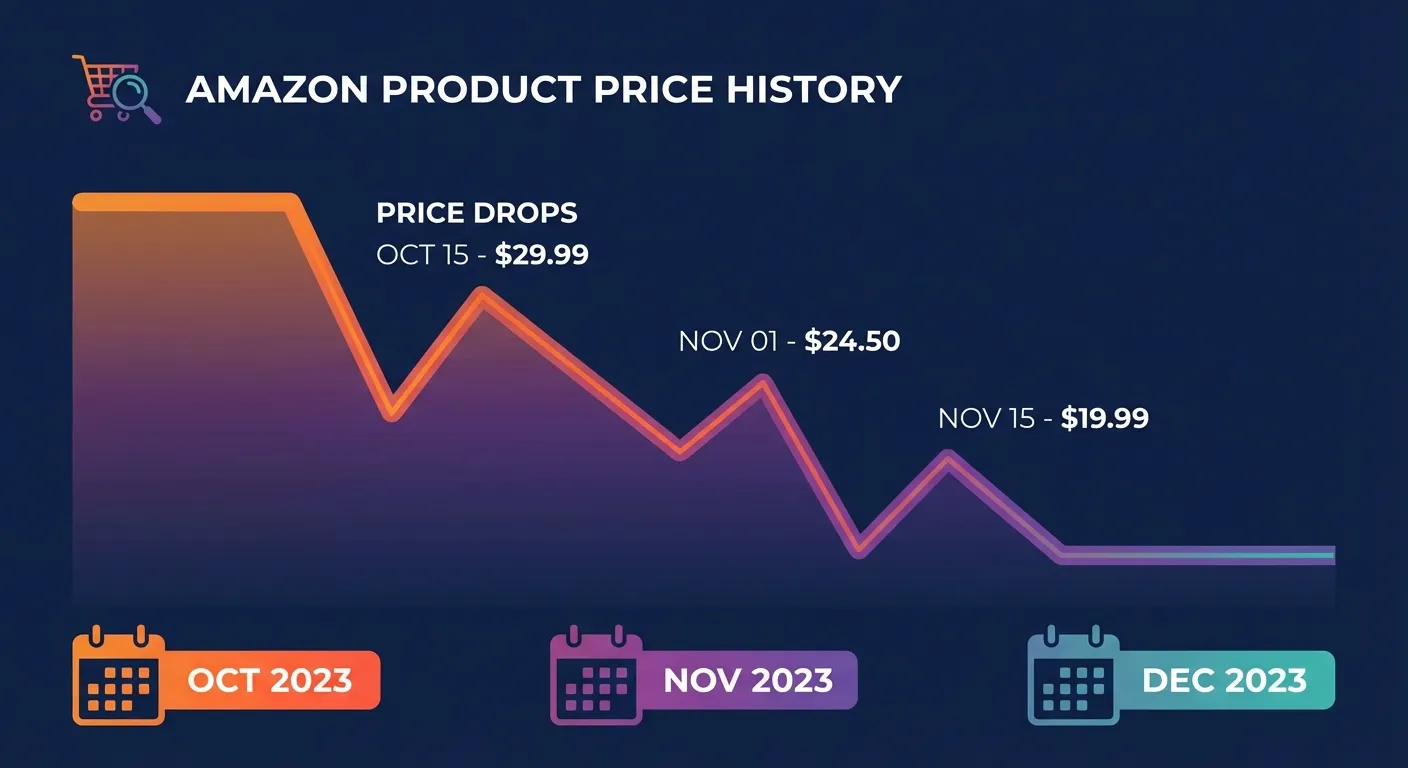
Amazon's pricing is notoriously volatile. According to a comprehensive study by Semrush, prices on Amazon can change multiple times per day. This dynamic pricing is driven by algorithms that consider competitor pricing, inventory levels, demand fluctuations, and seasonal factors.
When Prices Drop Most
Electronics and tech products are the most volatile category. A laptop that costs $899 today might be $799 tomorrow if a competitor launches a sale. TVs, headphones, and smart home devices see frequent price swings—sometimes multiple times in a single week.
Seasonal patterns also play a major role:
- Prime Day (July): Deep discounts across all categories
- Black Friday/Cyber Monday: Electronics and toys hit yearly lows
- Post-holiday clearance (January): Furniture, decorations, and winter items
- Back-to-school (August): School supplies and electronics for students
The challenge? Most people buy something, move on with their lives, and never check back to see if the price dropped. According to CamelCamelCamel, the average Amazon product experiences a price change every 3-7 days. That's money potentially left on the table with every purchase.
Manual vs Extension: The Comparison
So you know price adjustments are possible and prices drop frequently. The question becomes: how do you actually get your money back?
The Manual Approach
Here's what manually requesting a price adjustment looks like:
- Find your order: Log into Amazon, navigate to Your Orders, find the specific purchase
- Check current price: Go back to the product page, compare with what you paid
- Screenshot everything: Capture the price difference as evidence
- Contact customer service: Open a chat or call, explain your situation politely
- Wait and negotiate: Depending on the agent, this could take 10-30 minutes
- Repeat for every order: If you buy frequently, this becomes a part-time job
The success rate for manual requests is actually quite good—around 70-80% when done within the right timeframe and with proper documentation. But the time investment makes it impractical for most people. If you spend 20 minutes to save $15, you're essentially working for $45/hour. Not bad, but most people have better things to do.
The Extension Approach
A price adjustment extension automates this entire process. Instead of manually checking every order, the extension:
- Scans your order history automatically
- Compares what you paid vs current prices
- Identifies eligible price drops
- Handles the refund request process
The key difference is time. What takes hours manually can happen in the background while you're doing literally anything else.
TaskMonkey's Amazon-Specific Features
While there are several price tracking tools available (Keepa, CamelCamelCamel, Honey), TaskMonkey is specifically designed for price adjustments on Amazon—not just tracking, but actually getting your money back.
What Makes TaskMonkey Different
Traditional price trackers tell you when a price drops. That's helpful if you haven't bought yet. But what about items you've already purchased? That's where TaskMonkey shines:
- Scans your past 3 months of orders: Not just items on your wishlist—every purchase you've made
- Automatic price comparison: Compares your purchase price to current Amazon pricing
- AI-powered customer service chat: Opens Amazon's chat window and negotiates on your behalf
- Polite, effective language: Our AI uses friendly, respectful communication that customer service agents respond to positively
The AI Advantage
Here's what happens when TaskMonkey finds a price drop: our AI opens Amazon's customer service chat and handles the entire conversation. It explains the situation clearly, provides the order details, and politely requests a price adjustment. The AI has been trained on thousands of successful conversations, so it knows exactly what approaches work best.
No threatening language. No demands. Just polite, professional requests—the kind that customer service agents are happy to accommodate.
Pricing That Makes Sense
Scanning is completely free. You can install TaskMonkey, scan all your orders, and see exactly how much money you could recover—without paying anything.
We only charge when we successfully get you money back. Our fee is 20% of what we recover. If we recover $100 for you, we keep $20 and you get $80. If we don't recover anything, you pay nothing.
This "success fee" model means our interests are perfectly aligned with yours. We only make money when we save you money.
Step-by-Step: Using TaskMonkey on Amazon
Here's exactly how to start recovering money from Amazon price drops:
Step 1: Install the Chrome Extension
Visit the Chrome Web Store and search for TaskMonkey, or click the install button on our homepage. The extension takes about 10 seconds to add to your browser.
Step 2: Click "Start Saving Now"
Once installed, log into your TaskMonkey dashboard and click the "Start Saving Now" button. The extension will automatically navigate to your Amazon account.
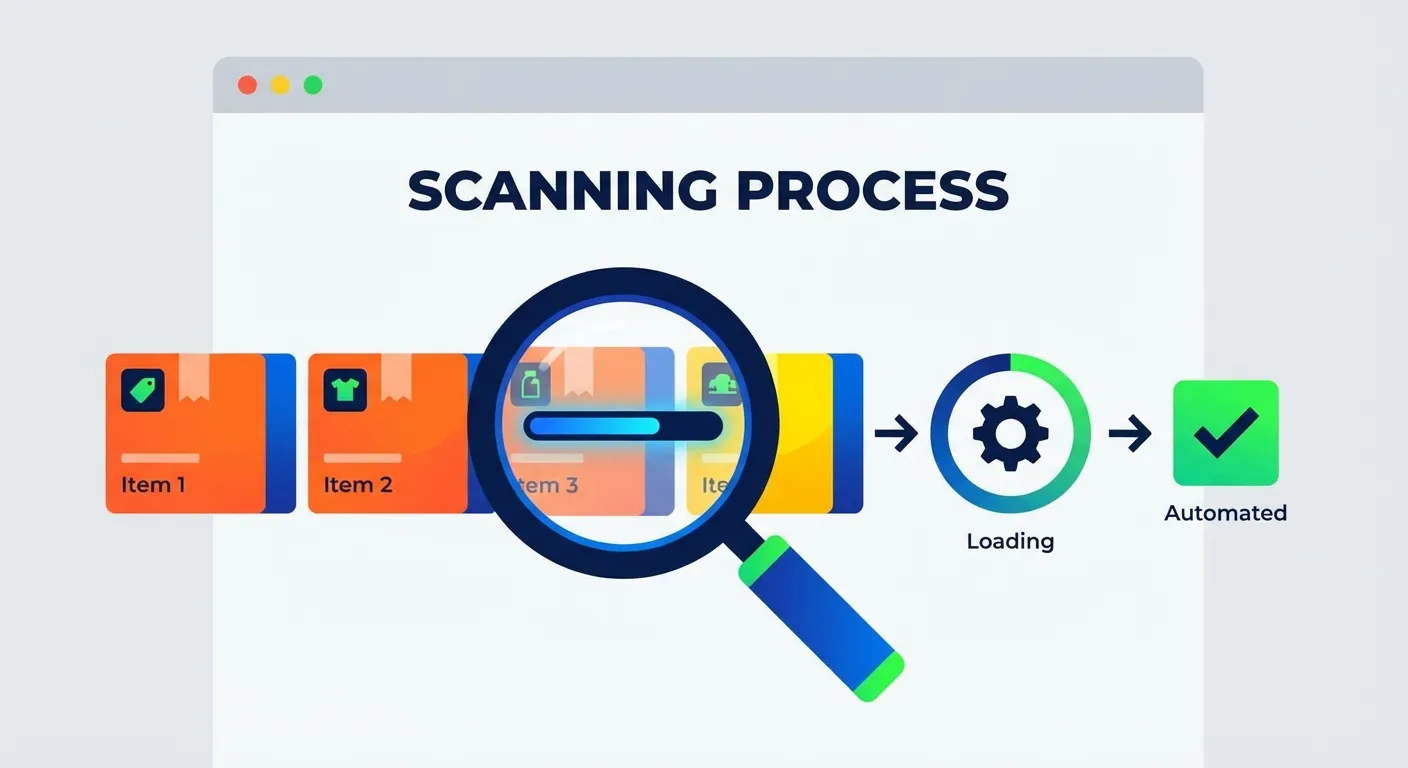
Step 3: Let TaskMonkey Scan Your Orders
TaskMonkey opens your Amazon order history and scans through your past 3 months of purchases. It opens each order, records what you paid, and compares it to current prices. This process takes a few minutes depending on how many orders you have.
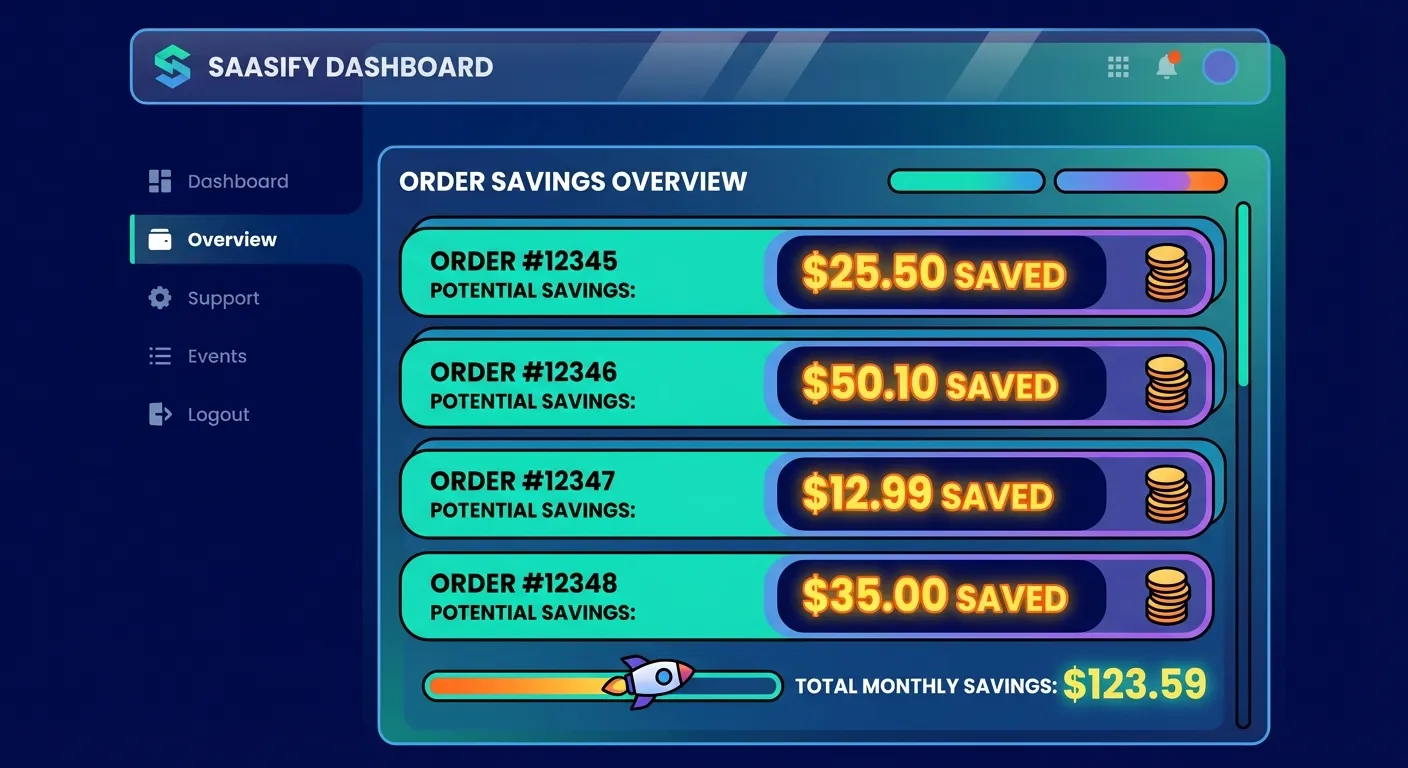
Step 4: Review Your Potential Savings
After scanning, TaskMonkey shows you a list of items with price drops. You'll see exactly how much you could save on each item. The average user discovers $50-200 in potential refunds.
Step 5: Let AI Handle Customer Service
For items with price drops, TaskMonkey can automatically open Amazon's customer service chat and begin negotiations. Our AI handles the entire conversation—explaining the price drop, providing order details, and politely requesting an adjustment.
You can literally start the process, go make dinner, and come back to find money credited to your Amazon account.
FAQ
Does Amazon offer price adjustments?
Amazon doesn't have an official price adjustment policy, but customers can often receive courtesy credits by politely contacting customer service. This is an unofficial but widely practiced approach that works in many cases.
How often do Amazon prices drop?
Amazon prices can change multiple times per day due to dynamic pricing algorithms, competitor matching, and inventory levels. Electronics and popular items tend to have the most frequent price fluctuations.
What is the best Amazon price adjustment extension?
TaskMonkey is designed specifically for Amazon price adjustments. Unlike price tracking tools that only alert you to price drops, TaskMonkey automatically scans your orders, detects price drops, and uses AI to negotiate refunds with Amazon customer service.
Is using a price adjustment extension safe?
Yes. TaskMonkey operates through your browser and never stores your Amazon password. The extension simply automates the same process you would do manually—checking prices and contacting customer service.
How much can I expect to save?
The average TaskMonkey user recovers $200+ per year. Your actual savings depend on how much you shop on Amazon and how often prices drop on items you've purchased.
Stop Leaving Money on the Table
Every day, Amazon prices fluctuate on millions of products. Some of those products are things you've already bought. Without a tool to track these changes and request adjustments, you're essentially donating money to Amazon.
TaskMonkey exists to change that. Our AI does the tedious work of monitoring prices and negotiating with customer service, so you can focus on literally anything else.
Ready to see how much money you're owed? Install TaskMonkey free and scan your Amazon orders. You'll see exactly how much you could recover—no payment required until we actually save you money.
Related Articles in This Topic
- Price Adjustment Extension: Get Your Money Back Automatically in 2026
- Best Price Adjustment Extension for Chrome in 2026
- Automatic Price Adjustment Extension: Set It and Forget It
- Price Adjustment After Purchase: How Extensions Track Price Drops for You
- How Price Adjustment Extensions Work: A Behind-the-Scenes Look
- Best Price Adjustment Extensions in 2026: Complete Ranking & Reviews
- Price Adjustment Extension vs Honey: Which Actually Saves You More?
- Price Adjustment Extension vs Keepa: Tracking Prices vs Getting Refunds
- Price Adjustment Extension Comparison