
Why We Made This Comparison
If you've ever searched for "price adjustment extension" or "Amazon price tracker," you've probably seen the same names pop up: Honey, Keepa, CamelCamelCamel, and now TaskMonkey. But here's the confusing part—these tools do completely different things.
Some track prices before you buy. Some find coupons at checkout. And one actually helps you get refunds after purchase. The confusion is real, and it costs shoppers money every day.
We've tested all four tools extensively and talked to thousands of users. This guide breaks down exactly what each tool does, where it shines, and most importantly—which one (or combination) you should use based on your shopping habits.
The 4 Tools at a Glance
Before diving into the details, here's a quick overview of what each tool is actually designed to do:
- TaskMonkey: Automatic post-purchase refund tool. Scans your Amazon orders, detects price drops, and uses AI to negotiate refunds with customer service on your behalf.
- Honey: Coupon finder and cashback extension. Automatically applies promo codes at checkout and earns rewards through their Honey Gold program.
- Keepa: Comprehensive Amazon price history tracker. Shows detailed price charts on product pages and sends alerts when prices drop below your target.
- CamelCamelCamel: Simple price alert tool. Tracks Amazon price history and sends email notifications when prices hit your desired threshold.
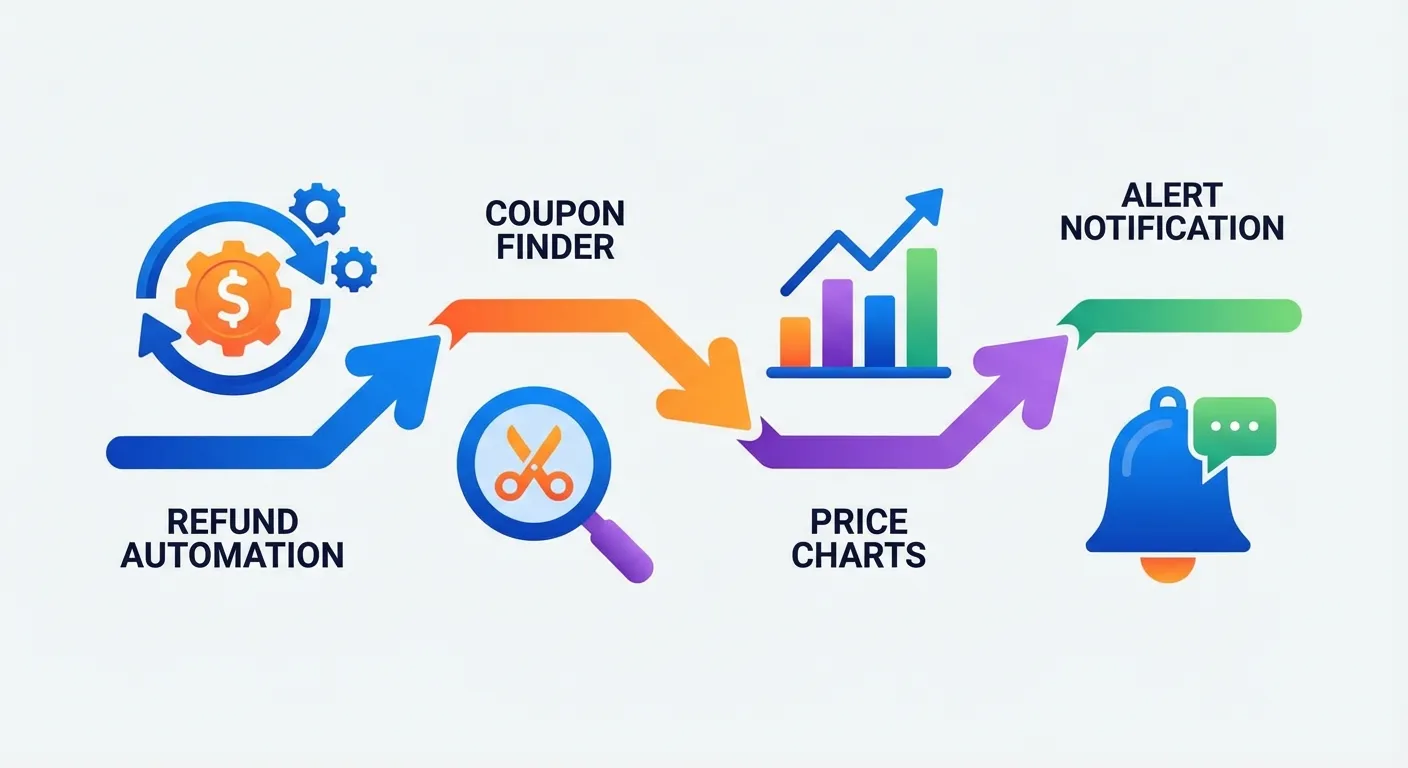
Complete Feature Comparison Matrix
This table shows every major feature across all four tools. Pay special attention to the "Post-Purchase" section—that's where the real differences emerge:
| Feature | TaskMonkey | Honey | Keepa | CamelCamelCamel |
|---|---|---|---|---|
| Pre-Purchase Features | ||||
| Price History Charts | - | Limited | Detailed | Basic |
| Price Drop Alerts | - | Droplist | Email, Push, Telegram | Email only |
| Coupon Finder | - | Yes (30,000+ stores) | - | - |
| Seller Comparison | - | Yes (Amazon) | Yes | - |
| Post-Purchase Features | ||||
| Scan Past Orders | Yes (3 months) | - | - | - |
| Detect Price Drops on Purchased Items | Yes (automatic) | - | - | - |
| Request Refunds Automatically | Yes (AI-powered) | - | - | - |
| Negotiate with Customer Service | Yes (AI chat) | - | - | - |
| Pricing | ||||
| Free to Use | Scan free, 20% on success | Free | Free (Premium $17/mo) | Free |
As you can see, the tools fall into two distinct categories: pre-purchase helpers (Honey, Keepa, CamelCamelCamel) and post-purchase automation (TaskMonkey). This is the fundamental difference most comparison articles miss.
Deep Dive: Each Tool's Unique Strength
TaskMonkey: The Post-Purchase Automation Specialist
TaskMonkey fills a gap that the other tools completely ignore: what happens after you buy something.
Here's the reality most shoppers don't know: Amazon products frequently drop in price within days or weeks of purchase. When this happens, you can often get a courtesy credit or partial refund by contacting customer service. But who has time to track every order and negotiate with support?
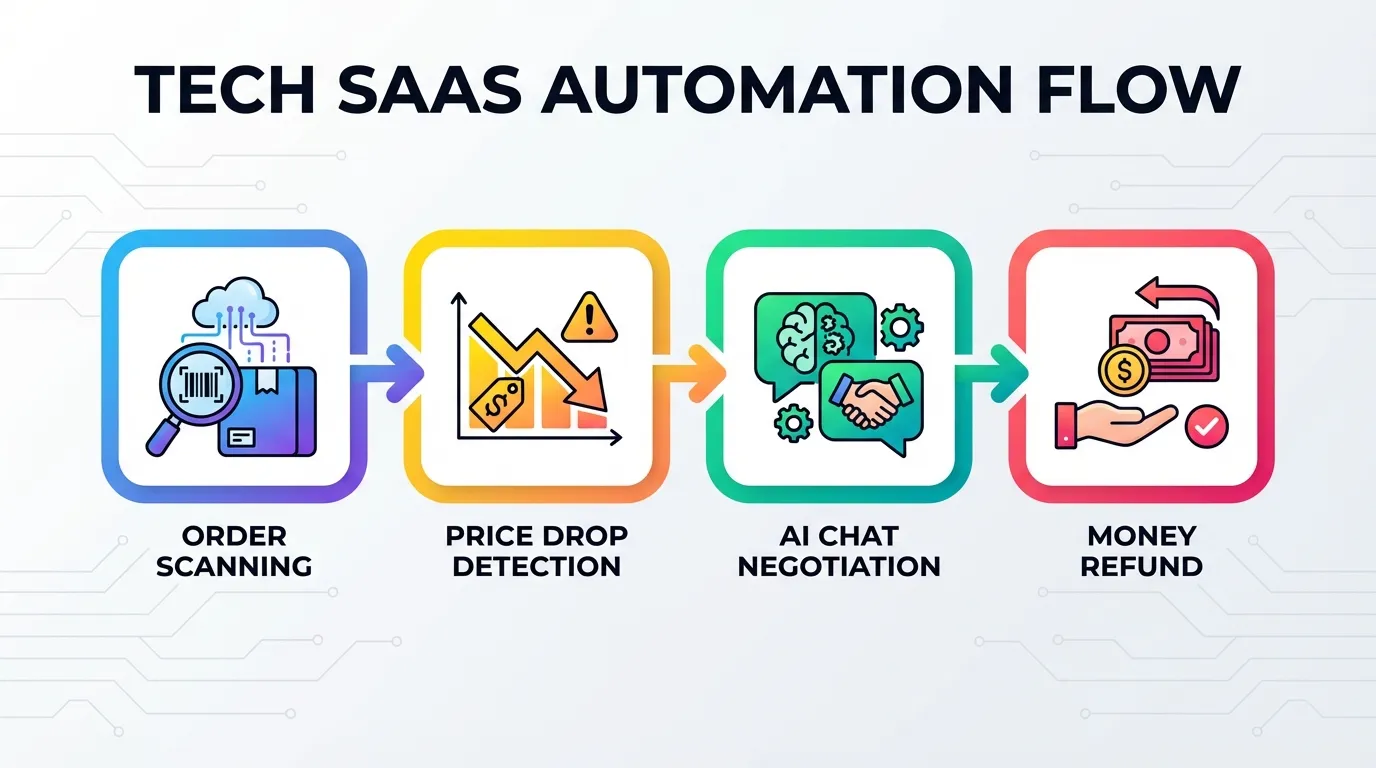
How TaskMonkey works:
- Install the Chrome extension and connect your Amazon account
- TaskMonkey scans your past 3 months of orders
- It compares what you paid vs. current prices
- For items with price drops, AI automatically opens a chat with Amazon customer service
- The AI politely negotiates a refund on your behalf
- Money goes directly back to your Amazon account
Best for: Anyone who shops on Amazon regularly and doesn't have time to track prices and contact customer service manually. The average user recovers $200+ per year.
Honey: The Checkout Optimizer
Honey (now owned by PayPal) is the most popular shopping extension with over 17 million users. Its core strength is finding and applying coupon codes automatically at checkout.
Key features:
- Automatic coupon code testing at checkout (works on 30,000+ stores)
- Honey Gold rewards program (redeemable for gift cards)
- Droplist for tracking prices on items you're considering
- Price comparison across Amazon sellers
Limitations: Honey's Droplist only tracks items you manually add before purchase. It doesn't scan your existing orders or help you get refunds after buying. Many users also report that the coupon codes found are often expired or provide minimal savings.
Best for: Shoppers who buy from many different online stores (not just Amazon) and want automatic coupon application at checkout.
Keepa: The Data Powerhouse
Keepa is the most comprehensive Amazon price tracking tool available. With over 4 million Chrome users and a 4.7/5 rating, it's the go-to choice for serious Amazon shoppers and sellers.
Key features:
- Detailed price history charts embedded directly on Amazon product pages
- Price alerts via email, browser notification, Telegram, or Twitter
- Tracks Amazon, third-party sellers, and warehouse deals separately
- Supports 10+ Amazon marketplaces worldwide
- Premium tier ($17/month) adds advanced analytics for sellers
Limitations: Keepa tells you when prices drop, but you have to act on that information yourself. If you buy something and then it drops in price, Keepa won't help you get a refund—you'd need to contact Amazon manually.
Best for: Shoppers who want to research price history before making big purchases, or Amazon sellers who need market data.
CamelCamelCamel: The Simple Alert System
CamelCamelCamel is the original Amazon price tracker, trusted by over 800,000 users. It's completely free and focuses on doing one thing well: sending price alerts.
Key features:
- Simple price history charts
- Email alerts when prices drop below your threshold
- No account required (though registration helps manage alerts)
- The Camelizer browser extension for quick price checks
- Supports multiple Amazon marketplaces
Limitations: Alerts can only be set by dollar amount (not percentage). Some users report delays in receiving alerts. Like Keepa, it's purely informational—it won't help you get money back on items you've already purchased.
Best for: Shoppers who want a simple, no-frills way to wait for a specific price before buying.
Which One Should You Choose?
The answer depends entirely on what problem you're trying to solve:
Choose TaskMonkey if:
- You've already bought things on Amazon and want to recover money from price drops
- You don't have time to manually track prices and contact customer service
- You want a "set it and forget it" solution that works automatically
- You're comfortable paying 20% of recovered funds (only on successful refunds)
Choose Honey if:
- You shop at many different online stores (not just Amazon)
- You want automatic coupon code application at checkout
- You're interested in earning cashback rewards
Choose Keepa if:
- You make careful, research-driven purchase decisions
- You want to see detailed price history before buying
- You're willing to manually act on price drop alerts
- You're an Amazon seller needing market analytics
Choose CamelCamelCamel if:
- You want the simplest possible price alert system
- You're patient and willing to wait for your target price
- You prefer not to install browser extensions (website works independently)
Our Recommendation: Use Multiple Tools Together
Here's the insider strategy that maximizes your savings across the entire shopping journey:
Before you buy: Use Keepa to research price history. Is the current price a good deal, or was it cheaper last month? The price charts tell you instantly.
At checkout: Let Honey automatically test coupon codes. It takes seconds and occasionally finds significant discounts.
After you buy: Install TaskMonkey to automatically monitor your orders. If prices drop, you'll get your money back without lifting a finger.
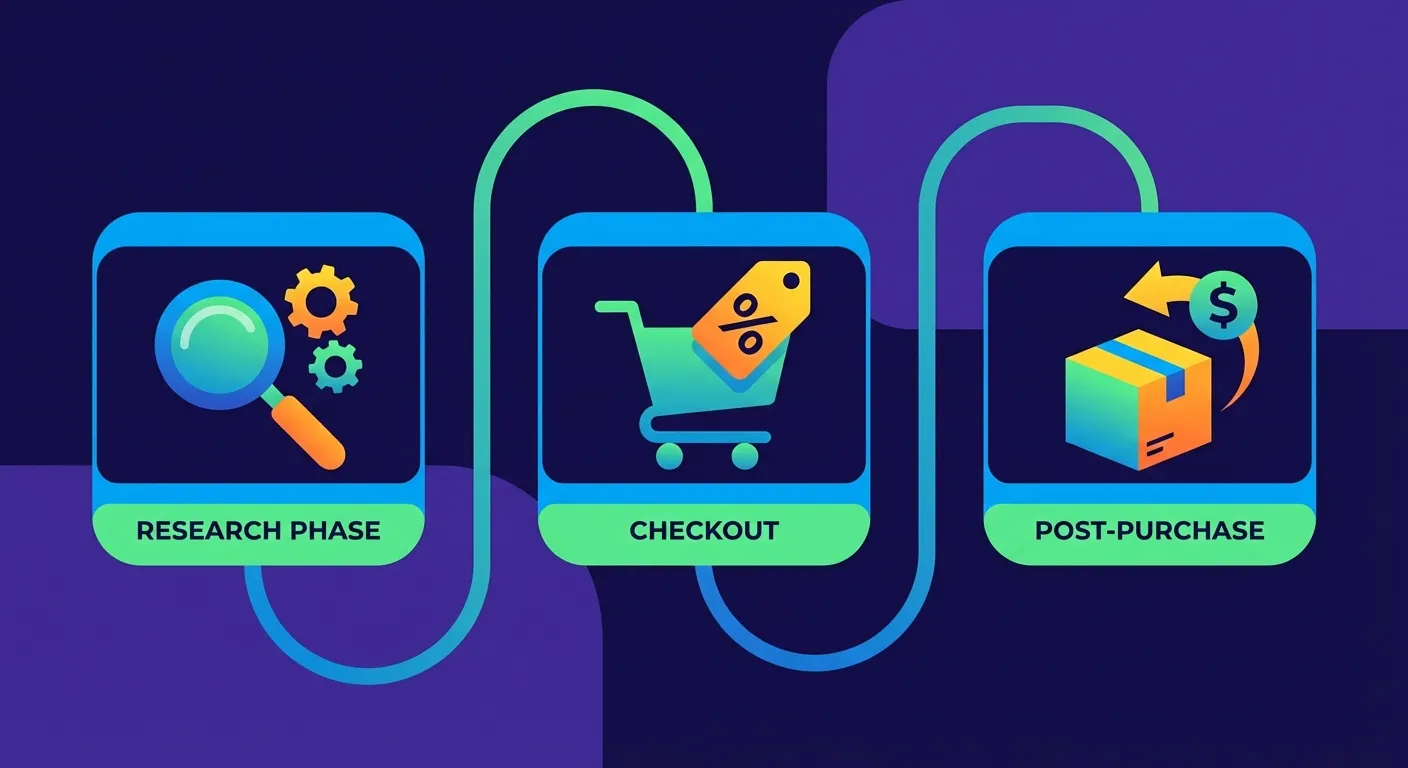
This combination covers every stage of the shopping process. You'll never overpay, you'll catch available discounts, and you'll automatically recover money when prices drop after purchase.
Final Verdict
If you could only install one extension, which should it be?
Our answer: TaskMonkey.
Here's why: The other tools tell you about savings opportunities. TaskMonkey actually gets you the money.
Keepa shows you a price dropped. CamelCamelCamel emails you about a deal. Honey tries coupon codes. But after the purchase is made, they all step aside. You're left to contact Amazon yourself, wait in chat queues, and hope the representative is in a generous mood.
TaskMonkey handles that entire process automatically. Our AI has successfully negotiated thousands of refunds, with a success rate over 90%. Users recover an average of $200+ per year—money that would otherwise stay in Amazon's pocket.
The best part? There's no upfront cost. Scanning your orders is free. Finding price drops is free. You only pay 20% when we successfully get money back. If we don't succeed, you pay nothing.
Ready to see how much you're owed? Install TaskMonkey free and scan your Amazon orders in under 60 seconds.
FAQ
Which price adjustment extension actually gets refunds automatically?
TaskMonkey is the only extension that automatically requests and negotiates refunds with Amazon customer service using AI. Keepa, CamelCamelCamel, and Honey only track prices or find coupons but do not help you get money back after purchase.
Is Honey a price adjustment extension?
No. Honey is primarily a coupon finder and cashback extension. While it has a Droplist feature for price tracking, it does not scan past orders or help you get refunds for price drops after purchase.
Can I use multiple price tracking extensions together?
Yes. Many savvy shoppers use Keepa for pre-purchase price research, Honey for coupons at checkout, and TaskMonkey for automatic post-purchase refunds. Each tool serves a different purpose in the shopping journey.
What is the difference between Keepa and CamelCamelCamel?
Both are price history trackers. Keepa offers more detailed charts embedded directly on Amazon pages, supports more marketplaces, and has premium features for sellers. CamelCamelCamel is simpler and completely free, focusing on basic price alerts.
Related Articles in This Topic
- Price Adjustment Extension: Get Your Money Back Automatically in 2026
- Best Price Adjustment Extension for Chrome in 2026
- Automatic Price Adjustment Extension: Set It and Forget It
- Amazon Price Adjustment Extension: How to Get Refunds After Price Drops
- Price Adjustment After Purchase: How Extensions Track Price Drops for You
- How Price Adjustment Extensions Work: A Behind-the-Scenes Look
- Best Price Adjustment Extensions in 2026: Complete Ranking & Reviews
- Price Adjustment Extension vs Honey: Which Actually Saves You More?
- Price Adjustment Extension vs Keepa: Tracking Prices vs Getting Refunds