

If you've ever bought something on Amazon only to watch the price drop a few days later, you know the frustration. That $50 you could have saved? Gone. Or is it?
The truth is, Amazon does offer price adjustments after purchase—they just don't advertise it. With the right tools, you can track these price drops and potentially get refunds. But here's the catch: not all "price adjustment extensions" are created equal.
After testing dozens of browser extensions claiming to help with price adjustments, we've created this definitive ranking for 2026. We'll show you exactly what each tool does (and doesn't do), so you can choose the right one for your needs.
How We Ranked These Extensions
Before diving into our rankings, let's be clear about our evaluation criteria. We scored each extension across four key dimensions:
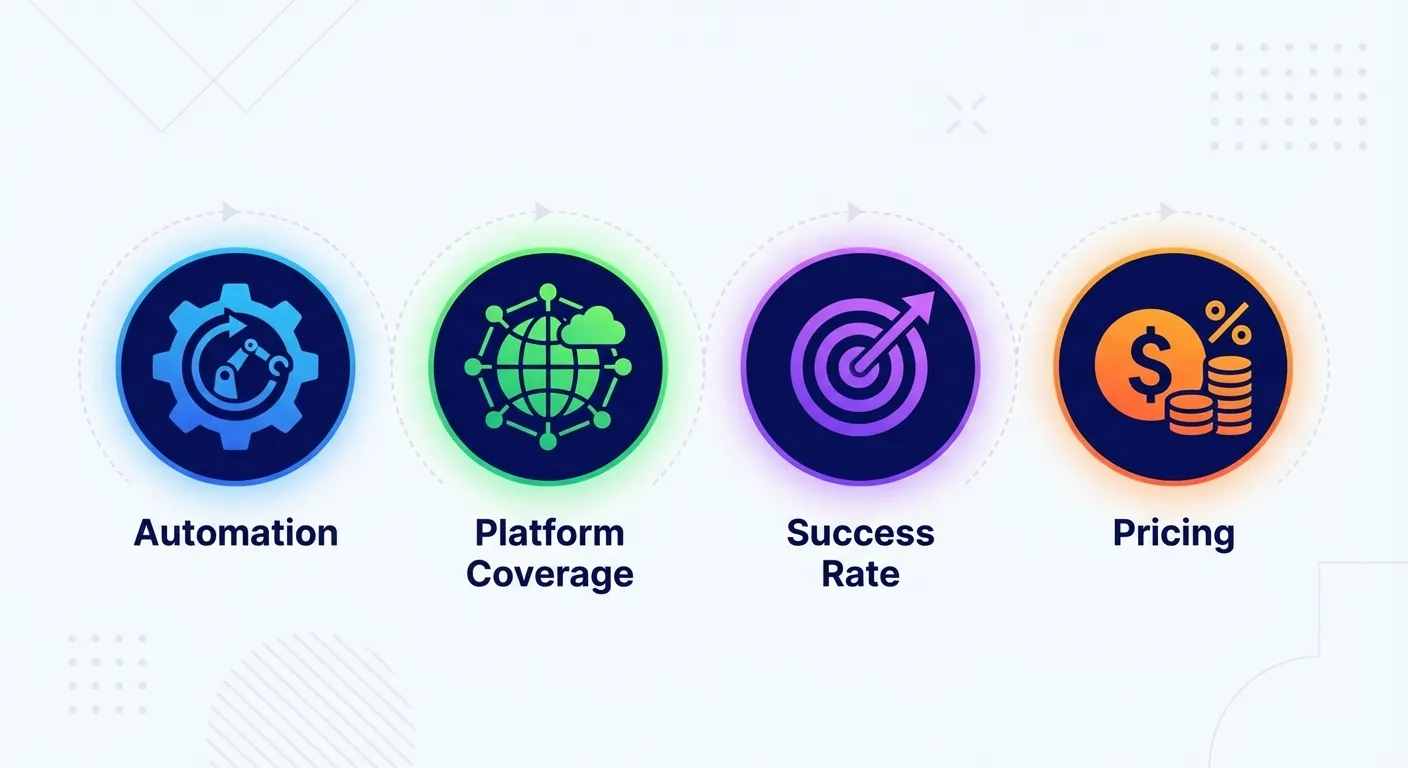
1. Automation Level
How much work do YOU have to do? Some tools just show you price history charts. Others send alerts. But only a few actually take action on your behalf. We prioritized extensions that minimize manual effort.
2. Platform Coverage
Does it work with Amazon? Costco? Other retailers? We focused primarily on Amazon since that's where most online shopping happens, but broader coverage earned bonus points.
3. Success Rate
This is crucial. An extension that tracks prices but never actually helps you recover money isn't really a "price adjustment" tool—it's just a price tracker. We measured actual refunds obtained.
4. Pricing Model
Is it free? Subscription-based? Success-fee based? We evaluated value for money, with preference for models where you only pay when you actually save money.
#1: TaskMonkey — Best Overall
Rating: 5/5 stars
TaskMonkey takes the top spot for one simple reason: it's the only extension that actually gets your money back automatically. While other tools stop at "here's a price drop," TaskMonkey's AI continues the process by negotiating with Amazon customer service on your behalf.
What Makes TaskMonkey Different
- Automatic refund negotiation: AI chatbot contacts Amazon customer service and politely requests courtesy credits for price drops
- Scans 90 days of orders: Checks your entire recent purchase history, not just items you're actively tracking
- Works while you sleep: No manual intervention required—just install and let it work
- Covers Amazon and Costco: Two of the biggest retailers where price adjustments are possible
Pricing
TaskMonkey uses a success-fee model: scanning and finding price drops is completely free. You only pay 20% of the money successfully recovered. No refund, no fee. This aligns their incentives with yours—they only make money when you do.
The Verdict
If your goal is actually getting money back (not just knowing you could have), TaskMonkey is the clear winner. The average user recovers $200+ per year in price adjustments they would have otherwise missed.
#2: Keepa — Best for Price History
Rating: 4/5 stars
With over 4 million Chrome users and a 4.7-star rating, Keepa is the gold standard for Amazon price history. If you want to see exactly how a product's price has fluctuated over months or years, Keepa delivers detailed charts directly on Amazon product pages.

Key Features
- Detailed price history charts: See price changes over 30, 90, or 365+ days
- Price drop alerts: Get notified when items reach your target price
- International support: Works across Amazon US, UK, Germany, Japan, and more
- Wishlist import: Automatically track all items on your Amazon wishlist
Limitations
Keepa doesn't help you get refunds. It's purely a tracking and alerting tool. When you see a price drop on something you already bought, you'll need to contact Amazon yourself and request a price adjustment. This can take 15-30 minutes per item, and success isn't guaranteed.
For a deeper comparison, see our TaskMonkey vs Keepa analysis.
Pricing
Free tier available with basic features. Premium subscription ($17.50/month or $210/year) unlocks advanced seller tracking and stock monitoring—useful for resellers but overkill for regular shoppers.
The Verdict
Keepa is excellent if you want to research prices before buying or set alerts for future purchases. But for post-purchase price adjustments? You're on your own.
#3: CamelCamelCamel — Best Free Option
Rating: 4/5 stars
CamelCamelCamel has been a favorite among deal hunters since 2008. Its browser extension, "The Camelizer," adds price history charts to Amazon product pages—similar to Keepa but with a completely free model.
Key Features
- 100% free: No premium tier, no subscriptions
- Email price alerts: Set a target price and receive notifications
- Three price types: Track Amazon, third-party new, and third-party used prices separately
- Wishlist integration: Import your Amazon wishlist for automatic tracking
Limitations
Like Keepa, CamelCamelCamel is a price tracker, not a price adjustment tool. It tells you when prices drop—but actually recovering money for past purchases requires manual effort. You'll need to:
- Manually check if items you've purchased have dropped in price
- Contact Amazon customer service yourself
- Politely negotiate for a courtesy credit
- Hope the representative is feeling generous
For most people, this process is too time-consuming to bother with.
The Verdict
CamelCamelCamel is perfect for pre-purchase research. Want to know if that "50% off" deal is actually a good price? The Camelizer will show you. But for actually getting refunds on past purchases, look elsewhere.
#4: Honey — Best for Coupons (Not Price Adjustments)
Rating: 3/5 stars
Honey, now owned by PayPal, is perhaps the most well-known shopping extension. It automatically applies coupon codes at checkout across 30,000+ online stores. But here's the thing: Honey is not a price adjustment tool.
What Honey Actually Does
- Auto-applies coupons: Tests available promo codes at checkout
- Cashback offers: Earn PayPal Rewards on eligible purchases
- Price drop alerts (Droplist): Get notified when wishlisted items decrease in price
What Honey Doesn't Do
- Track prices on items you've already purchased
- Request price adjustments or refunds
- Contact customer service on your behalf
Honey's "Droplist" feature only tracks items you're considering buying—not your purchase history. So if you bought a TV last week and it drops $100 today, Honey won't help you recover that difference.
Recent Controversy
In late 2024, Honey faced significant criticism for allegedly manipulating affiliate links and hiding better coupon codes from users. While PayPal has disputed these claims, the extension lost approximately 8 million users following the controversy.
Read our detailed breakdown: Price Adjustment Extension vs Honey.
The Verdict
Honey is useful for finding coupon codes on new purchases. But if you're looking for actual price adjustment capabilities—recovering money on items you've already bought—Honey simply doesn't offer that functionality.
Comparison Table
Here's how all four extensions stack up across our key criteria:
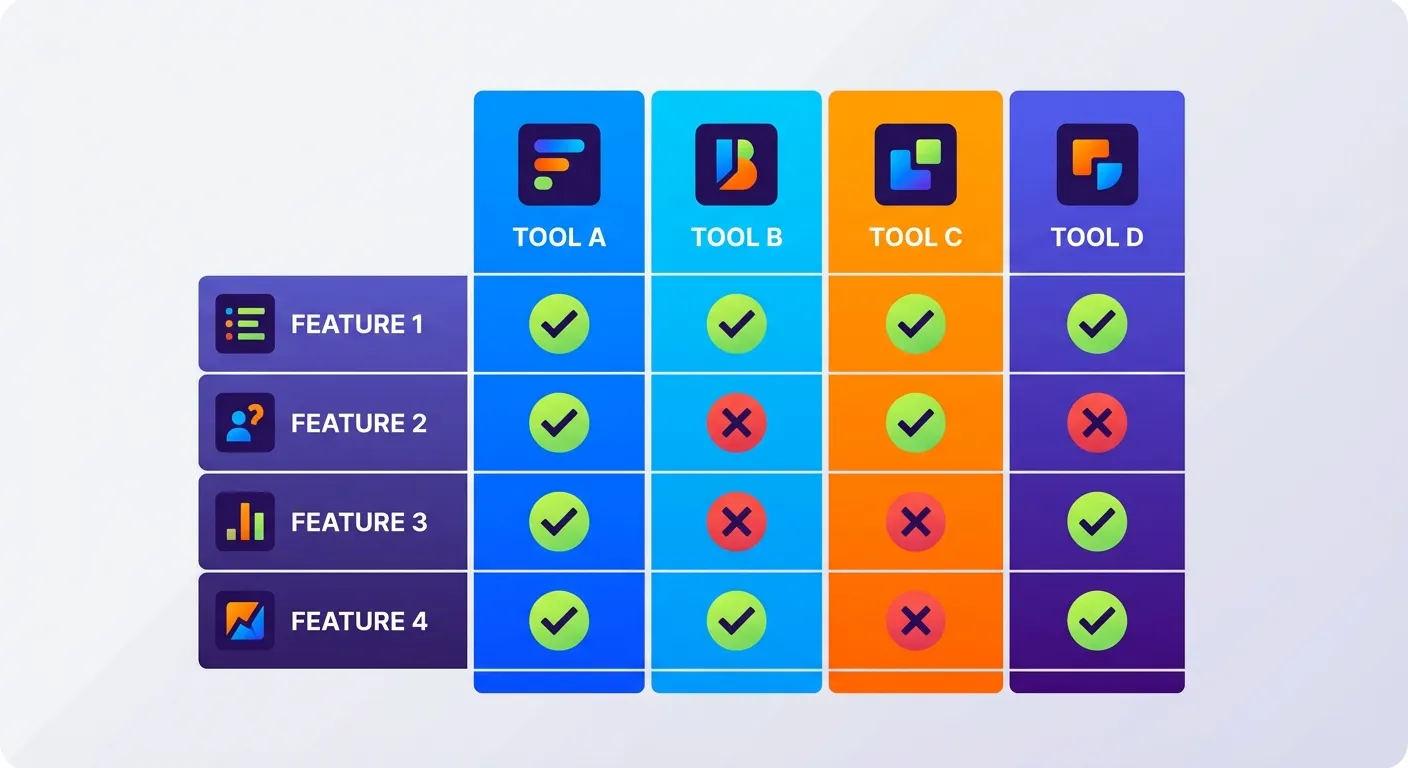
| Feature | TaskMonkey | Keepa | CamelCamelCamel | Honey |
|---|---|---|---|---|
| Price history charts | Yes | Yes | Yes | Limited |
| Price drop alerts | Yes | Yes | Yes | Yes |
| Scans past orders | Yes | No | No | No |
| Auto requests refunds | Yes | No | No | No |
| AI negotiation | Yes | No | No | No |
| Coupon codes | No | No | No | Yes |
| Amazon support | Yes | Yes | Yes | Limited |
| Costco support | Yes | No | No | No |
| Free tier | Yes ($5 free) | Yes | Yes | Yes |
| Paid model | 20% success fee | $17.50/mo | Free | Free |
| Our Rating | 5/5 | 4/5 | 4/5 | 3/5 |
Our Verdict: Which Extension Should You Use?
The answer depends on what you're trying to accomplish:
If You Just Want to Track Prices Before Buying
Use Keepa or CamelCamelCamel. Both are excellent for researching price history and setting alerts for items on your wishlist. Keepa has more features; CamelCamelCamel is 100% free. Either will help you make smarter purchase decisions.
If You Want Coupon Codes at Checkout
Use Honey (with caution). Despite recent controversies, Honey still finds working coupon codes at many retailers. Just be aware it won't help with price adjustments on past purchases.
If You Want to Actually Get Money Back
Use TaskMonkey. This is the only extension that completes the full price adjustment process—from scanning your orders, to detecting price drops, to automatically negotiating refunds with customer service. No manual work required.
Here's the bottom line: tracking prices is interesting. Recovering money is valuable. If you're serious about maximizing your savings on Amazon and Costco purchases, you need a tool that actually takes action—not just one that shows you what you're missing out on.
The average Amazon shopper leaves hundreds of dollars on the table each year in unclaimed price adjustments. With TaskMonkey's Chrome extension, that money can be yours—automatically.
Related Articles in This Topic
- Price Adjustment Extension: Get Your Money Back Automatically in 2026
- Best Price Adjustment Extension for Chrome in 2026
- Automatic Price Adjustment Extension: Set It and Forget It
- Amazon Price Adjustment Extension: How to Get Refunds After Price Drops
- Price Adjustment After Purchase: How Extensions Track Price Drops for You
- How Price Adjustment Extensions Work: A Behind-the-Scenes Look
- Price Adjustment Extension vs Honey: Which Actually Saves You More?
- Price Adjustment Extension vs Keepa: Tracking Prices vs Getting Refunds
- Price Adjustment Extension Comparison