

Have you ever bought something online, only to see the price drop a week later? It's frustrating, and most people just accept the loss. But here's the thing: you don't have to. Price adjustment extensions are changing the game by automatically tracking prices and helping shoppers recover those lost dollars. If you've been wondering does Amazon do price adjustments, the answer is more nuanced than you might think.
In this comprehensive guide, we'll explore what price adjustment extensions are, how they work, and which tools actually deliver on their promises. Whether you're a casual shopper or someone who makes hundreds of purchases a year, understanding these tools could save you hundreds of dollars annually.
What Is a Price Adjustment Extension?
A price adjustment extension is a browser add-on that monitors the prices of items you've already purchased. When a price drops within a certain window (typically 7-30 days), the extension alerts you—or in some cases, automatically takes action to help you claim a refund or credit.
These extensions work by:
- Scanning your purchase history to identify eligible orders
- Monitoring current prices on retailer websites
- Comparing your purchase price against current prices
- Alerting you to price drops or initiating refund requests
The concept is simple: if you paid $100 for something last week and it's now $80, you deserve that $20 back. Price adjustment extensions automate the process of tracking these changes and claiming what's rightfully yours.
Why You Need a Price Adjustment Extension
The numbers tell a compelling story. According to retail industry research, Amazon prices can change multiple times per day—sometimes even within minutes. This dynamic pricing means the perfect purchase price is often a moving target.
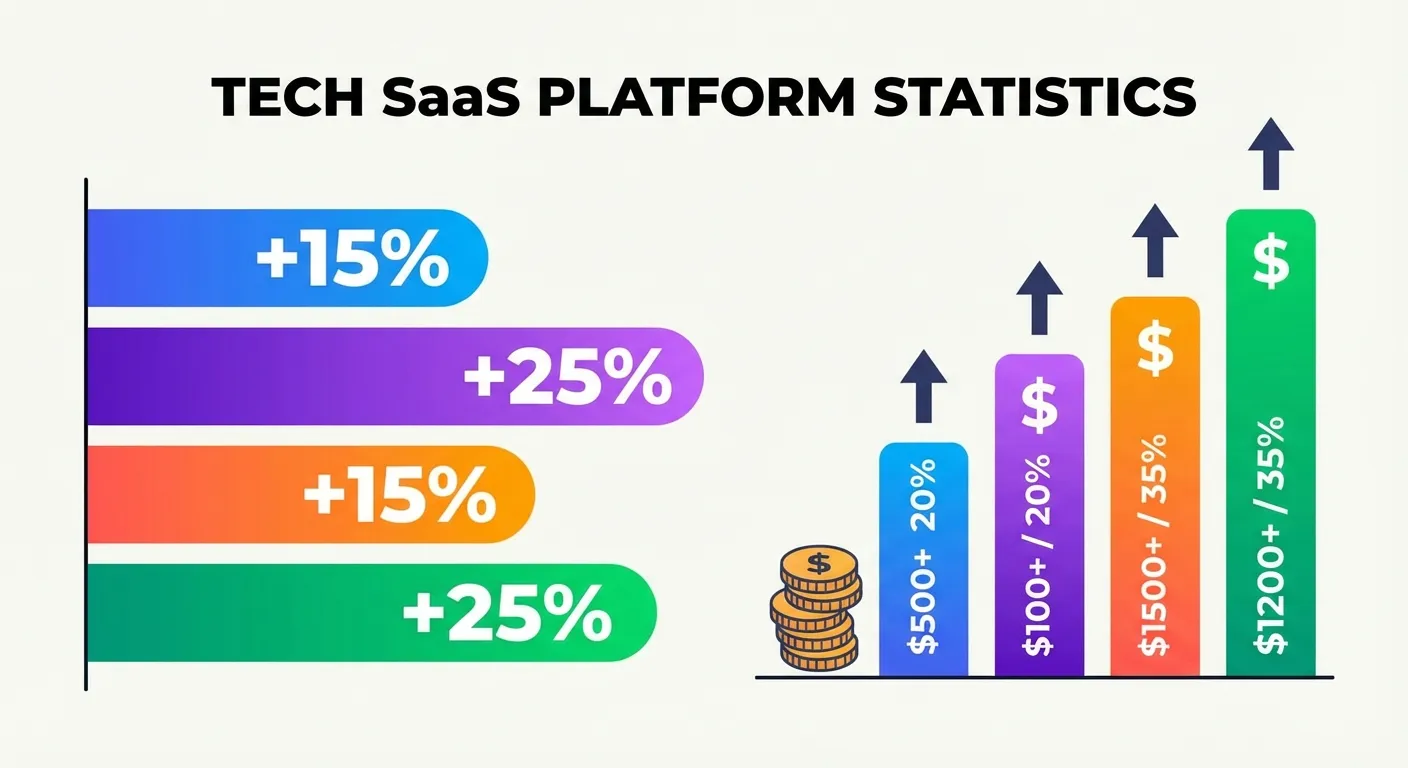
Here's why most shoppers miss out on refunds:
- Lack of awareness: Most people don't know they can request price adjustments
- Time constraints: Manually tracking prices across dozens of purchases is impractical
- Complex processes: Contacting customer service can be time-consuming and frustrating
- Short windows: Price adjustment windows are typically 7-30 days, easy to miss
The average American household makes over 100 Amazon purchases per year. Even if just 10% of those items experience price drops, that's 10+ opportunities for savings that most people never capture. A price adjustment extension ensures you never miss these opportunities again. For a deeper dive into the policies, check out our guide on Amazon price adjustment.
How Price Adjustment Extensions Work
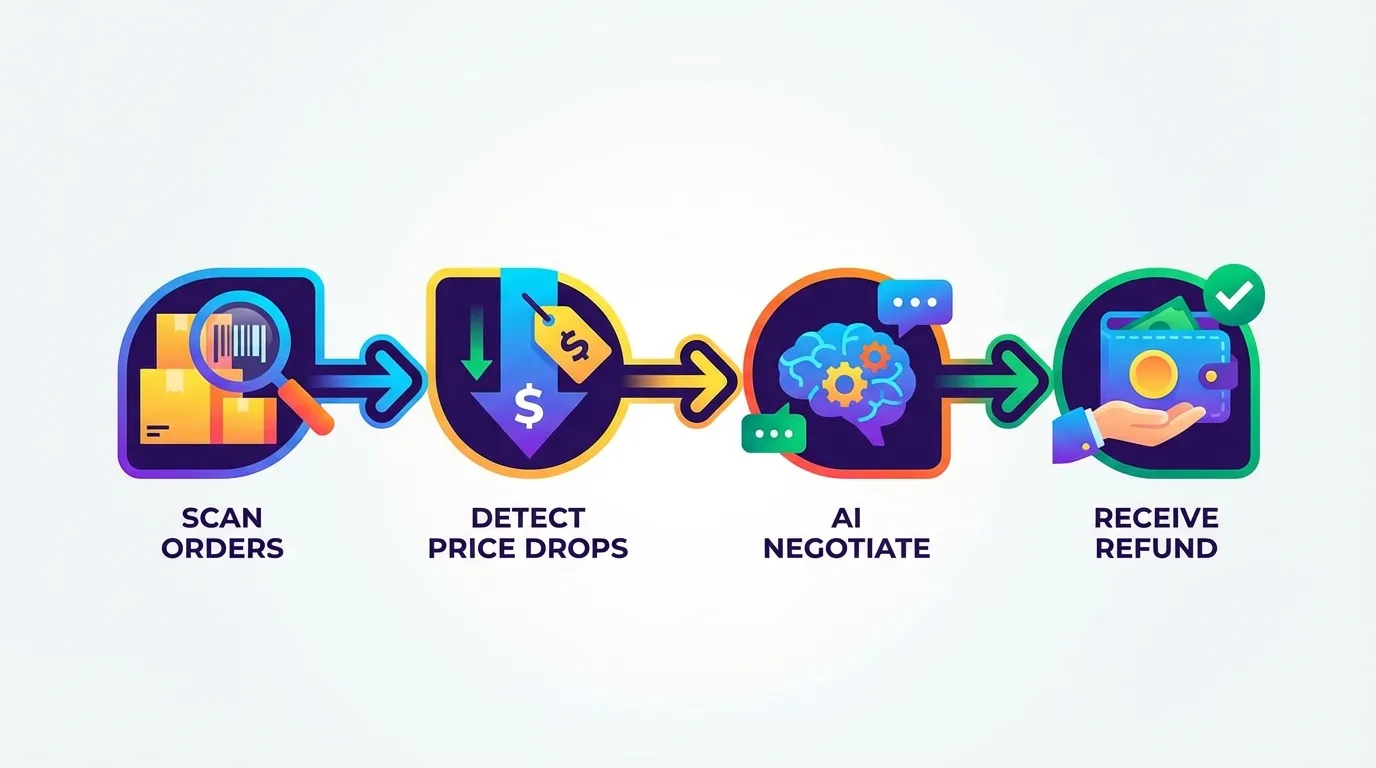
Understanding the mechanics helps you choose the right tool. Here's the typical workflow:
Step 1: Installation
You install the extension from the Chrome Web Store or your browser's extension marketplace. Most extensions request permission to access your browsing data on specific retailer sites.
Step 2: Order Scanning
The extension scans your order history. For Amazon, this typically covers the past 30-90 days of purchases. The extension identifies which items are eligible for price adjustments based on the retailer's policies and timeframes.
Step 3: Price Monitoring
The extension continuously monitors current prices for your purchased items. When a price drops below what you paid, it flags the opportunity.
Step 4: Action
This is where extensions differ significantly. Basic tools simply alert you. Advanced tools like TaskMonkey take it further by automatically initiating the refund process through AI-powered customer service interactions.
Types of Price Adjustment Tools
Not all price tools are created equal. Let's break down the three main categories:
1. Price Tracking Extensions (Alert-Only)
Examples: Keepa, CamelCamelCamel
These tools focus on price history and alerts. According to industry comparisons, Keepa supports 11 Amazon marketplaces and offers detailed price charts, while CamelCamelCamel is completely free and known for its simplicity. Learn more in our Amazon price tracker guide.
Pros:
- Detailed price history charts
- Pre-purchase price alerts
- Free or low-cost options available
Cons:
- Only alerts you—doesn't help claim refunds
- Requires manual action to contact customer service
- Focused on future purchases, not past ones
2. Coupon and Deal Extensions
Examples: Honey, Coupert
These tools primarily find coupons and apply them at checkout. Honey's Droplist feature does offer some price tracking, but it's not the tool's primary function.
Pros:
- Automatic coupon application at checkout
- Works across many retailers
- Some price tracking features
Cons:
- Price tracking is secondary feature
- No refund assistance for past purchases
- Limited post-purchase functionality
3. Automatic Refund Extensions
Examples: TaskMonkey, Costco Saver
These are the most advanced tools in the category. They don't just track prices—they actively help you recover money from past purchases.
Pros:
- Scans existing orders for price drop opportunities
- Automates the refund request process
- Handles customer service interactions
- True "set it and forget it" functionality
Cons:
- May charge fees (typically success-based)
- Limited to specific retailers
TaskMonkey: The Only Extension That Gets Your Money Back
While price tracking tools tell you about price drops, TaskMonkey actually does something about them. Here's what makes it different:
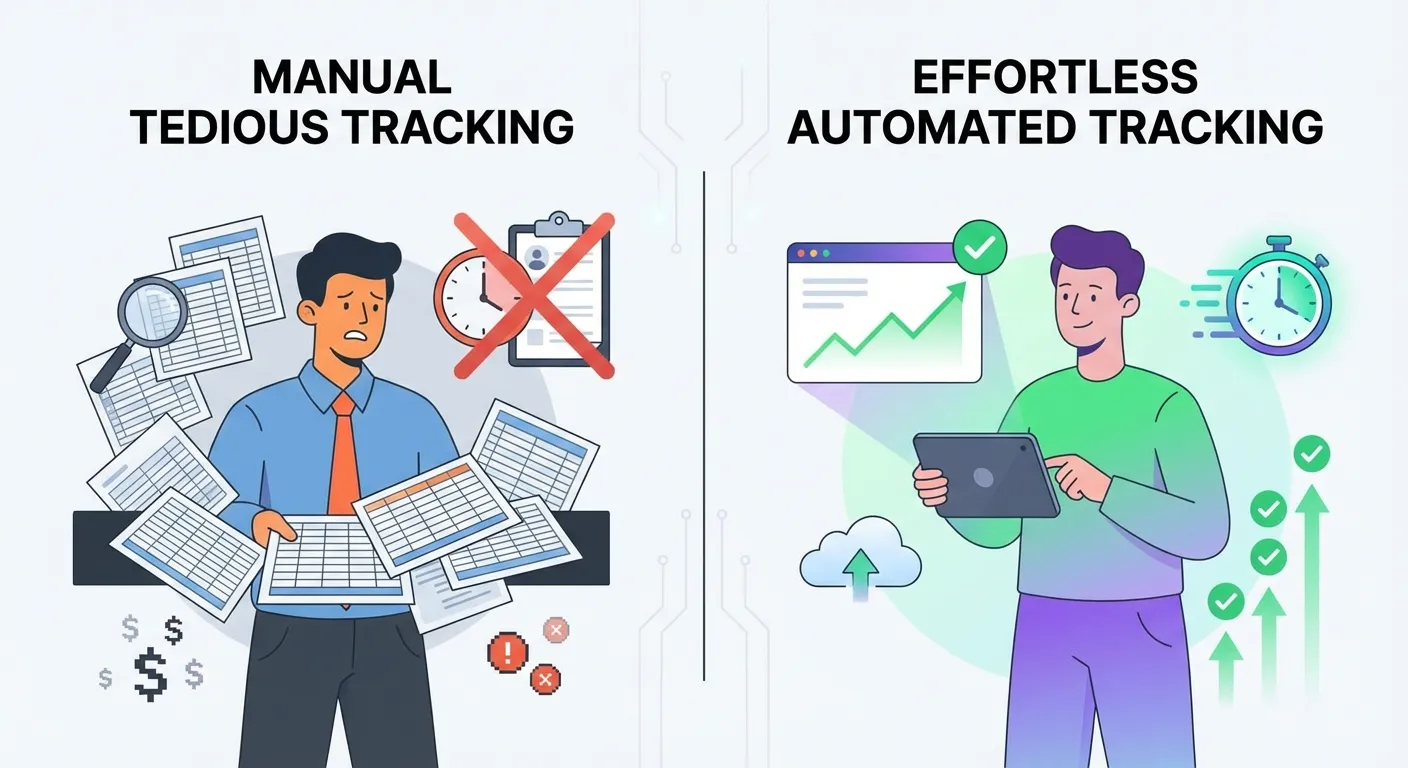
AI-Powered Negotiation
TaskMonkey uses artificial intelligence to communicate with Amazon customer service on your behalf. The AI is trained to be polite, professional, and persistent—exactly the approach that gets results. As noted in shopping guides, Amazon does offer unofficial courtesy credits for price adjustments when customers ask politely, even though there's no official policy.
Automatic Order Scanning
The extension scans your past 90 days of Amazon orders, identifying items where the current price is lower than what you paid. This comprehensive scan ensures no opportunity slips through the cracks.
Success-Based Pricing
TaskMonkey only charges when it successfully recovers money for you—typically 20% of the amount saved. If it doesn't get you a refund, you pay nothing. This aligns the tool's incentives perfectly with yours.
Real Results
TaskMonkey users report recovering an average of $200+ per year. The tool has successfully processed thousands of price adjustment claims, proving that the "unofficial" courtesy credit system at Amazon is very real and very accessible when approached correctly.
Complete Comparison: TaskMonkey vs. Alternatives
| Feature | Keepa | Honey | CamelCamelCamel | TaskMonkey |
|---|---|---|---|---|
| Price History Charts | Yes | Limited | Yes | Yes |
| Price Drop Alerts | Yes | Yes | Yes | Yes |
| Scans Past Orders | No | No | No | Yes |
| Automatic Price Comparison | No | No | No | Yes |
| AI Customer Service Chat | No | No | No | Yes |
| Gets Refunds For You | No | No | No | Yes |
| Free to Try | Limited | Yes | Yes | Yes |
FAQ
What is a price adjustment extension?
A price adjustment extension is a browser add-on that automatically monitors prices of items you've purchased and alerts you when prices drop, helping you claim refunds or credits from retailers.
Does Amazon offer price adjustments?
Amazon doesn't have an official price adjustment policy, but customers can often receive courtesy credits by politely contacting customer service within 7 days of purchase when prices drop. TaskMonkey automates this process using AI.
What's the difference between price tracking and price adjustment extensions?
Price tracking extensions like Keepa only alert you to price drops—you still have to contact customer service yourself. Price adjustment extensions like TaskMonkey go further by automatically negotiating refunds on your behalf.
How much money can I save with a price adjustment extension?
Average users save between $50 to $200 annually, depending on shopping habits. Heavy Amazon shoppers may save even more.
Getting Started with TaskMonkey
Ready to stop leaving money on the table? Here's how to get started:
- Install the extension: Add TaskMonkey from the Chrome Web Store
- Connect your Amazon account: The extension will scan your order history
- Let AI do the work: TaskMonkey identifies price drops and negotiates refunds automatically
- Collect your savings: Watch as credits appear in your Amazon account
The best part? You can start for free. TaskMonkey offers free credits to new users, so you can see results before committing anything. If the AI successfully recovers money for you, TaskMonkey takes a 20% success fee. If not, you pay nothing.
Stop manually tracking prices. Stop missing refund opportunities. Let TaskMonkey handle it while you focus on what matters.