

At TaskMonkey, we strive to ensure accurate billing for all our users. However, occasionally there may be situations where you believe credits were incorrectly deducted from your account. This guide walks you through the simple process of disputing a credit deduction and getting it resolved quickly.
When Should You Dispute a Credit Deduction?
You may want to dispute a credit deduction in the following situations:
- You were charged for a price adjustment that wasn't actually successful
- The refund amount doesn't match what was shown in your Amazon account
- You notice duplicate charges for the same transaction
- Credits were deducted but no refund request was made on your behalf
Step-by-Step Guide to Dispute Credits
Follow these four simple steps to submit a dispute:
Step 1: Navigate to Your Scan History
Log in to your TaskMonkey Dashboard and click on "Scan History" in the main navigation. This will show you a complete list of all your scanned orders and any associated credit deductions.

Step 2: Find the Transaction in Question
Locate the specific transaction that you believe was incorrectly charged. Click the arrow or expand icon next to the transaction to view its full details, including:
- The original product price and current price
- The refund amount requested
- Credits deducted for the service
- Status of the refund request
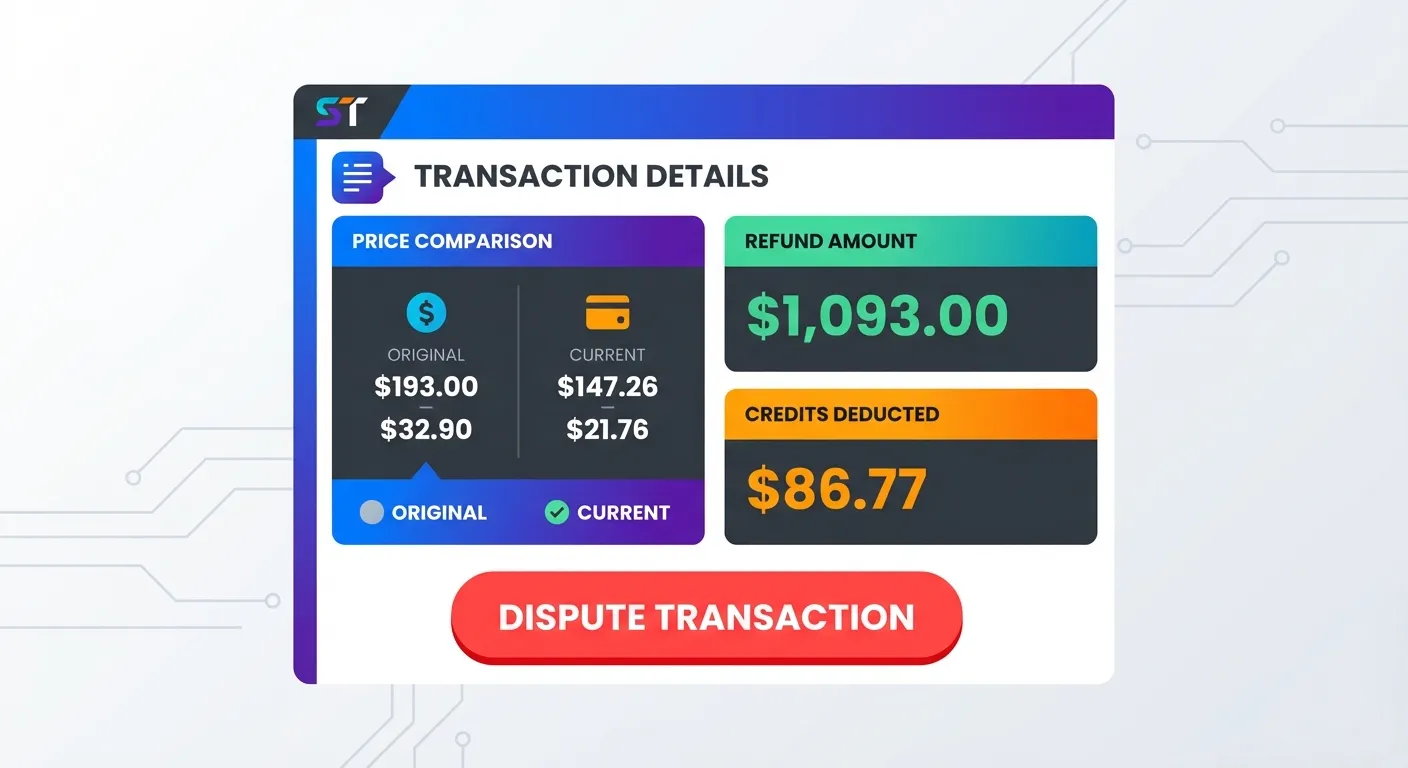
Step 3: Click the Dispute Button
Once you've confirmed that the credit deduction appears incorrect, click the "Dispute" button located next to the credit deduction entry. You may be asked to provide a brief reason for your dispute.
Step 4: Wait for Resolution
After submitting your dispute, our team will review your case within 2-3 business days. You'll receive an email notification once your dispute has been reviewed.
If your dispute is approved:
- The credits will be automatically restored to your account
- You'll receive a confirmation email with details
- No further action is required on your part
Tracking Your Dispute Status
You can check the status of your dispute at any time by:
- Returning to your Scan History
- Finding the disputed transaction
- Looking for the dispute status indicator (Pending, Approved, or Denied)
Need Additional Help?
If you have questions about the dispute process or need assistance with a complex issue, our support team is here to help. You can reach us directly at mike@taskmonkey.ai.
We typically respond to all support emails within 24 hours on business days.
FAQ
How long does it take to resolve a credit dispute?
Our team reviews all disputes within 2-3 business days. You will receive an email notification once your dispute has been resolved, and if approved, the credits will be automatically restored to your account.
What happens if my credit dispute is approved?
If your dispute is approved, the incorrectly deducted credits will be automatically restored to your TaskMonkey account. You will receive an email confirmation with the details of the restoration.
Can I dispute multiple credit deductions at once?
Yes, you can dispute multiple transactions. Simply navigate to each transaction in your Scan History and click the Dispute button for each one you believe was incorrectly charged.
What if my dispute is denied?
If your dispute is denied, you'll receive an email explaining the reason. If you still believe there's an error, you can contact our support team at mike@taskmonkey.ai for further review.