
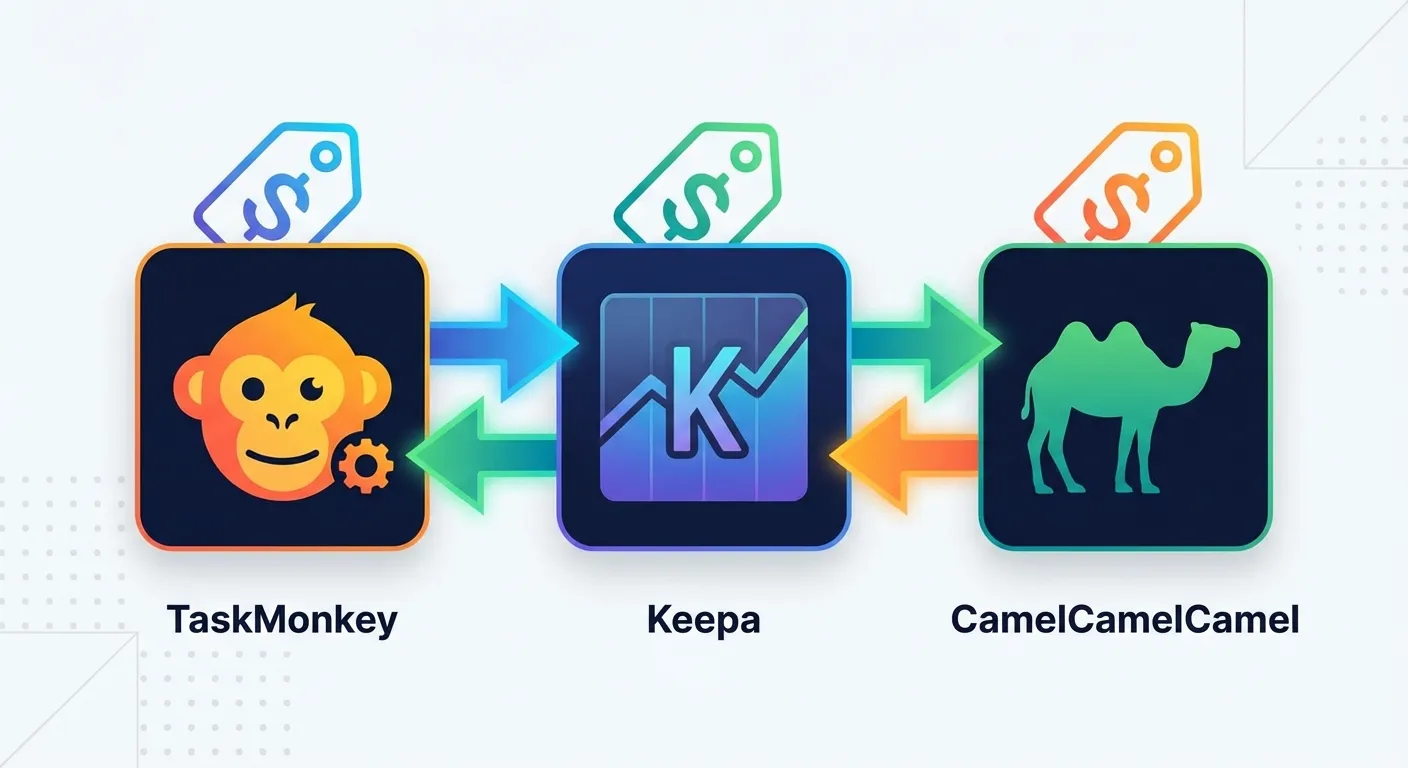
You bought a $300 headphone on Amazon. Three days later, it dropped to $250. Frustrating, right? Even more frustrating is realizing you could have gotten that $50 back—but didn't know how, or didn't have time to deal with it.
This is where Amazon price tools come in. But here's the thing: not all price tools are created equal. Some just tell you about price drops. Others actually help you get money back.
In this guide, we'll compare the three most popular tools in 2026: Keepa, CamelCamelCamel, and TaskMonkey. We'll show you exactly what each does, what it doesn't do, and which one is right for your situation.
The Fundamental Difference: Tracking vs. Recovery
Before we dive into features, let's understand the core difference between these tools:
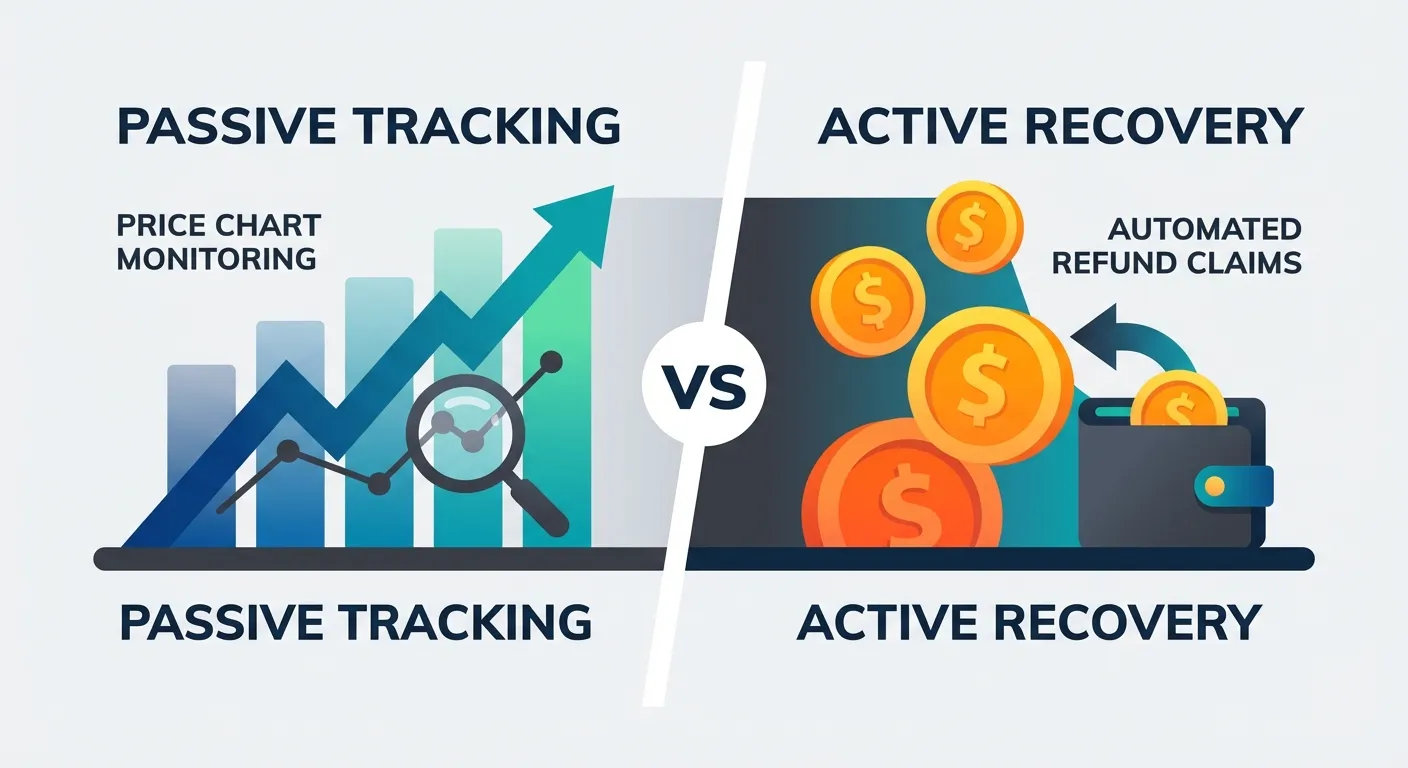
- Keepa and CamelCamelCamel are price tracking tools. They watch products, record price history, and alert you when prices drop. But when it comes to getting money back on items you've already bought? That's on you.
- TaskMonkey is a price recovery tool. It focuses on purchases you've already made—scanning your orders, finding price drops, and using AI to automatically request refunds from Amazon.
This isn't just a minor distinction. It's the difference between knowing you lost money and actually getting it back.
Quick Comparison: Key Features at a Glance
| Feature | Keepa | CamelCamelCamel | TaskMonkey |
|---|---|---|---|
| Price History Charts | Yes (detailed) | Yes (basic) | Yes |
| Price Drop Alerts | Yes | Yes | Yes |
| Browser Extension | Chrome, Firefox, Edge, Safari, Opera | Chrome, Firefox, Safari | Chrome |
| International Support | 12 countries | 8 countries | US only |
| Scans Your Past Orders | No | No | Yes |
| Compares Purchase Price vs Current | No | No | Yes |
| Auto-Requests Refunds | No | No | Yes (AI-powered) |
| Gets Money Back | No | No | Yes |
| Pricing | Free (limited), €19/mo premium | 100% Free | Free to scan, 20% of recovered amount |
Keepa: The Data Powerhouse
Keepa is the gold standard for Amazon price data. With over 4 million Chrome users and a 4.7/5 rating, it's the tool of choice for serious Amazon sellers and deal hunters.
What Keepa Excels At
- Comprehensive price tracking: Tracks Amazon price, third-party new, third-party used, sales rank, Buy Box history, and more—going back years
- Product database: Access data on over 4.5 billion Amazon products plus eBay integration
- International coverage: Works across 12 Amazon marketplaces (US, UK, Germany, Japan, etc.)
- Advanced alerts: Set precise price thresholds with notifications via email, Telegram, or browser
- Seller-focused features: Buy Box tracking, inventory monitoring, and product research tools
Where Keepa Falls Short
- Complex interface: The data density can overwhelm casual shoppers looking for simple answers
- Premium pricing: Full features require a €19/month (~$21) subscription
- No post-purchase help: Keepa tells you a price dropped after you bought—but won't help you do anything about it
- Requires manual action: Even with alerts, you're responsible for contacting Amazon
Best for: Amazon sellers, resellers, online arbitrage professionals, and data-driven shoppers who want detailed insights before purchasing.
CamelCamelCamel: The Free Classic
CamelCamelCamel (also known as "The Camelizer") has been tracking Amazon prices since 2008. It's completely free, simple to use, and trusted by over 800,000 users.
What CamelCamelCamel Does Well
- Completely free: No premium tier, no hidden costs—every feature is available to everyone
- Clean interface: Simple, easy-to-read price history charts without information overload
- Reliable watchlists: Create lists of products and get email alerts when prices hit your targets
- Multi-country support: Tracks prices in US, UK, Germany, Canada, Spain, France, Italy, and Australia
CamelCamelCamel's Limitations
- Less data depth: Doesn't track sales rank, Buy Box, or as many data points as Keepa
- No mobile app: Browser-only experience
- Delayed alerts: Some users report notifications arriving late, missing deals
- No refund assistance: Like Keepa, it only tracks—it won't help you recover money on past purchases
Best for: Casual shoppers who want a free, simple way to track prices and wait for deals.
TaskMonkey: The Refund Recovery Tool
TaskMonkey approaches the problem from a completely different angle. Instead of asking "what should I buy next?", it asks "how much money have I already lost—and how do I get it back?"
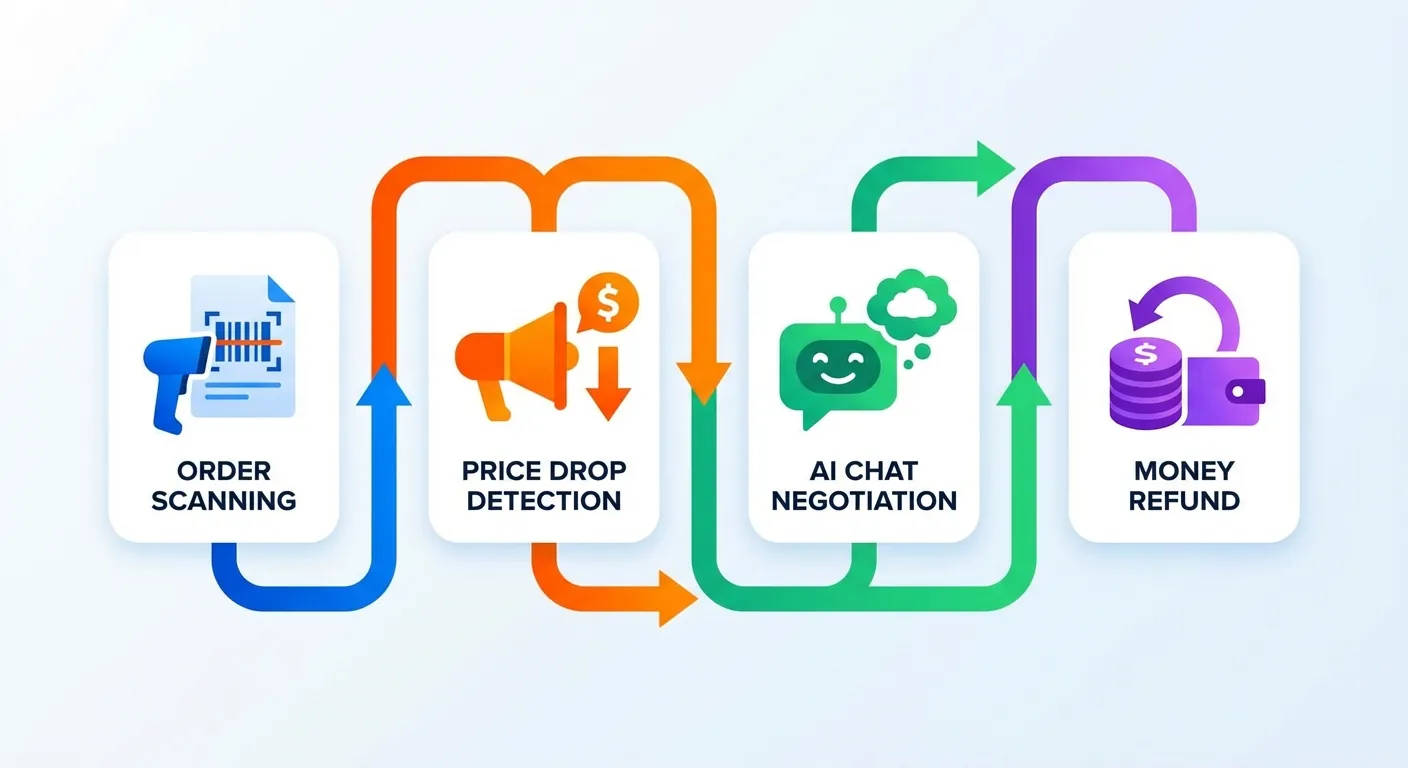
How TaskMonkey Works
- Install the Chrome extension and click "Start Saving Now"
- Automatic order scan: TaskMonkey reviews your last 3 months of Amazon purchases
- Price comparison: It compares what you paid against current prices
- AI negotiation: For items with price drops, TaskMonkey opens Amazon customer chat and politely requests a courtesy credit
- Money in your account: Successful refunds appear as Amazon gift card balance or partial refunds
The key insight is that Amazon doesn't officially advertise price adjustments, but they often provide courtesy credits when customers politely ask. According to Consumer Reports, many retailers including Amazon have informal price adjustment policies that reward persistent customers—a point frequently discussed in this Reddit thread. TaskMonkey automates this entire process with AI.
What Makes TaskMonkey Unique
- Works on past purchases: Finds money on orders you've already made—not just future ones
- End-to-end automation: From scanning to negotiation to refund, you don't lift a finger
- AI-powered conversations: Polite, effective chat with Amazon customer service—no scripts to copy-paste yourself
- Success-based pricing: Free to scan, free to find price drops—you only pay 20% of what you actually recover
- High success rate: Thousands of successful refund requests with a 90%+ success rate
TaskMonkey Considerations
- US-focused: Currently optimized for Amazon.com (US marketplace)
- Chrome only: Requires Google Chrome browser
- Requires browser session: The AI automation runs while you're logged into Amazon
Best for: Anyone who shops on Amazon and wants to automatically recover money from price drops on items they've already bought.
Real-World Scenario: The $50 Headphone Problem
Let's revisit that $300 headphone example. Here's how each tool handles it:
With Keepa or CamelCamelCamel:
- You buy the headphones for $300
- Three days later, you get an alert: "Price dropped to $250!"
- You think: "Great... I already bought them"
- You consider contacting Amazon, but it's a hassle. You let it go
- Result: $50 lost
With TaskMonkey:
- You buy the headphones for $300
- A week later, you run TaskMonkey
- TaskMonkey finds the price drop and automatically contacts Amazon
- AI politely requests a courtesy credit
- $50 appears in your Amazon balance
- Result: $50 recovered (minus 20% fee = $40 net)
This is the fundamental difference. Tracking tools help you save on future purchases. TaskMonkey helps you recover money on past purchases.
Can You Use Them Together?
Absolutely—and we recommend it. These tools serve different purposes and complement each other well:
- Before you buy: Use Keepa or CamelCamelCamel to check price history and set alerts. Make sure you're buying at a good price.
- After you buy: Run TaskMonkey periodically to scan your recent orders and automatically recover any price drops you missed.
This two-pronged approach means you're protected both ways: buying smart AND recovering losses automatically.
Pricing Breakdown
| Tool | Cost | What You Pay For |
|---|---|---|
| CamelCamelCamel | $0 (always free) | Nothing—supported by ads |
| Keepa (Free) | $0 | Basic price tracking, limited history |
| Keepa (Premium) | ~$21/month | Full data access, Product Finder, sales rank history |
| TaskMonkey | Free to scan + 20% of refunds | Only pay when you get money back |
TaskMonkey's success-based model means there's zero risk to try it. If it doesn't find any price drops, or if Amazon denies the requests, you pay nothing.
Which Tool Should You Choose?
Choose Keepa if:
- You're an Amazon seller doing product research
- You want comprehensive data before making purchases
- You need international marketplace coverage
- You're willing to pay $21/month for premium features
Choose CamelCamelCamel if:
- You want simple, free price tracking
- You're patient and can wait for deals
- You don't need advanced seller data
- You prefer a clean, straightforward interface
Choose TaskMonkey if:
- You've already bought items on Amazon and want to recover price drops
- You don't have time to manually contact customer service
- You want a hands-off solution that actually gets refunds
- You prefer paying only for results
The Bottom Line
In 2026, the Amazon price tool landscape has matured into distinct categories. Keepa and CamelCamelCamel remain excellent at what they've always done—helping you track prices and time your purchases. They're valuable tools for the shopping phase.
But TaskMonkey fills a gap these tools don't address: recovering money after you've already made a purchase. It's not about watching prices—it's about putting money back in your pocket.
The average TaskMonkey user recovers over $200 per year from price drops they would have otherwise missed. With a success-based pricing model, there's no cost to try.
"I ran TaskMonkey on a whim and it found $67 in price drops from orders I placed in the last two months. The AI handled everything automatically—I just came back to find credits in my Amazon account." — Marcus T., TaskMonkey user
Get Started
Ready to stop leaving money on the table? Here's what to do:
- Install TaskMonkey and run a free scan of your Amazon orders
- Let the AI automatically recover any price drops
- Use Keepa or CamelCamelCamel to track prices on items you're planning to buy
Learn more about how Amazon price adjustments work and why courtesy credits are more common than you think.